
What Is Virtual Staging?
Virtual staging adds furniture to a photo of an empty room. See what it may change, what it must leave alone, who uses it and the risks to know.
Virtual staging AIUpload a room photo, pick a room type and a style, and press Generate.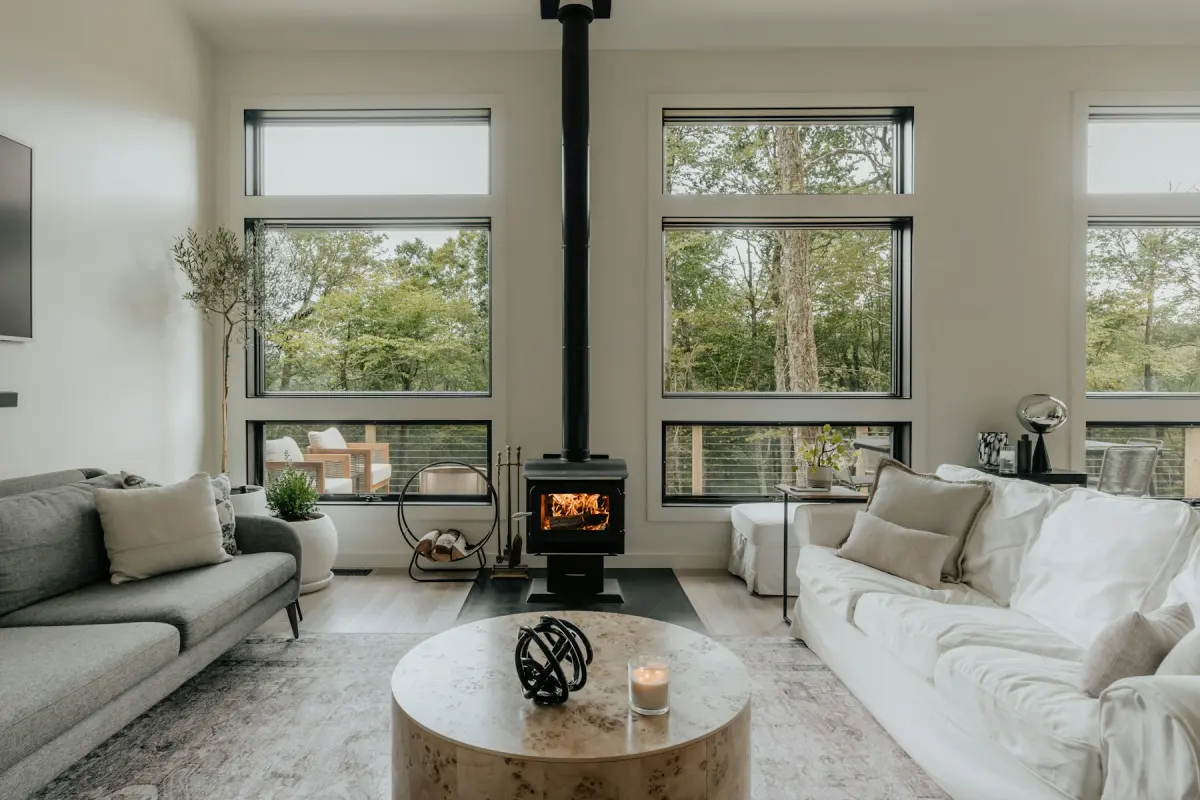
Virtual staging is editing a photo of a room so that it shows furniture and decor that are not physically there. Real estate agents, landlords and builders use it on listings so that people looking at an empty room online can get a sense of its size, what it is for and how it could be furnished.
The room itself does not change. Nothing is delivered and nothing is moved, and a visitor who walks in finds the room exactly as it was photographed. That one fact explains why virtual staging costs so little, and also why it has to be disclosed.
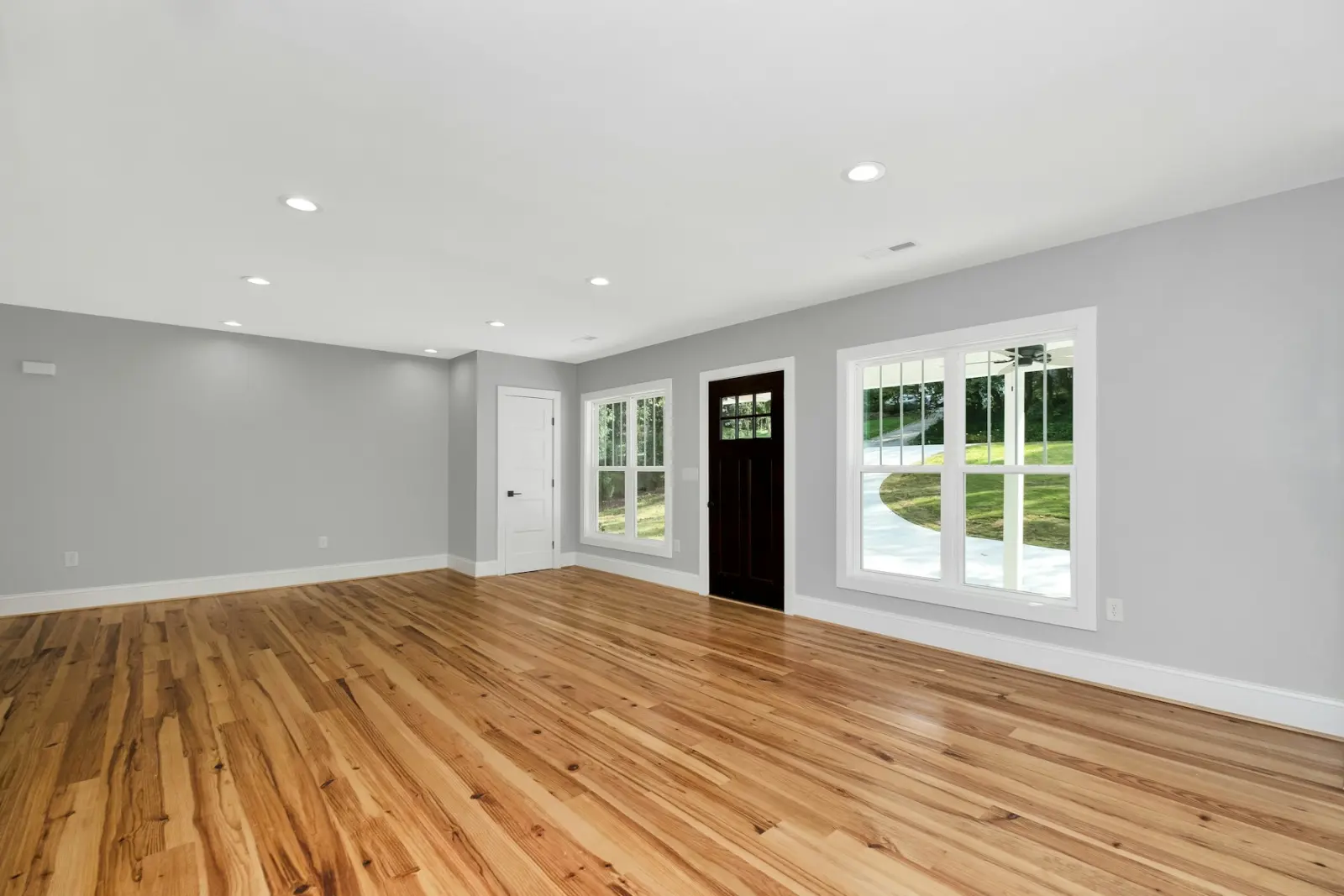
Stock photo used as an illustration: an empty living room like this is where a virtual staging job starts.
What virtual staging changes, and what it must leave alone
A staged photo is still a photo of a real property. The furniture is an illustration. The walls, the windows and the view are facts that a buyer will check in person. Keep the two apart and virtual staging is a fair marketing tool. Mix them up and the listing misrepresents the property.
| Part of the photo | May staging change it? | Why |
|---|---|---|
| Furniture, rugs, lamps, wall art, plants | Yes | This is the point of staging: they are added, swapped or removed. |
| Loose clutter and personal items | Yes | Taking out clothes, toys, papers or family photos does not change the property. |
| Walls, windows, doors, ceiling, room size | No | They are the property. A photo that moves a window shows a different room. |
Built-in fixtures: kitchen cabinets, appliances, bathroom fixtures, radiators, fireplaces | No | They stay with the home, so buyers count on seeing them as they are. |
| The view through the windows | No | Buyers pay for the view they will really get. |
Defects and permanent features: cracks, water stains, damage, power lines, neighbouring buildings, a busy road | No | Hiding them misrepresents the property. |
Things the property does not have: a pool, a view, extra windows, extra rooms | No | Adding them misrepresents the property. |
A virtual renovation is a separate case. It shows new paint, flooring or cabinet fronts, so it changes things that staging must not touch. It can help with a home that needs work, but it has to be presented as a preview of what the room could become, never as its current state. The virtual renovation page explains how that mode works.
The kinds of virtual staging
AI virtual staging
You upload a photo, pick a room type and a style, and an AI model draws the furniture into the photo. No designer is involved, which is why the price per photo is low. The trade-off is that a model can make mistakes: a window that shifts, a sofa that is too large for the room, a rug that floats above the floor. You have to compare each result with the original.
Virtual Staging Maker is this kind of tool. Photos are edited by Google's Nano Banana 2.1 image model, and every request tells the model to keep the walls, windows, doors, ceiling, built-in fixtures, the view, the camera angle and the framing unchanged. That is an instruction to an AI model, not a guarantee, so check the result and render again if something moved.
Virtual staging by a human designer
A designer places furniture into your photo by hand and sends the finished file back. It costs more per photo and you wait for delivery. In return, a designer can follow a detailed brief, place a particular piece of furniture and keep several photos of the same room consistent. Virtual Staging Maker does not offer this: no human designer edits the photo.
Physical staging is something else
Physical staging, also called real or traditional staging, means renting real furniture and setting it up in the home. Buyers see it in the photos and again when they visit. It is a different service with a different budget. Virtual staging vs real staging compares the two.
Edits that are often sold alongside it
Tools that do virtual staging usually handle related photo edits too. In Virtual Staging Maker they are modes of the same generator:
- Restyle replaces the furniture and decor of a furnished room with a new style, keeping a similar layout.
- Remove furniture empties a furnished room (AI furniture removal).
- Declutter removes loose clutter and personal items and keeps the furniture where it is (AI room declutter).
- Renovate previews new finishes in the same room.
- Outdoor staging adds outdoor furniture to a patio, deck, balcony, terrace or backyard.
- Day to dusk, Blue sky and Green lawn edit exterior photos (day to dusk has a page of its own).
Who uses virtual staging
- Real estate agents with a vacant listing, who want furnished photos without renting furniture. See virtual staging for real estate agents.
- Real estate photographers, who deliver staged versions and exterior edits along with the shoot. See virtual staging for real estate photographers.
- Property managers and landlords, who market a vacant rental between tenants and see the same floor plan many times. See virtual staging for rental properties.
- Home builders, whose new homes are finished but empty. See virtual staging for new construction homes.
- House flippers, who preview a renovation before the work and stage the rooms after it. See virtual staging for house flippers.
- Owners selling by themselves, who have no stager on call. See virtual staging when you sell your own home.
- Interior designers, who use it to show a client a style direction. These are not construction drawings. See virtual staging for interior designers.
- Short-term rental hosts, with care. A guest books the room in the photo, so furniture that is not really there breaks a promise. Hosts are better served by decluttering photos of the real room, or by using a staged photo to plan a furnishing before buying it. See virtual staging for Airbnb listing photos.
How it works in practice
With an AI tool the whole job is one form. In Virtual Staging Maker you choose Virtual staging, upload one photo, pick one of 11 room types and one of 12 styles, add an optional note, choose 2K or 4K and press Generate. When the photo is ready, a before/after slider shows the original next to the result, and Download saves it. How to virtually stage an empty room with AI walks through every step.
It is not free. Virtual Staging Maker has no free trial and no free renders. The cheapest way to start is the trial pack: 5 photos at 2K for $1.99 at the new-user price. The pricing page lists the plans, and how much virtual staging costs per photo compares AI tools, human designers and physical staging.
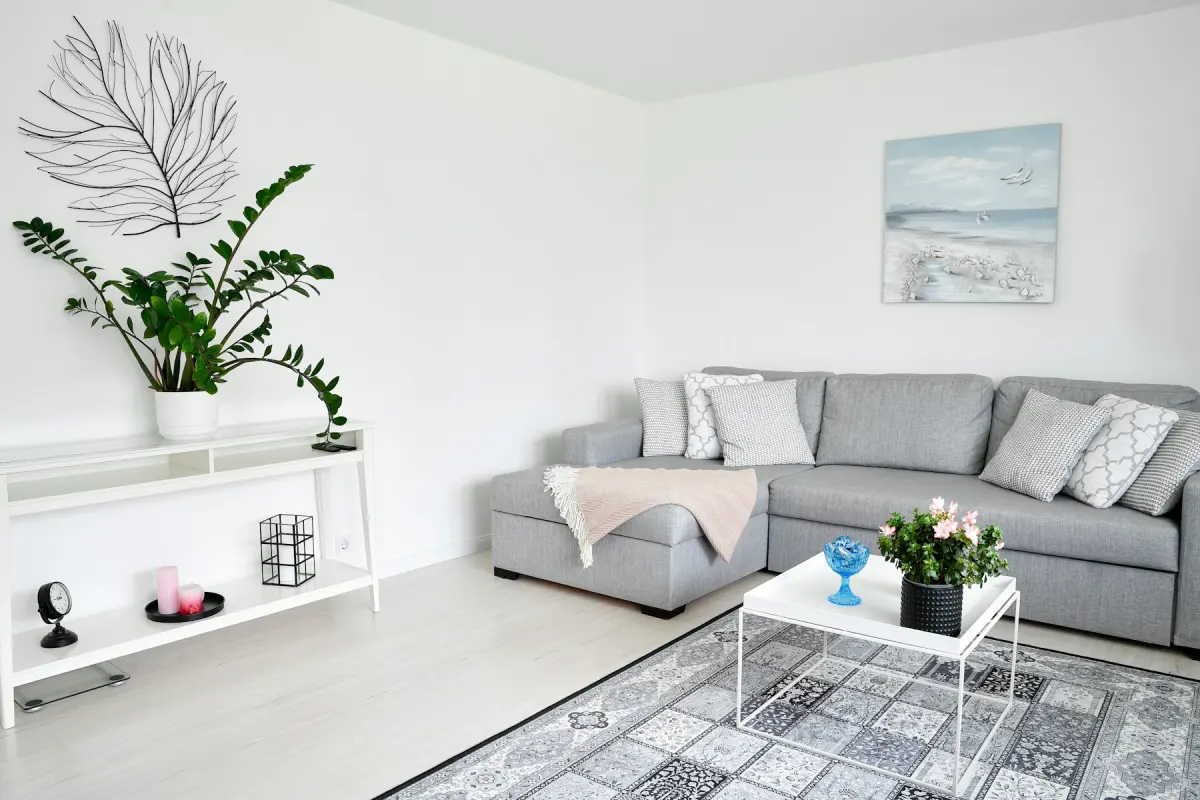
Stock photo used as an illustration of the Scandinavian style, one of the 12 styles in the generator. It was not made with the tool.
Limits and honest risks
Buyers see an empty room in person. The furniture exists only in the photo. A buyer who expected a furnished home and finds bare floors feels misled, even if nothing about the property was changed. Say in the listing that the photos are virtually staged, and show the empty photo next to the staged one.
It has to be disclosed. Many MLSs and portals allow virtual staging when it is disclosed and the property itself is not misrepresented. The rules differ by MLS, portal, state and country, so check your own. A “Virtually staged” label on the photo is the usual way to do it. The free virtual staging disclosure label tool adds one, and is virtual staging allowed on MLS listings? covers the rest.
AI gets details wrong. A model can change something it was told to keep. Each result needs a human look before it goes on a listing, and in Virtual Staging Maker each new render uses credits.
Furniture is not a measurement. An AI model cannot measure a room. A staged king-size bed does not prove that a king-size bed fits.
Different photos of one room will not match. Virtual Staging Maker does not keep furniture identical across different photos of the same room. Stage the one angle that shows the room best.
It does not fix the property. Virtual staging is not for hiding cracks, stains, damage, power lines or a neighbour's building. That misrepresents a property, and it is against our content policy.
The short version
Virtual staging puts furniture in the photo, not in the room. It is fair when the property itself is shown as it is and the staging is disclosed, and it suits vacant homes that most people will first see online. If that is your situation, the generator on the home page is the place to start.