
Rentals
Virtual Staging for Rental Properties
Virtual staging for rental properties gives a vacant unit furnished listing photos, so renters can see how a studio or a bedroom lays out.
Upload a photo of the empty unit, choose the room type and a style, and press Generate.
What this kind of photo looks like

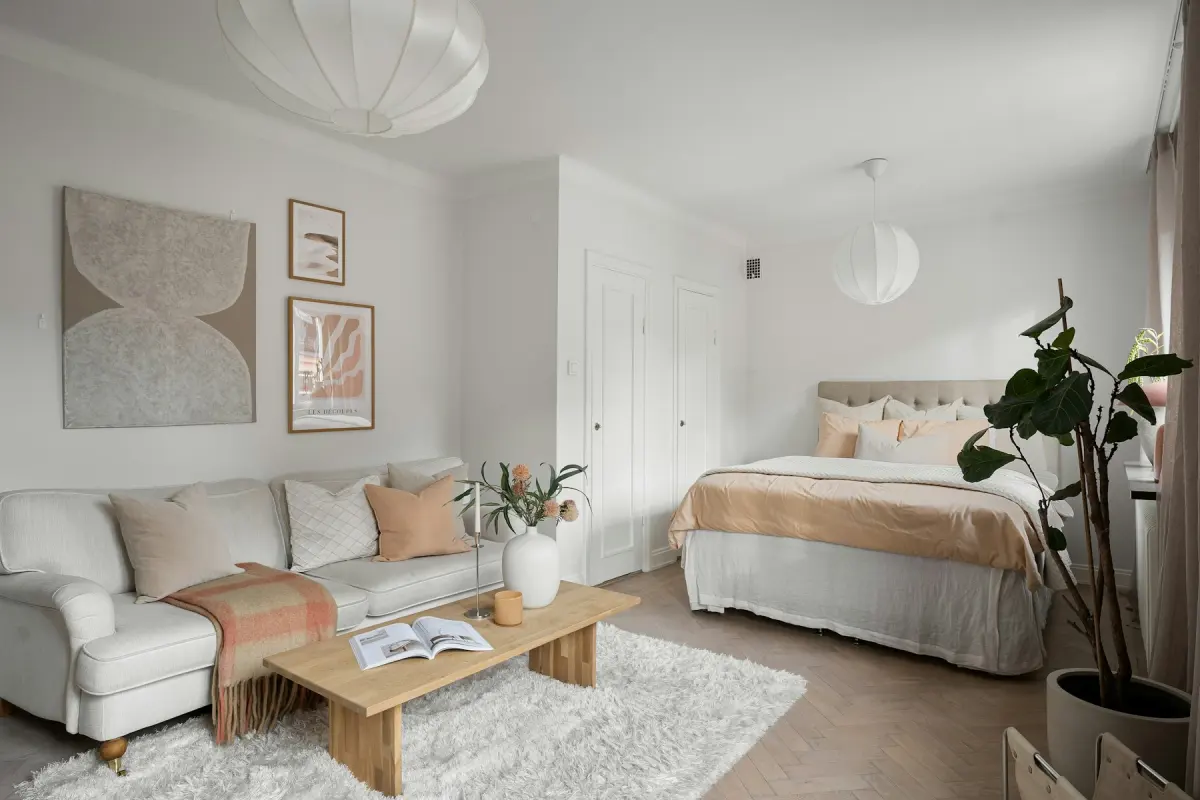 Studio apartment
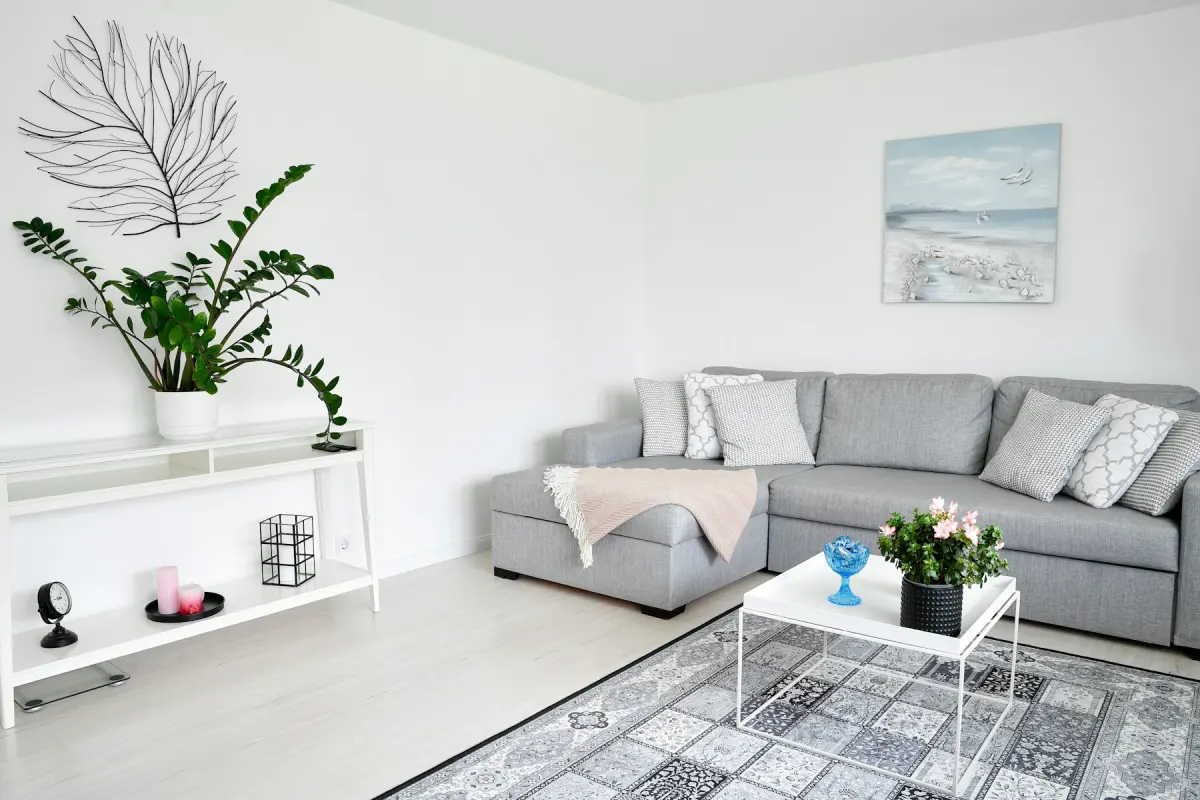 Scandinavian
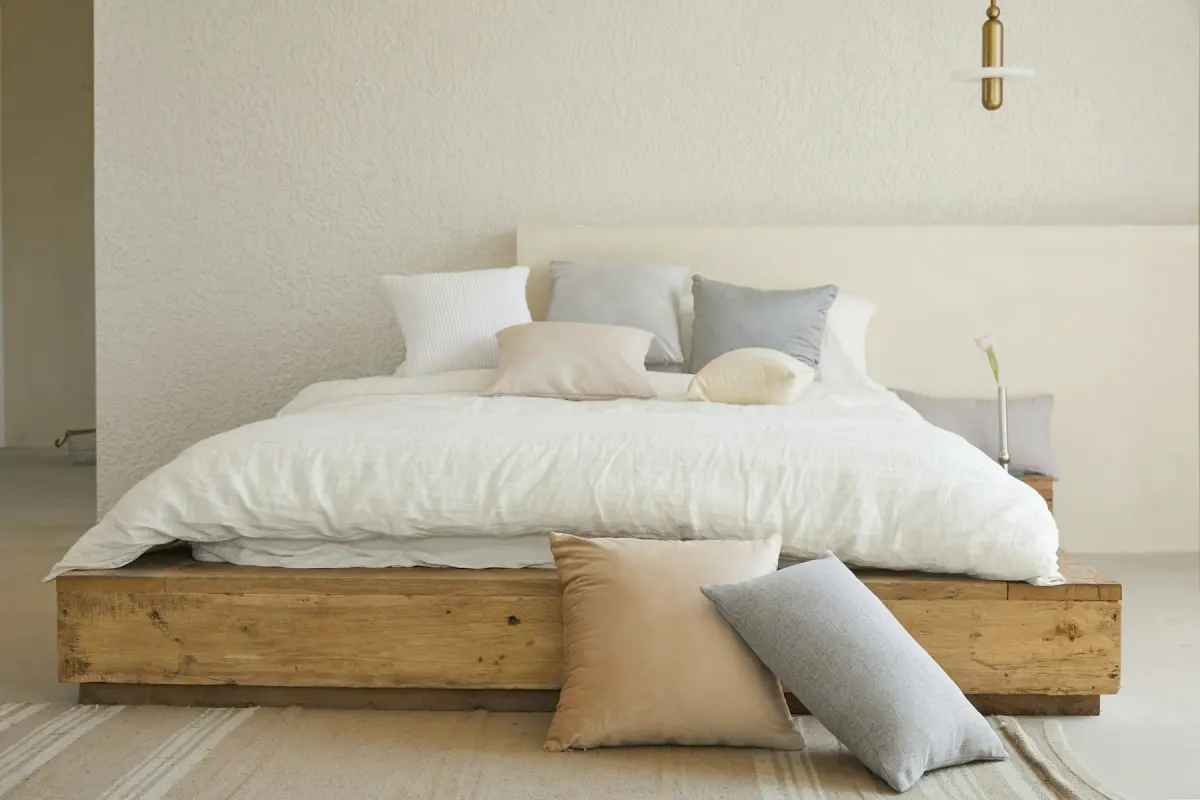 Minimalist
Recommended settings
| What to do | Virtual staging for a vacant unit. While the tenant is still in, run Remove furniture first, or Declutter to keep their furniture. |
|---|---|
| Room | Studio apartment for one-room units; otherwise the room in the photo |
| Style | Scandinavian, repeated across every unit in the building |
| Output size | 2K |
| Note | e.g. “bed by the window, small sofa, table for two” |
How it works
- 1
Photograph the unit at turnover
Shoot each room once it is empty and clean, or agree a time with the tenant during the notice period. Keep people out of the frame.
- 2
Empty the photo if the tenant is still in
Choose Remove furniture to take out furniture, rugs, lamps, wall art, curtains and belongings. Built-in things such as kitchen cabinets and appliances stay.
- 3
Stage the empty room
Choose Virtual staging, set Room and Style, add a Note if the layout matters, and press Generate.
- 4
Download and file by floor plan
Download the result, with the “Virtually staged” label if your portal wants one, and store it under the floor plan it belongs to.
Should I use virtual staging for my rental property?
For an unfurnished unit that sits empty between tenants, it helps renters read the space. An empty studio photo does not show whether a bed, a sofa and a table all fit; a staged one does. A vacancy is short and comes round again, so hauling furniture in for photos is hard to justify, and a staged photo is a practical substitute.
Say what the renter gets. If the unit is let unfurnished, write that in the listing and mark the staged photos, so nobody arrives at a viewing expecting the sofa. If the unit is let furnished, do not stage it at all: photograph the real furniture and use Declutter to tidy the frame.
Rental portals have their own rules about edited photos, and they differ by site and country. Check the ones you list on.
Photograph before the tenant moves out
A listing often has to go live while the current tenant is still there, which puts their furniture and belongings in every frame. Two modes deal with that. Remove furniture empties the room: furniture, rugs, lamps, wall art, curtains, plants and belongings go, and built-in things stay, including kitchen cabinets, appliances, bathroom fixtures, radiators, fireplaces and ceiling lights. You can then stage the empty result. That is two renders, and each uses credits.
Declutter is the lighter option. It keeps the tenant's furniture where it is and removes loose and personal items: clothes, toys, papers, cables, dishes, toiletries, fridge magnets and family photos. Either way, family photos and personal items stay out of a public listing.
You need the right to use the photo: you must own it or have permission, for example from the landlord. Do not upload photos that show people.
One floor plan, many units
In a building where the same floor plan repeats, stage each plan once and keep the files. Virtual Staging Maker lists finished photos under Your photos for 14 days and then deletes them, so download every result and store it in your own folders by building and plan.
At the next turnover of that plan you already have the photos, as long as the unit still looks like them: same flooring, same kitchen, same windows and view. If you use a photo of one unit to advertise another, say that the photo shows a similar unit.
Use the same Room, Style and Note across a building so its listings look alike. The furniture will not be identical from one render to the next, because each render is new.
Studios, houses and yards
This page opens the generator on Studio apartment and Scandinavian. The Studio apartment room type is for units where sleeping, sitting and eating share one room. A short Note such as “bed by the window, small sofa, table for two” says how you want that room divided.
For single-family rentals, Green lawn makes brown or patchy grass green and tidy in the front photo. Use it only if the yard will be brought back to that state, since the renter sees the real lawn at the viewing. Do not use any mode to hide damage, stains or anything permanent about the property.
Not the right fit
- Furnished rentals: the photo has to show the furniture that comes with the unit. Photograph the real room and use Declutter.
- Uploading a whole portfolio at once: there is no batch upload, and each photo is its own render. Work through one floor plan at a time.
- Hiding wear, stains or damage before a new tenant signs: that misrepresents the unit and is against the content policy. Repair it or show it.
- Leasing teams that need shared seats or an API feed into listing software: neither exists here. Use a tool that offers them.