
Virtual Staging Styles and Room Types
Virtual staging styles and room types are the two choices behind every staged photo: 11 room types say which furniture belongs in the room, and 12 styles say how it looks.
Open a template to load its room type and style in the generator, upload your photo and press Generate.
Room
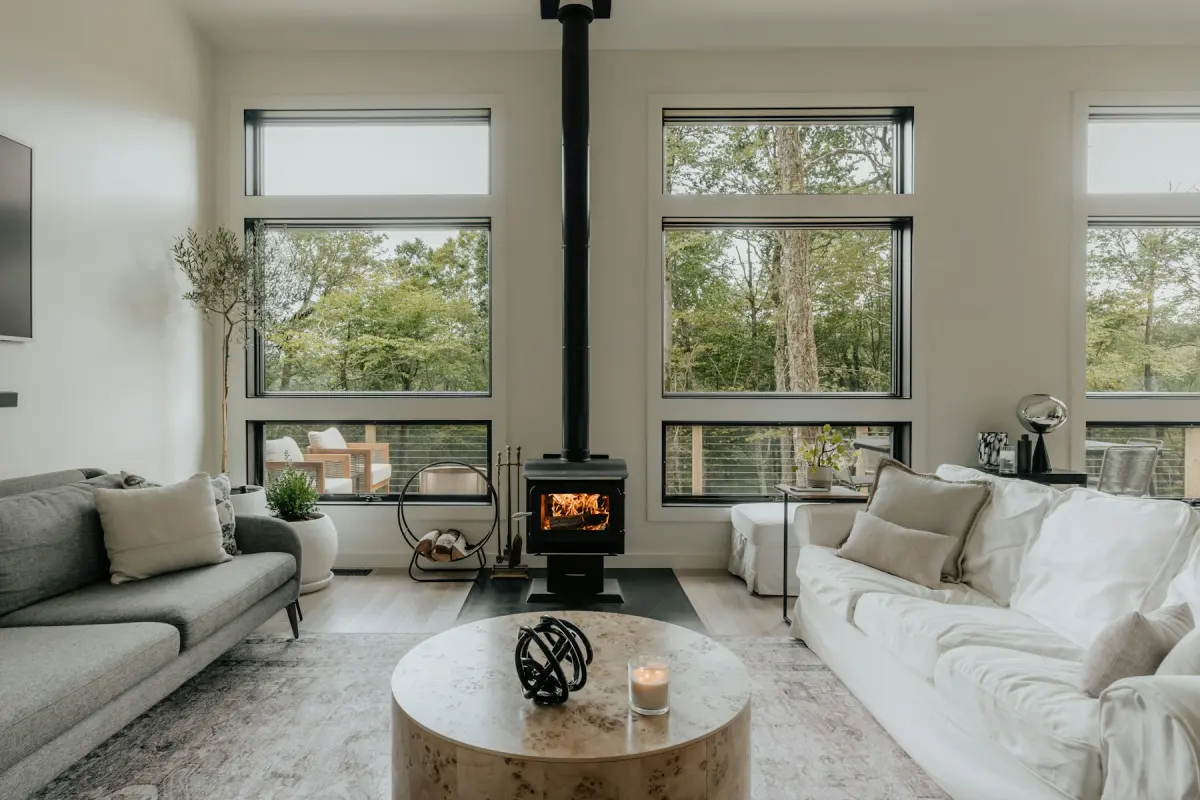 Living roomA sofa, chairs, rug and art for an empty living room
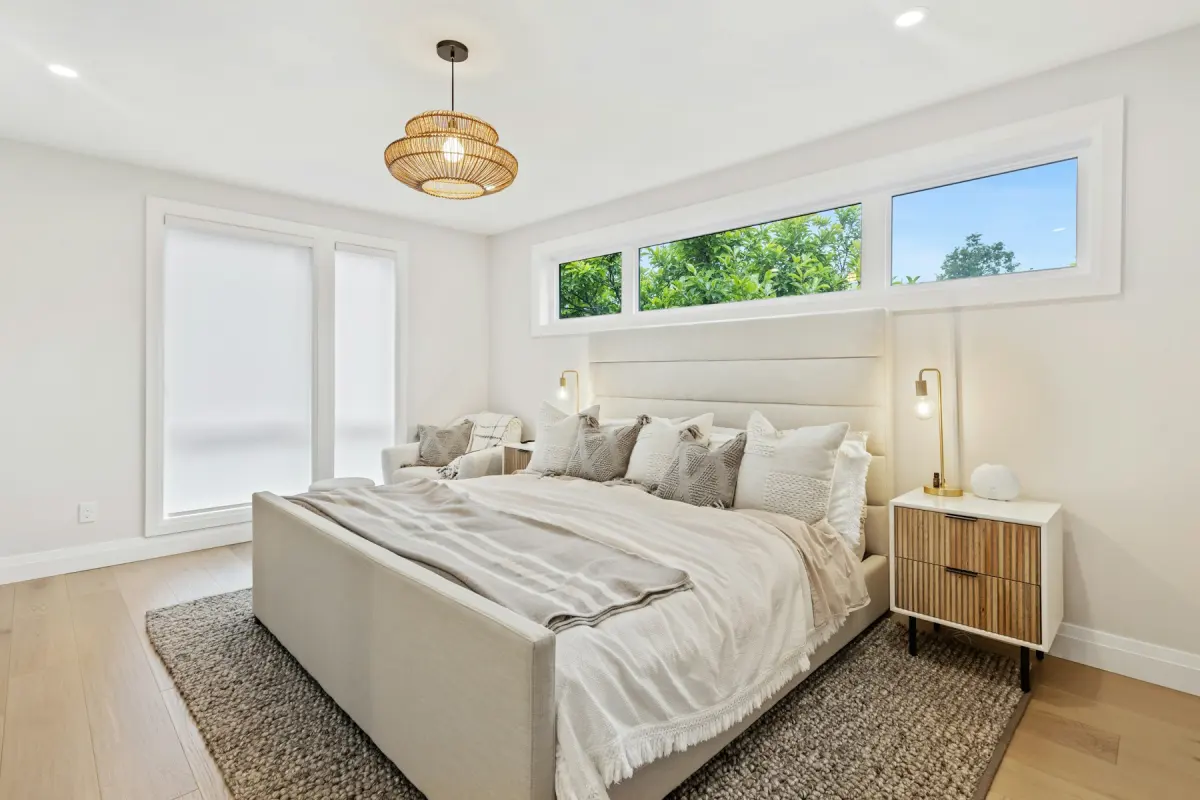 BedroomA made bed, nightstands and a rug for an empty bedroom
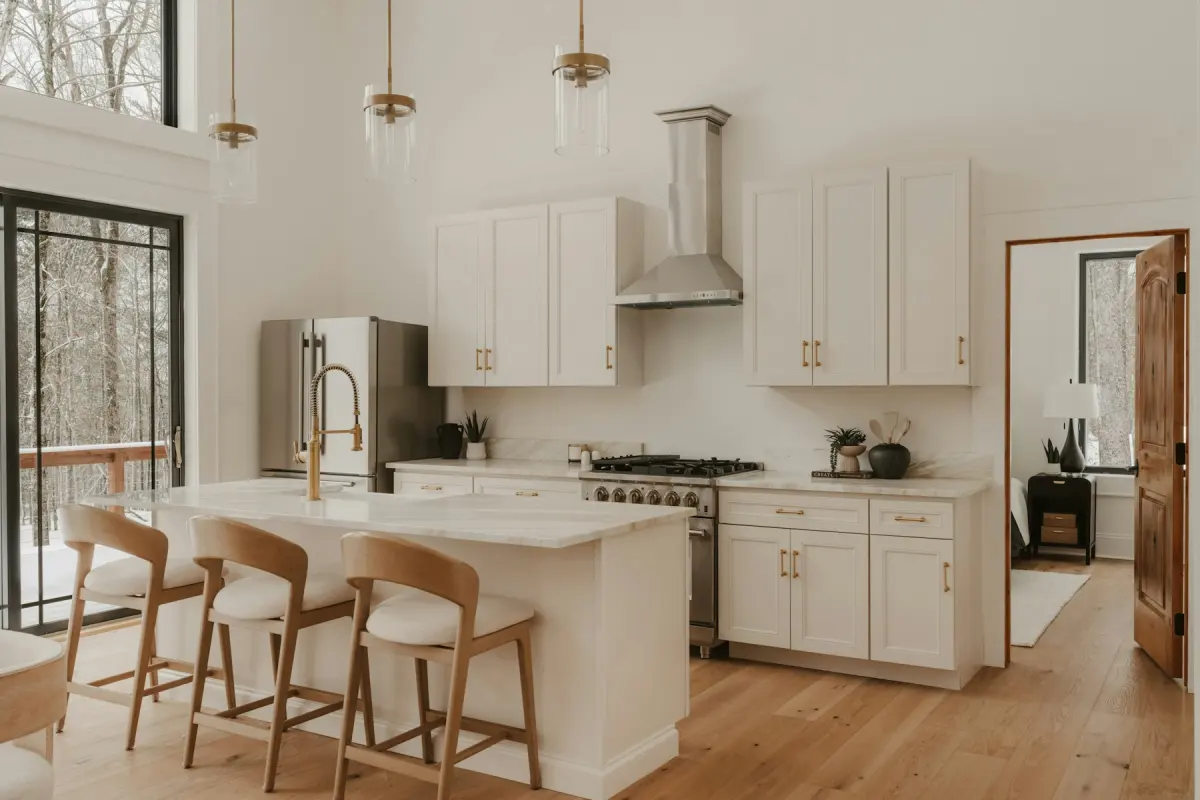 KitchenStools, a small table and light counter styling
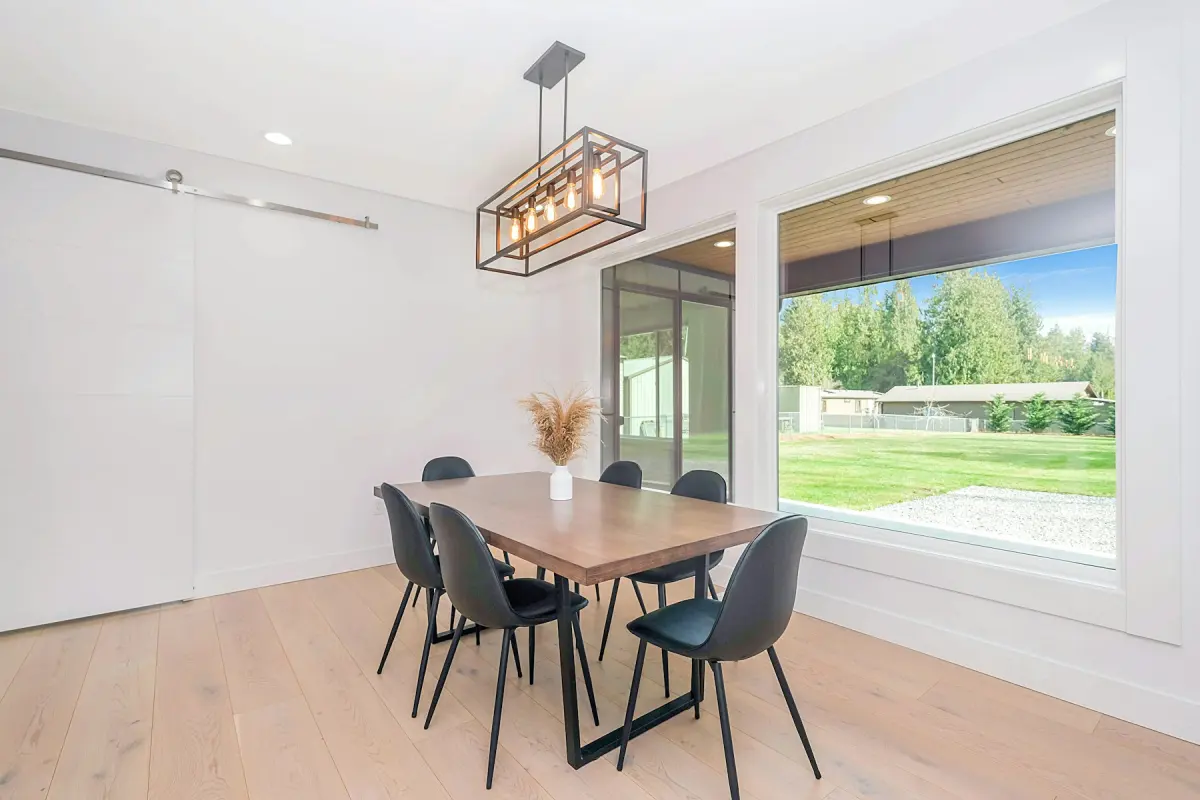 Dining roomA table, chairs and a sideboard sized to the room
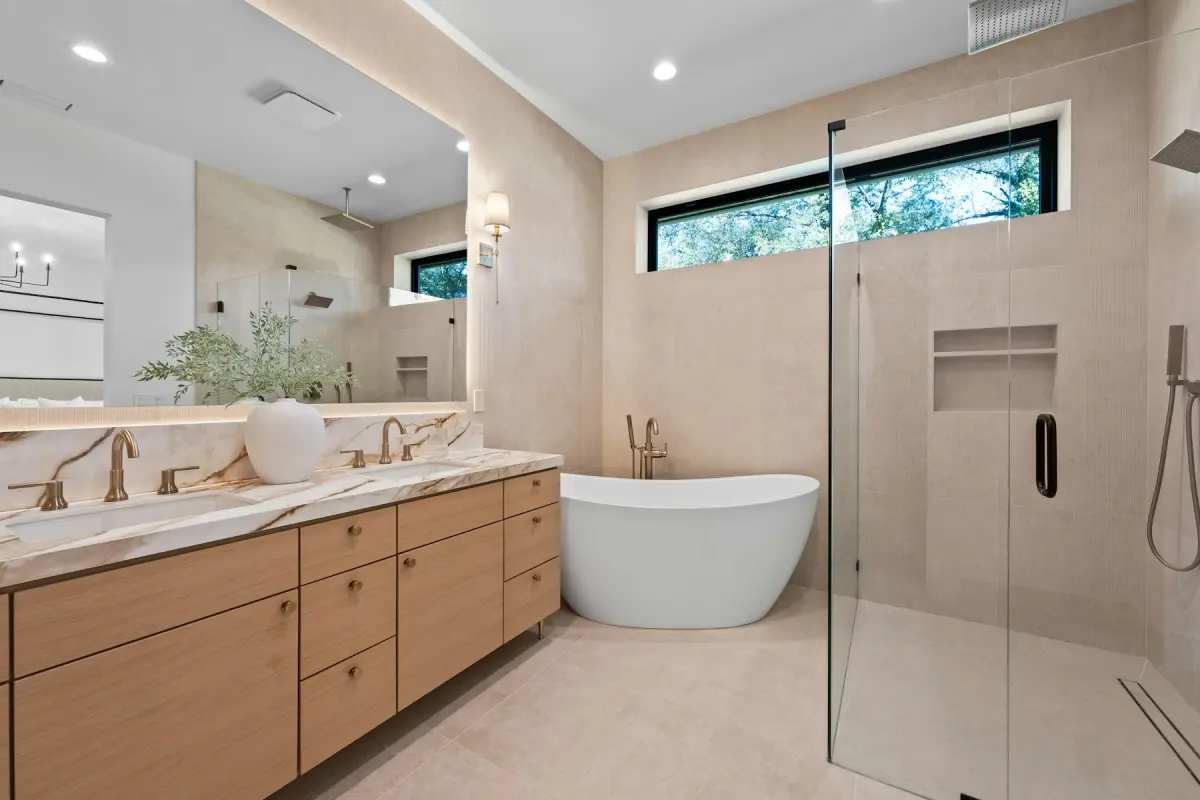 BathroomTowels, a bath mat and a plant; the fixtures stay
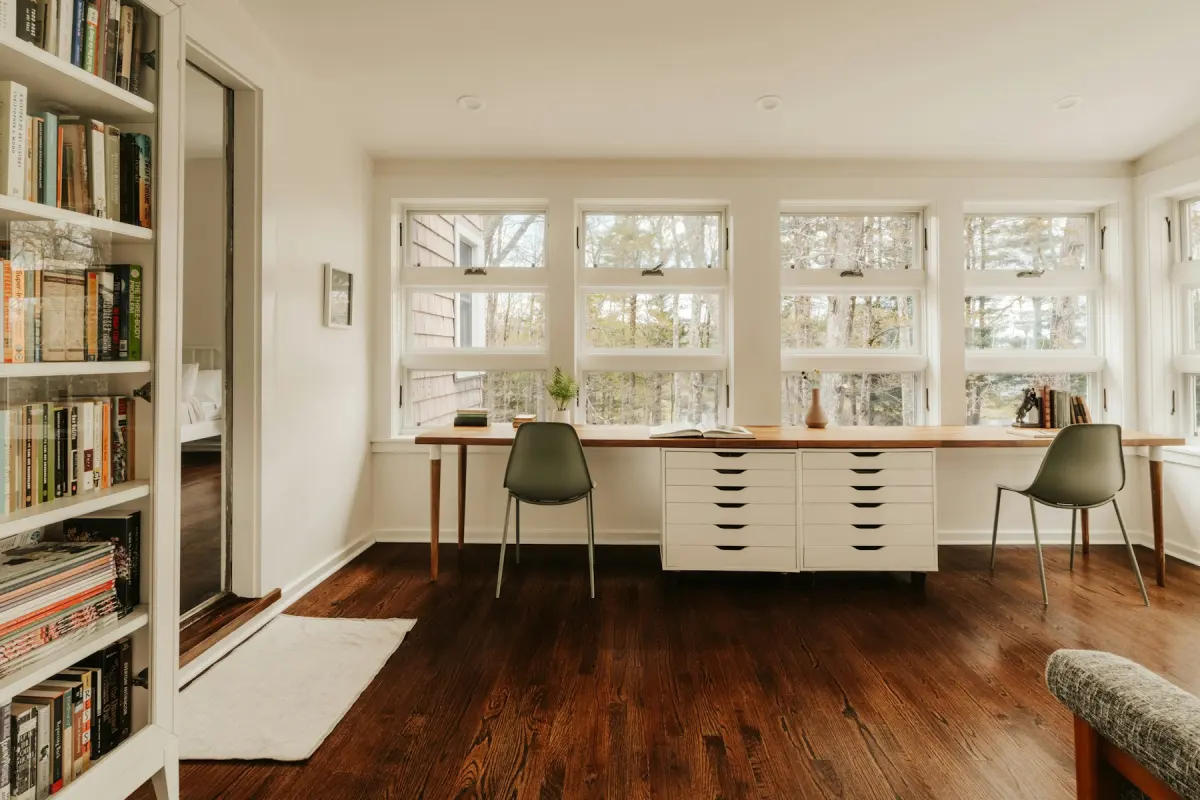 Home officeA desk, an office chair and a bookshelf for a spare room
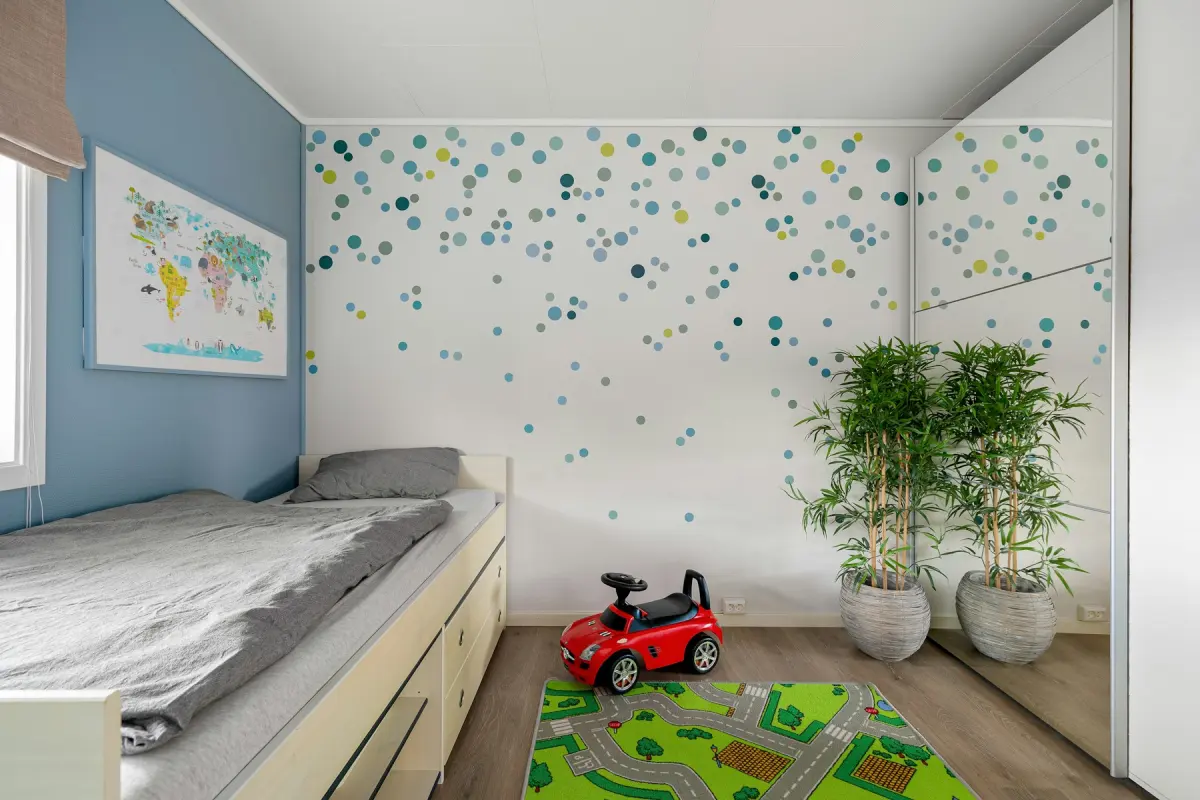 Kids' roomA twin or bunk bed, a play table and toy storage
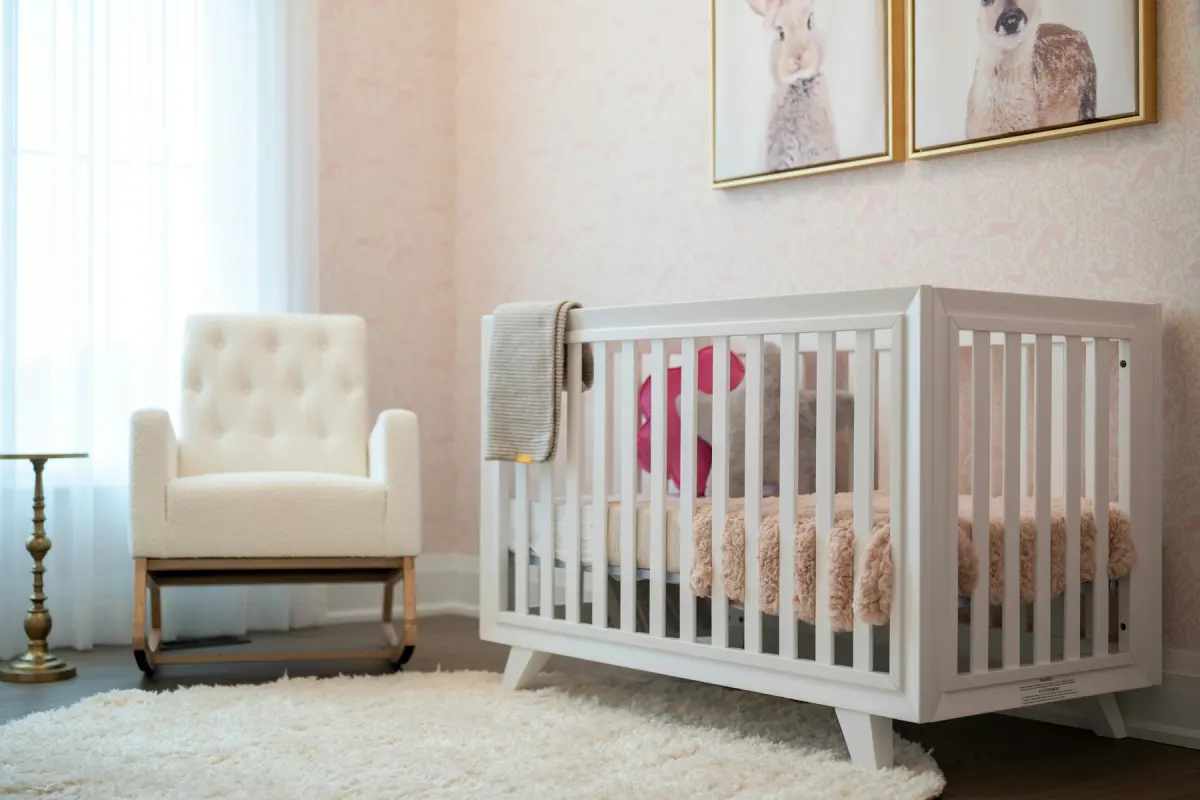 NurseryA crib, changing dresser and armchair for a small room
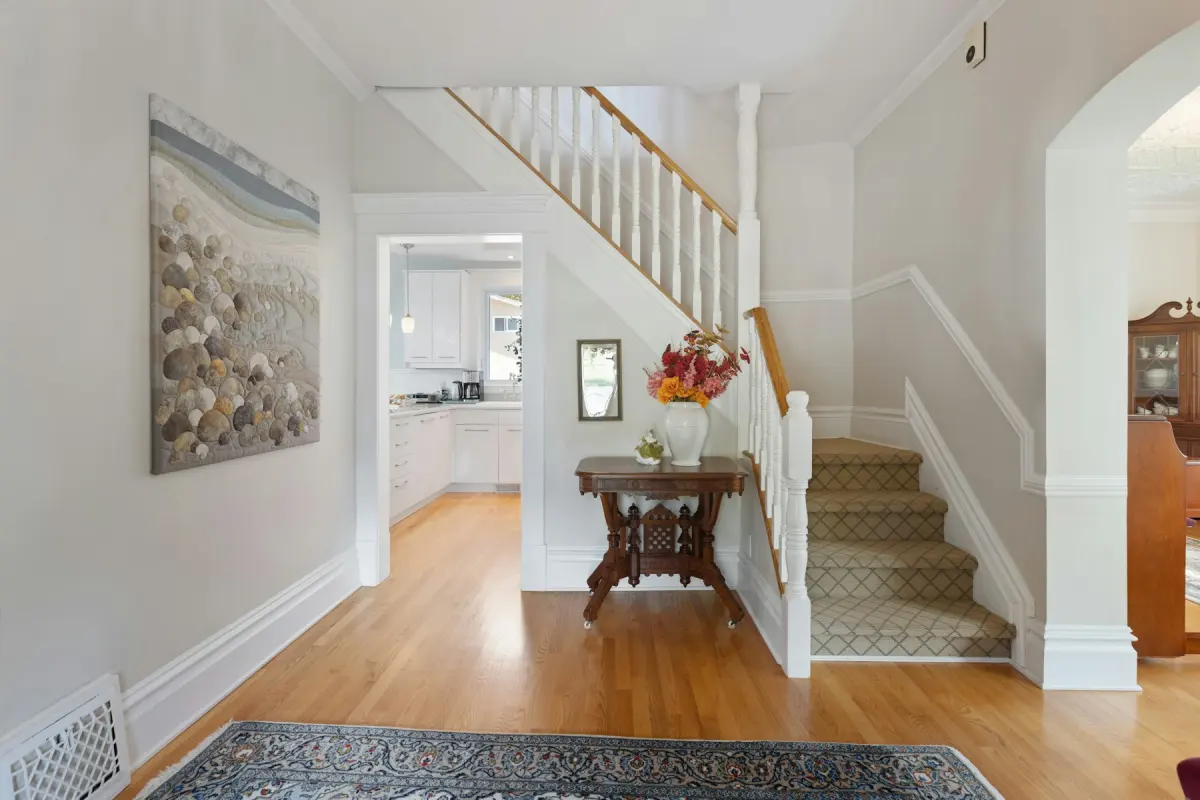 EntrywayA slim console, a mirror, a bench and a runner rug
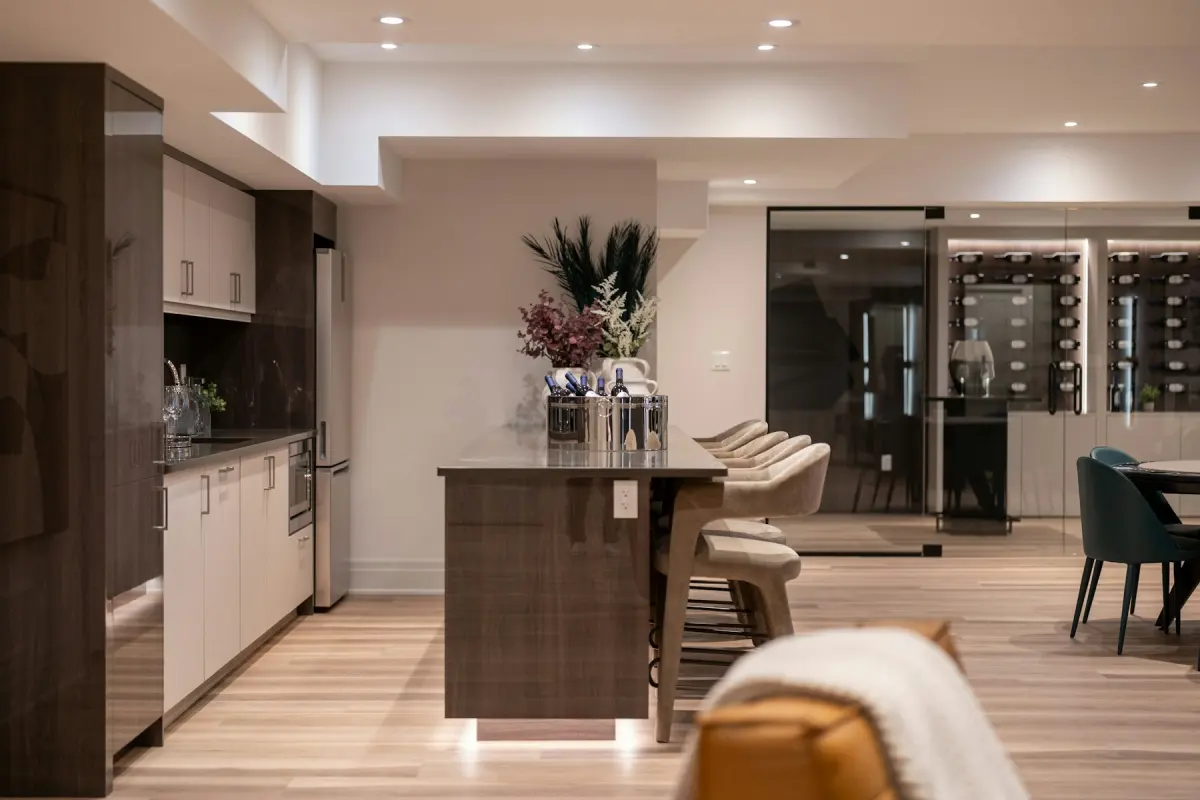 BasementA sectional, media unit and rug for a finished basement
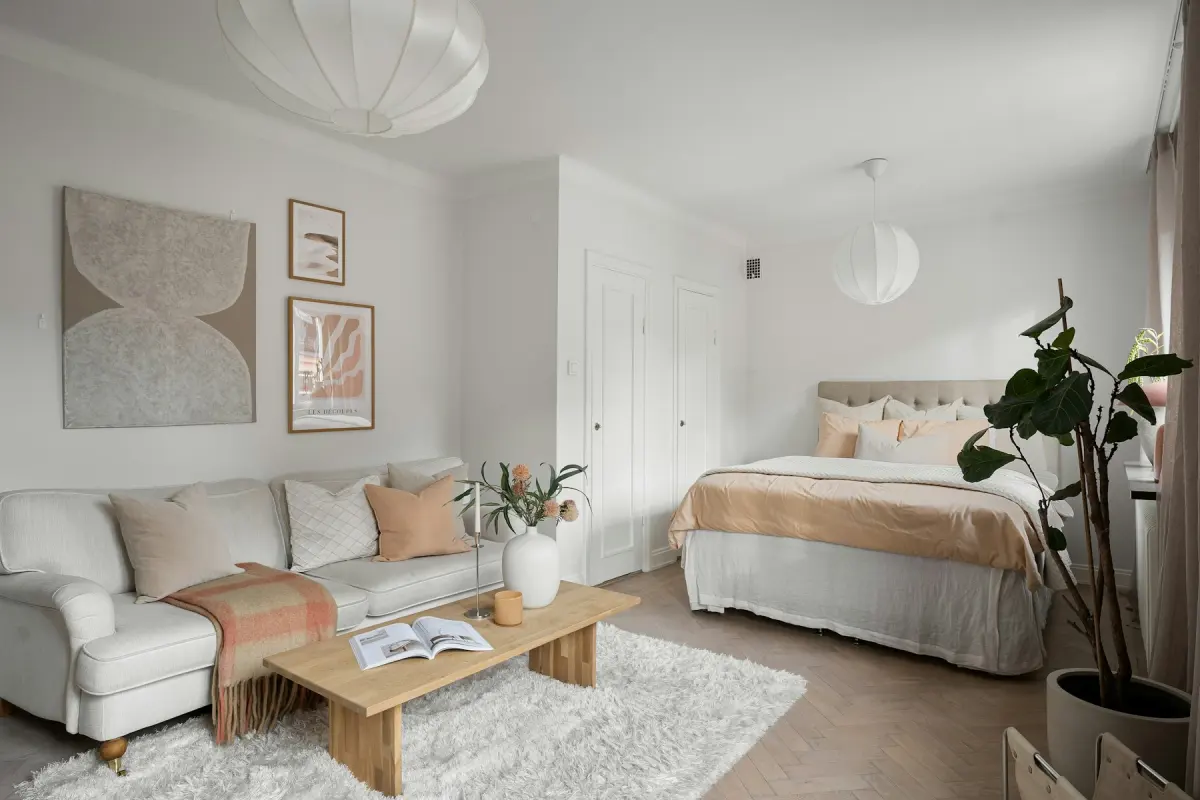 Studio apartmentBed, sofa and dining zones in one open room
Style
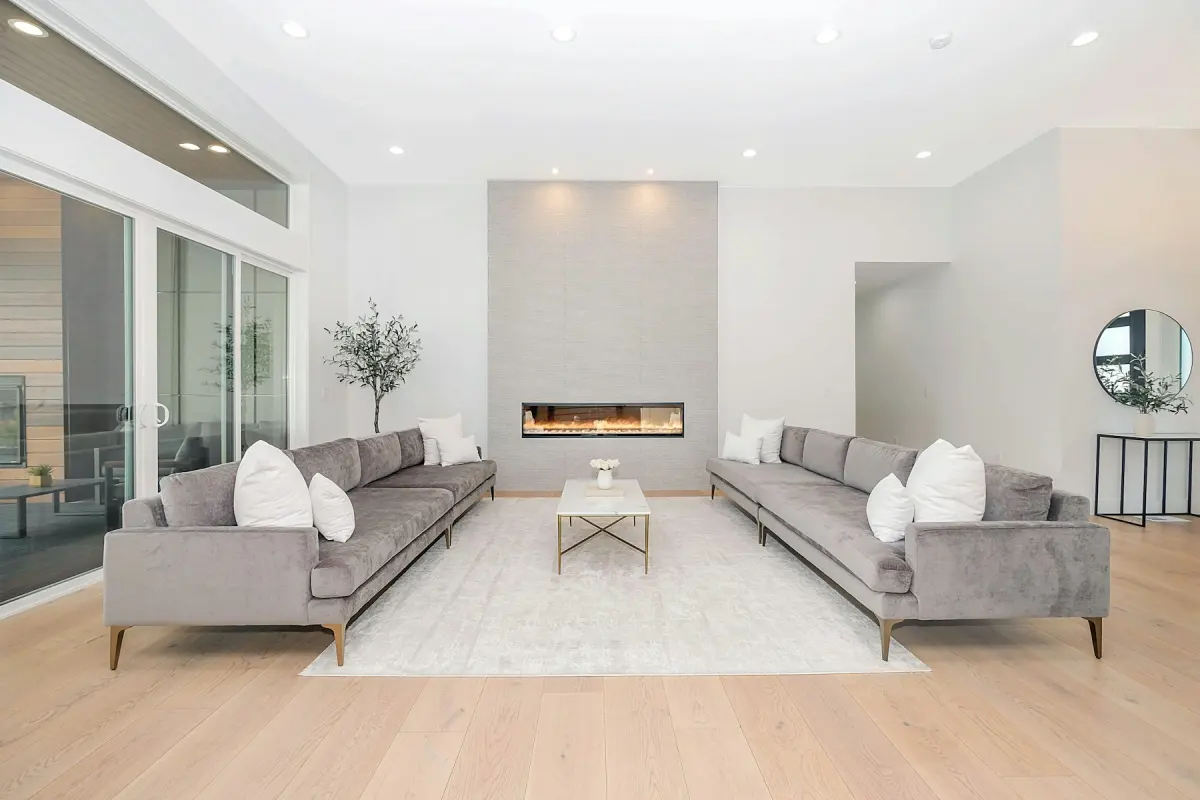 ModernClean lines, neutral palette, one accent color
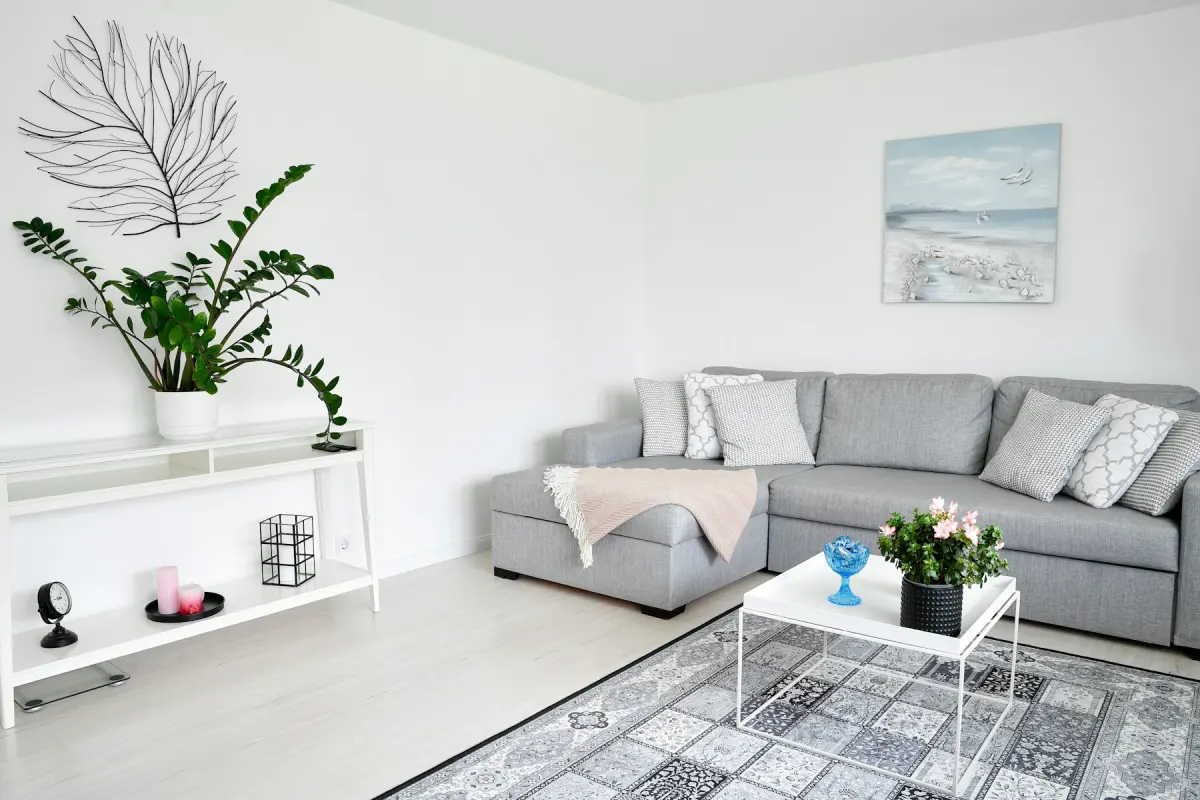 ScandinavianLight wood, white and soft gray, wool and linen
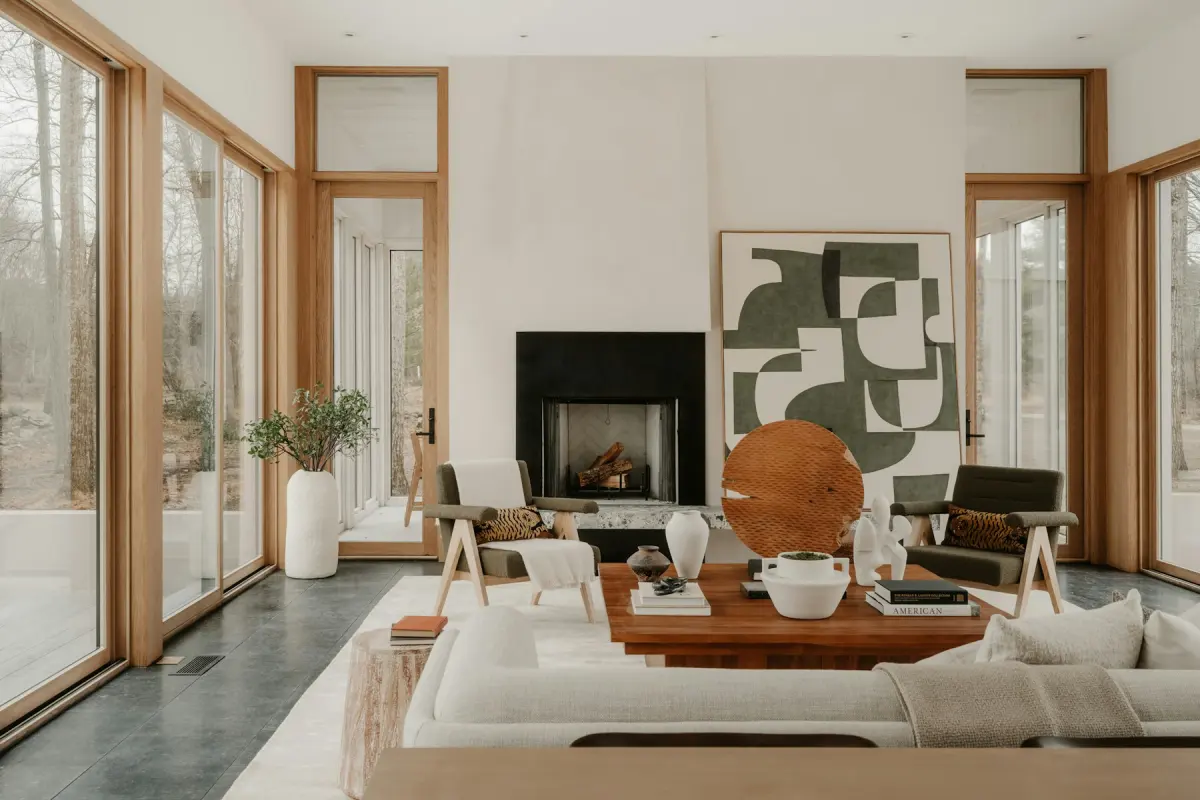 Mid-centuryWalnut tones, tapered legs, mustard or teal
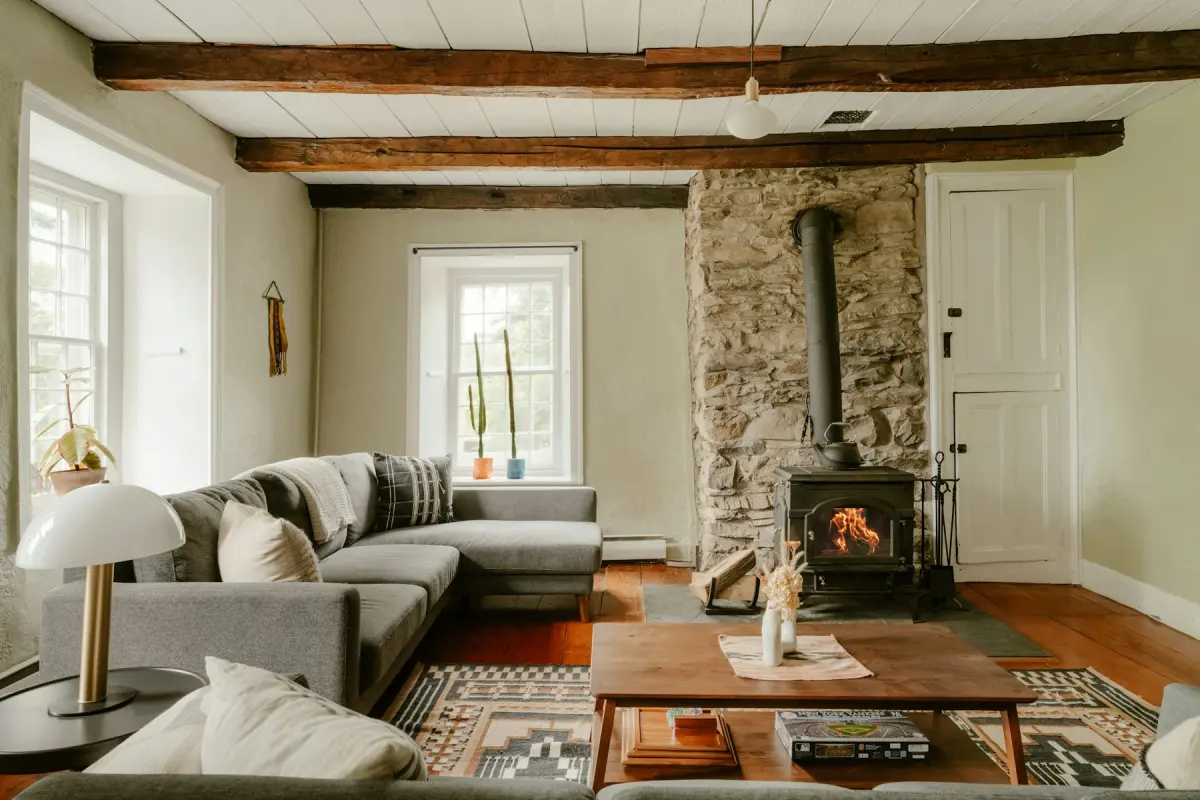 FarmhouseWarm whites, natural wood, slip-covered seating
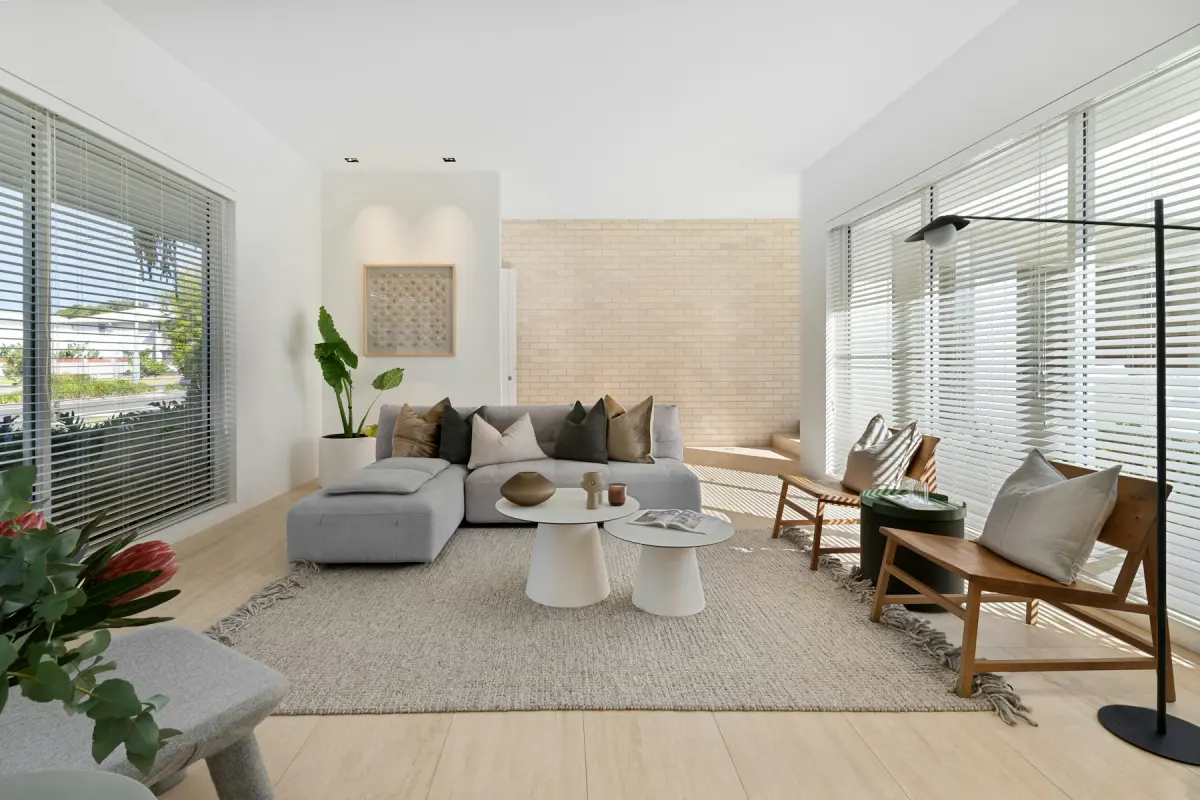 CoastalWhite, sand and soft blue with rattan and linen
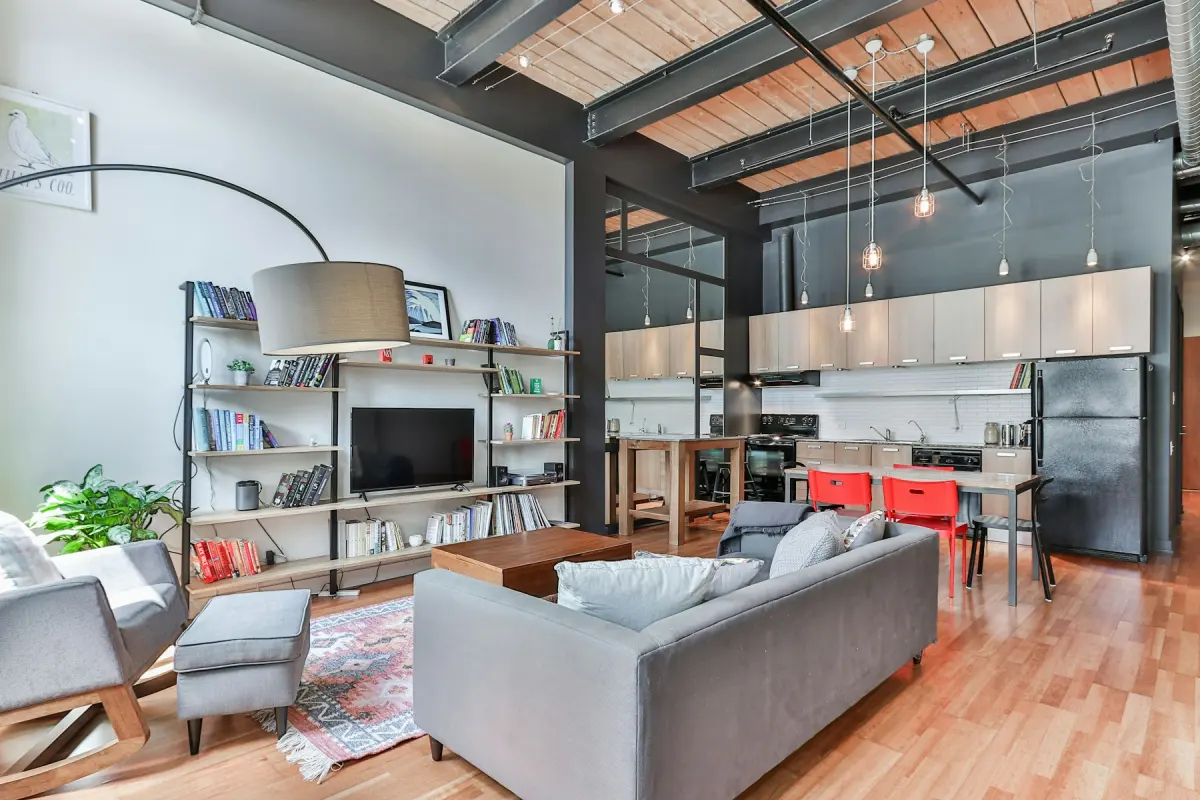 IndustrialDark metal, worn leather, reclaimed wood
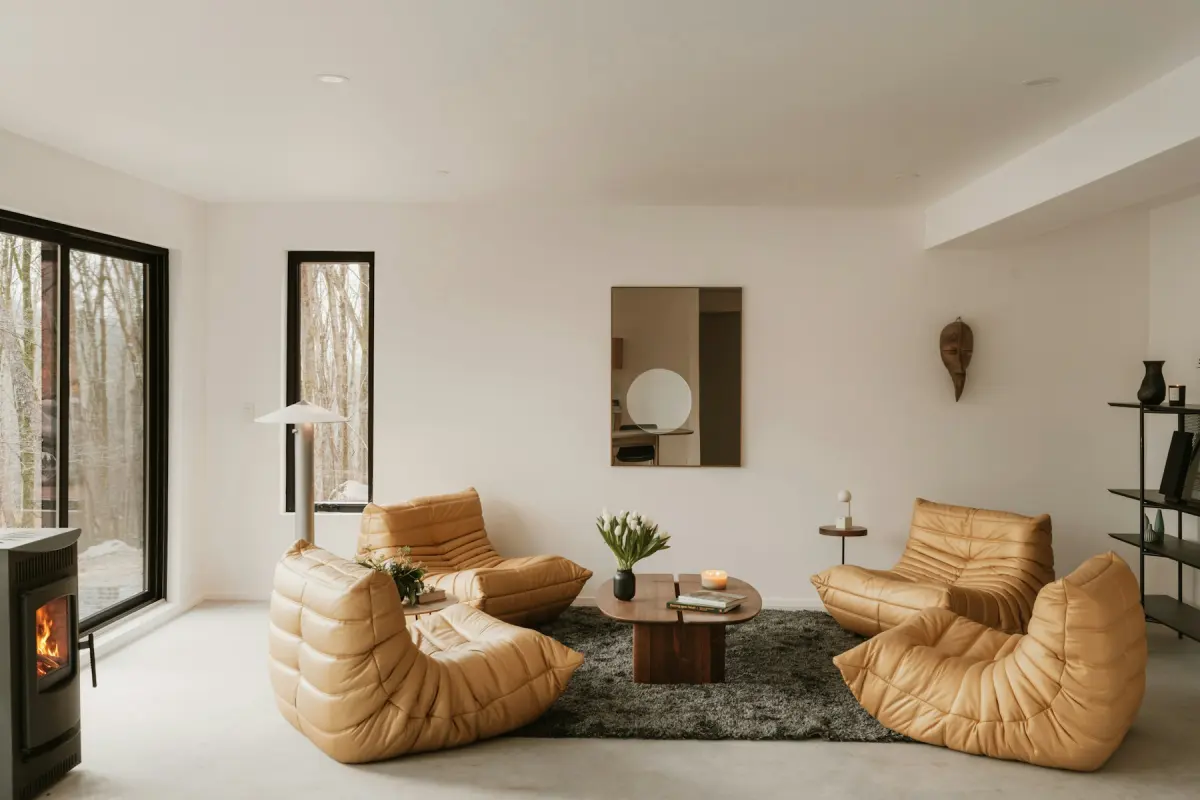 MinimalistFew pieces, one color family, open floor
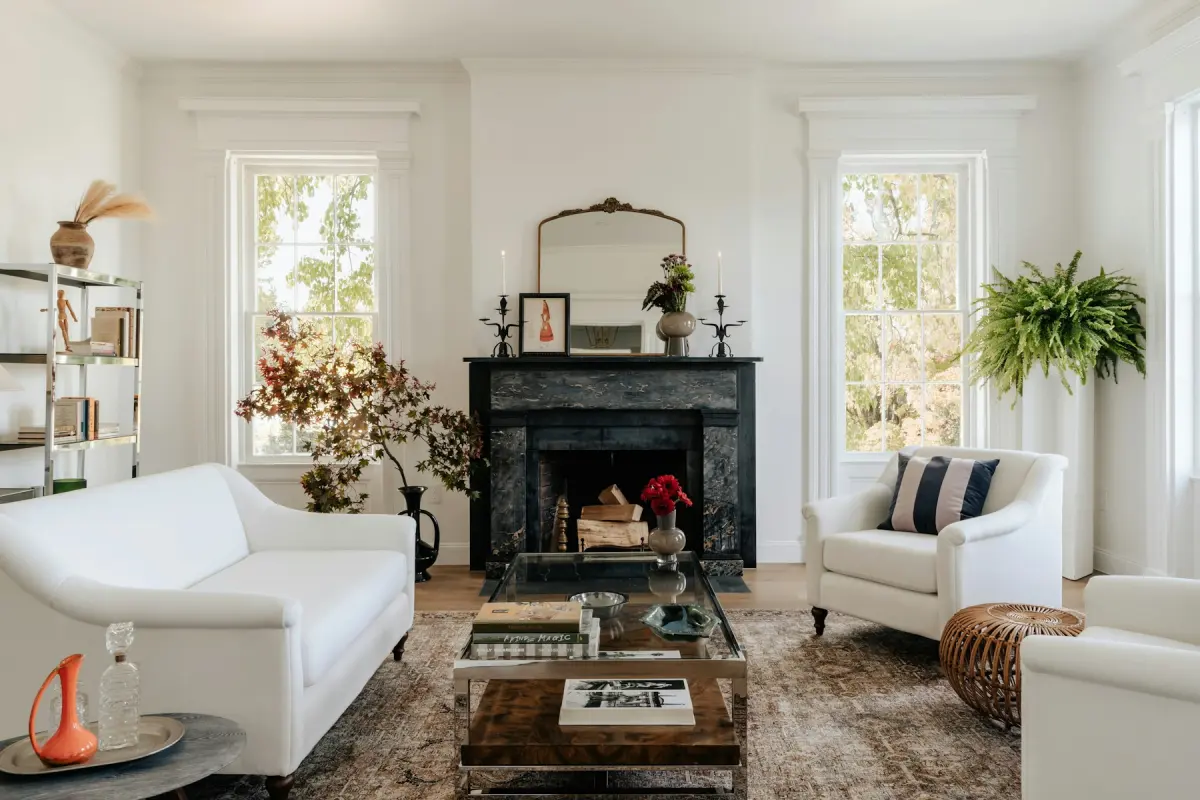 TraditionalRolled arms, rich wood, a symmetrical layout
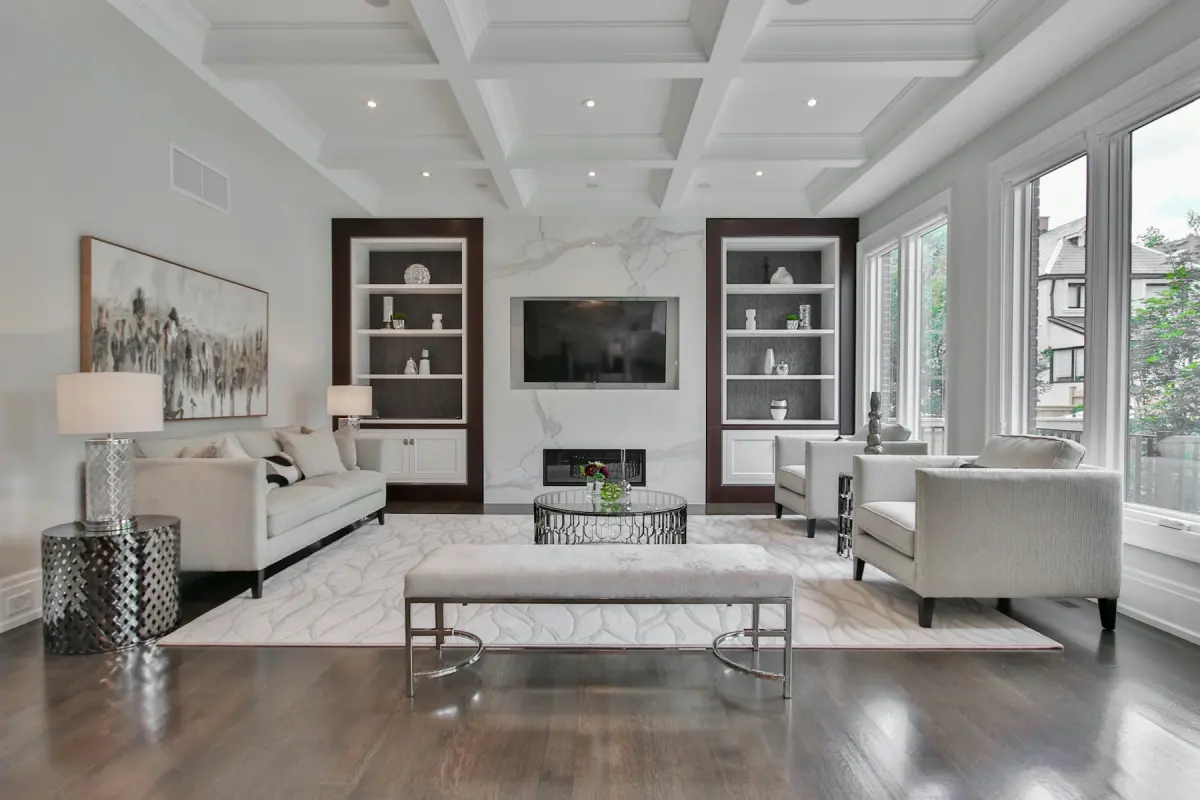 TransitionalClassic meets contemporary in beige and greige
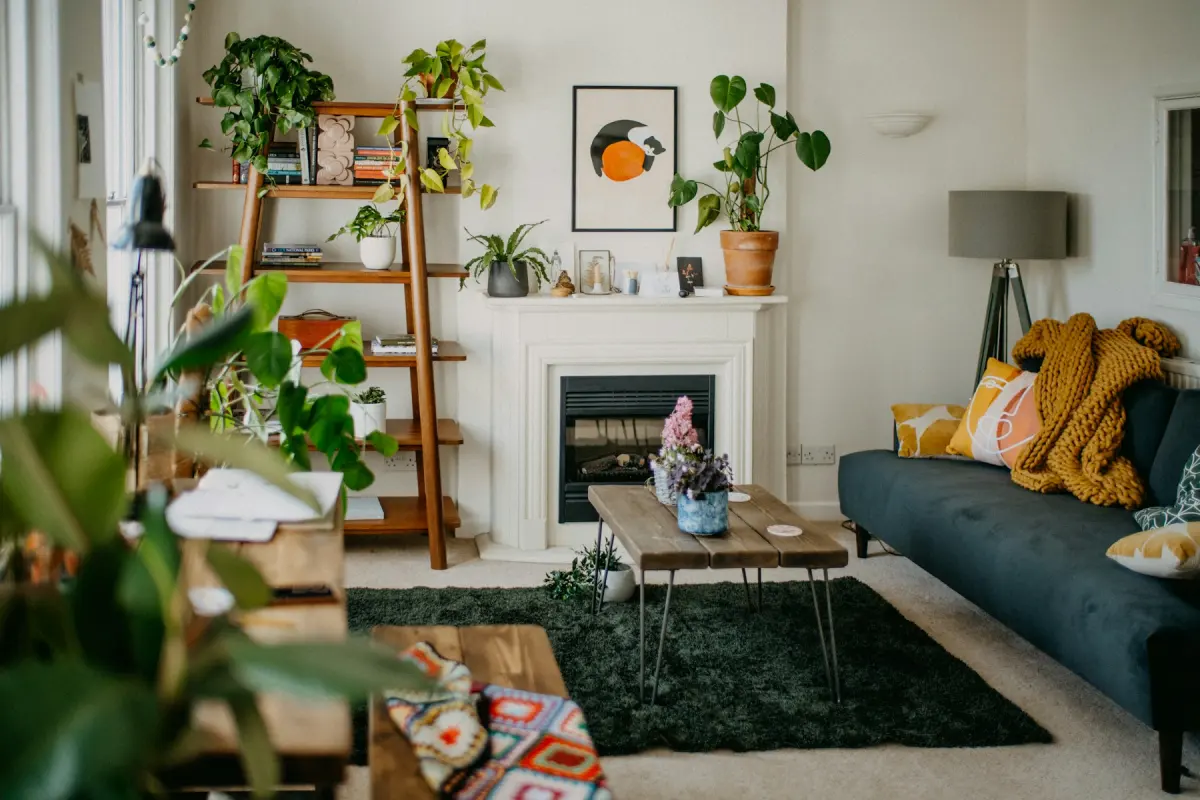 BohemianLayered textiles, rattan, earthy color, plants
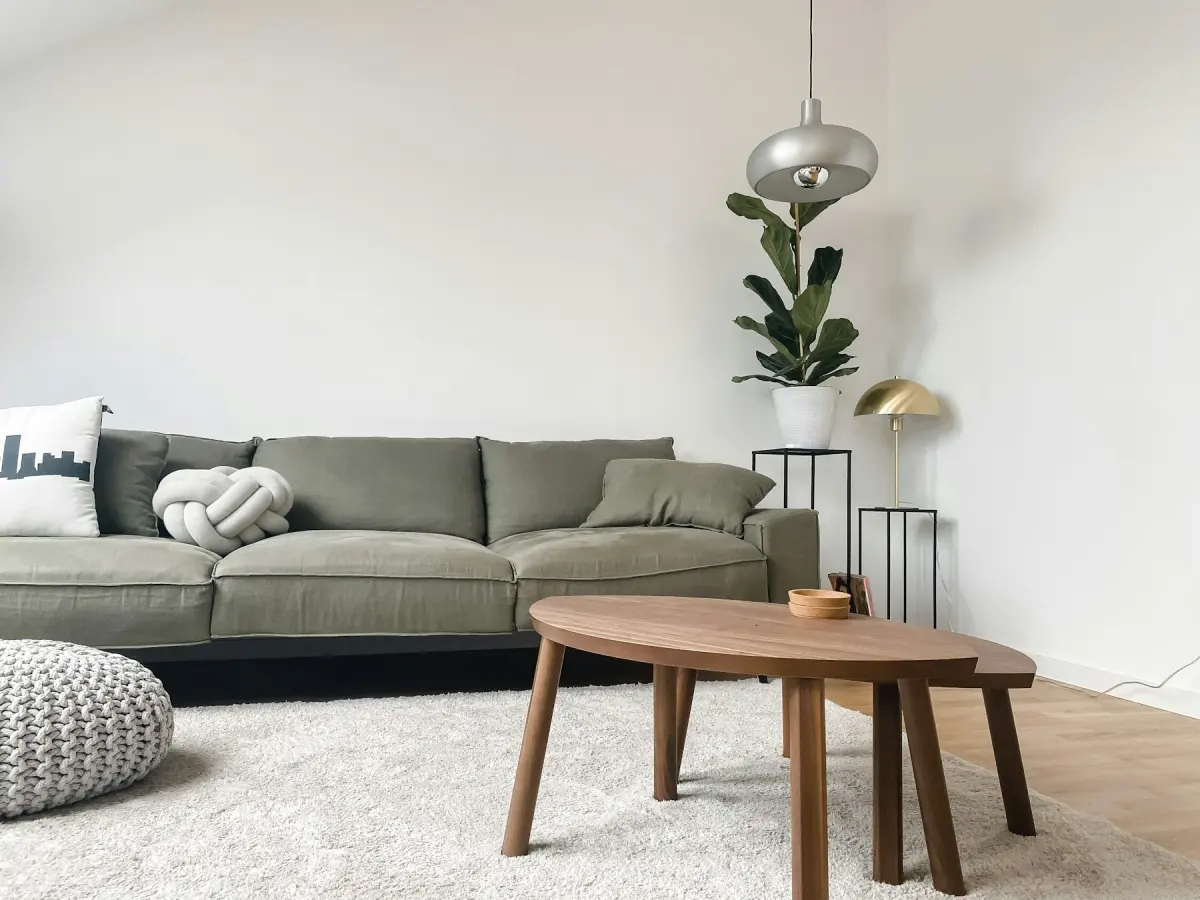 JapandiLow furniture, light oak, black accents, calm
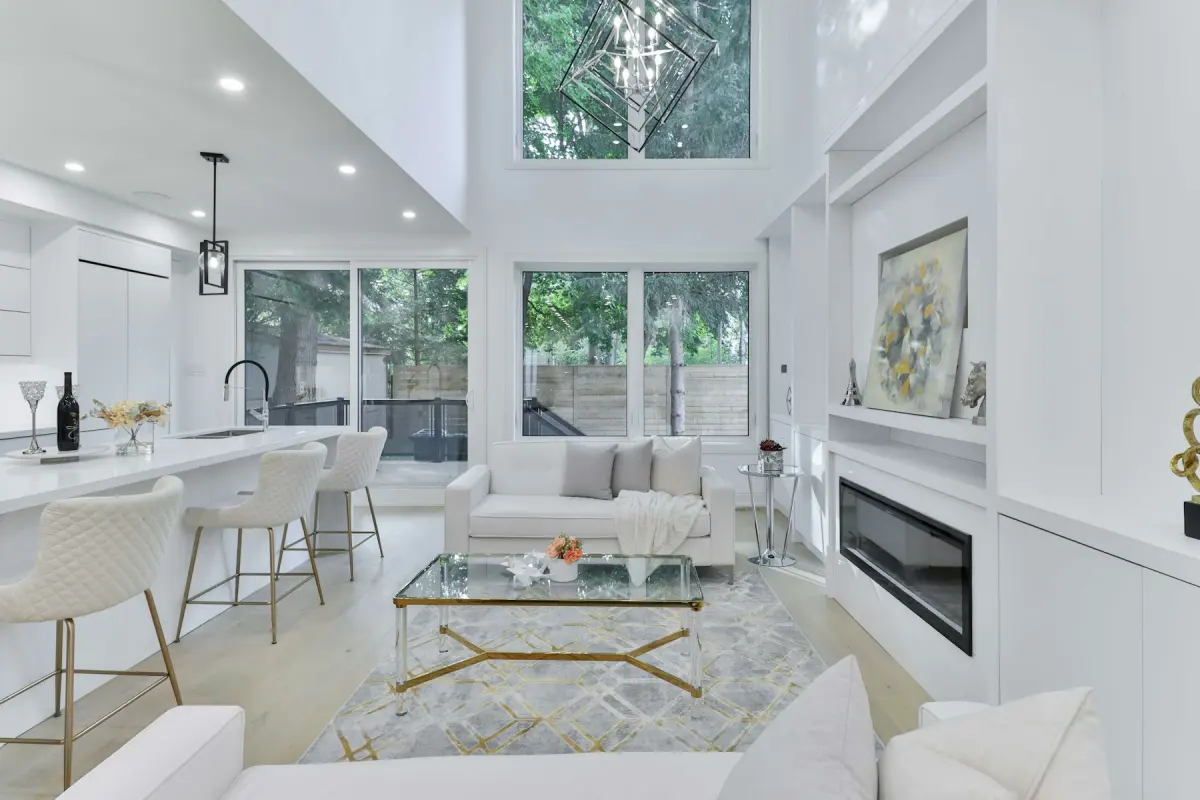 LuxuryVelvet or bouclé, marble, brass, rich neutrals
Room type and style: what each one decides
A room type says what the room is for, and so which furniture belongs in it: a bed in a Bedroom, a table and chairs in a Dining room, a desk in a Home office. There are 11: Living room, Bedroom, Kitchen, Dining room, Bathroom, Home office, Kids' room, Nursery, Entryway, Basement and Studio apartment.
A style decides the look of that furniture: its shapes, materials and colors. There are 12: Modern, Scandinavian, Mid-century, Farmhouse, Coastal, Industrial, Minimalist, Traditional, Transitional, Bohemian, Japandi and Luxury.
Virtual staging, Restyle and Renovate use both choices. Outdoor staging uses the style only. Remove furniture, Declutter, Day to dusk, Blue sky and Green lawn use neither. Neither choice is meant to change the shape of the room: every request tells the model to keep the windows, the doors, the view and the camera angle as they are.
How to choose a room type
Choose what the room should be shown as, which is not always what it was used for. An empty spare room can be staged as a Bedroom, a Home office, a Kids' room or a Nursery, depending on who is likely to buy or rent the home. Each version is a separate render and uses credits.
Use Studio apartment when one room has to hold the bed, the seating and the table. For an open-plan photo, pick the room that fills most of the frame and use the Note for the rest, for example “a dining table for four near the window”. Kitchens and bathrooms are mostly built-in, so there is less to furnish; when you want to show new surfaces there, Renovate is the mode to use.
How to choose a style
Start from the property and the people likely to live in it, not from your own taste. If you are unsure, Transitional, Modern and Scandinavian are neutral and suit most homes. Farmhouse and Coastal work when the house and its location already suggest them. Industrial fits lofts and basements with exposed structure, and Luxury needs finishes that can carry it.
Use one style for every room of a listing, so the photos read as one home. To compare two styles, render the lead room in both and choose before you stage the rest: there are no free re-renders.
A template only sets the starting point. You can change the room type, the style and the Output size in the generator before you press Generate, and add a Note of up to 300 characters for anything specific.