
Short-term rentals
Virtual Staging for Airbnb Listing Photos
Virtual staging for Airbnb listing photos is safe only when the guest finds the room that the photo shows, so on this page it is a way to plan a setup and to tidy photos of the real room.
Upload a photo of the room, choose Declutter for a furnished room or Virtual staging for an empty one you are planning, and press Generate.
What this kind of photo looks like
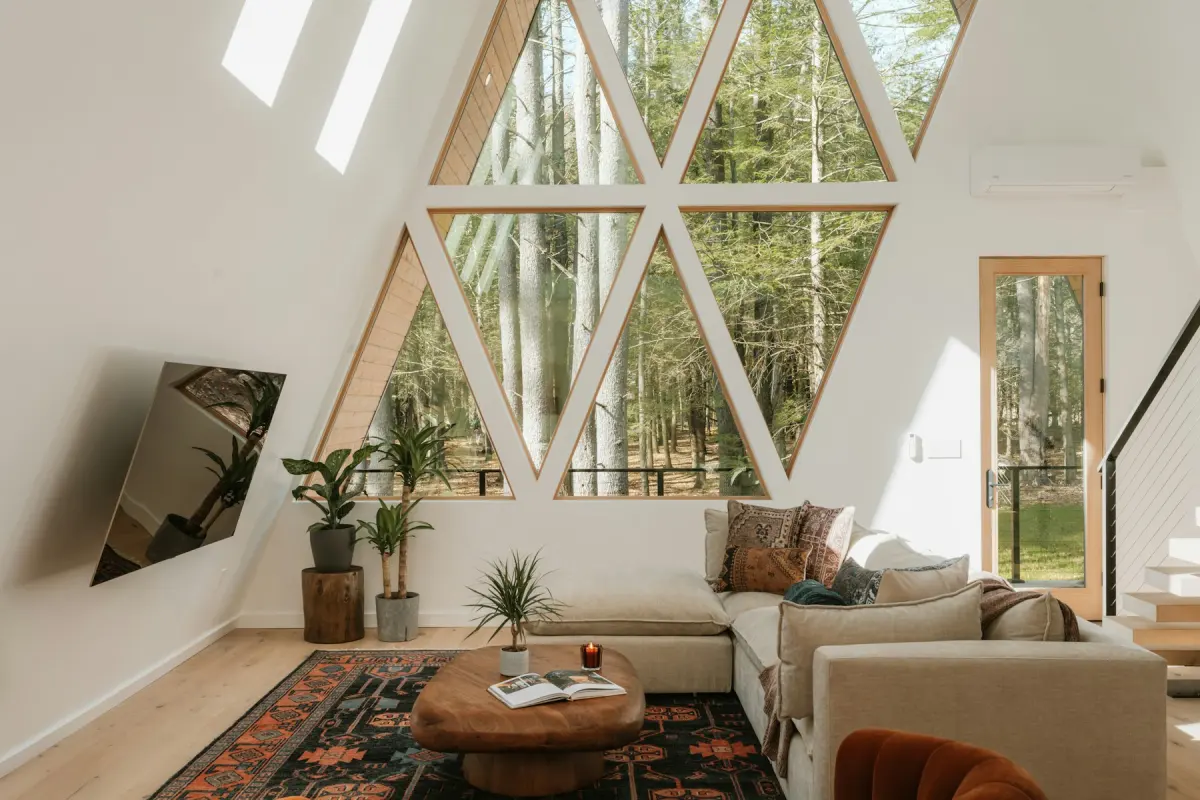 Living room
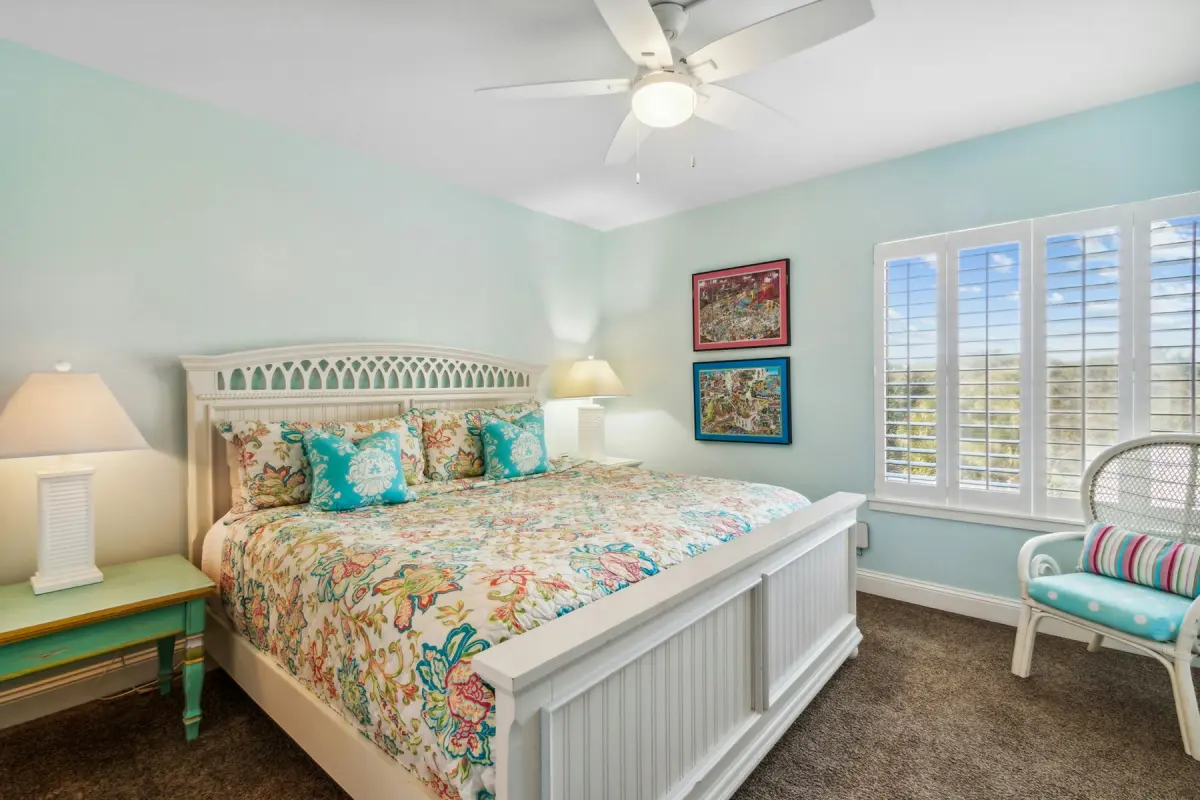 Coastal
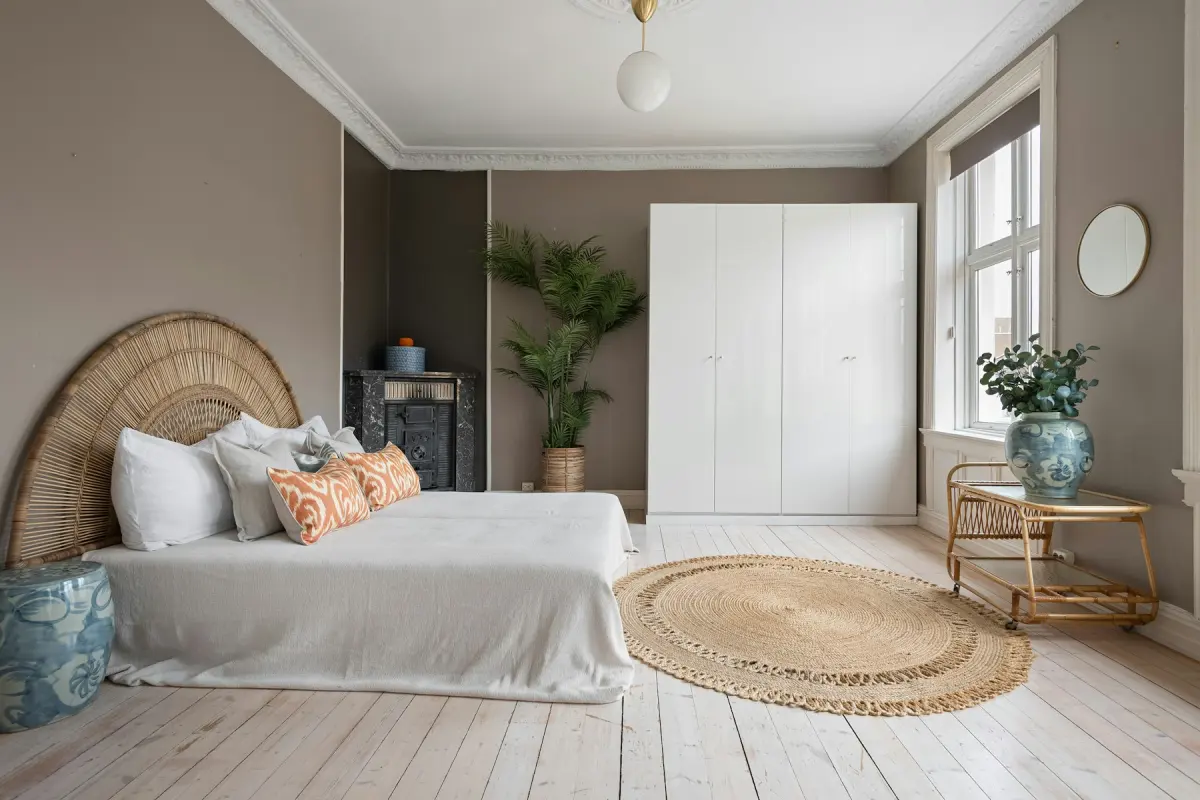 Bohemian
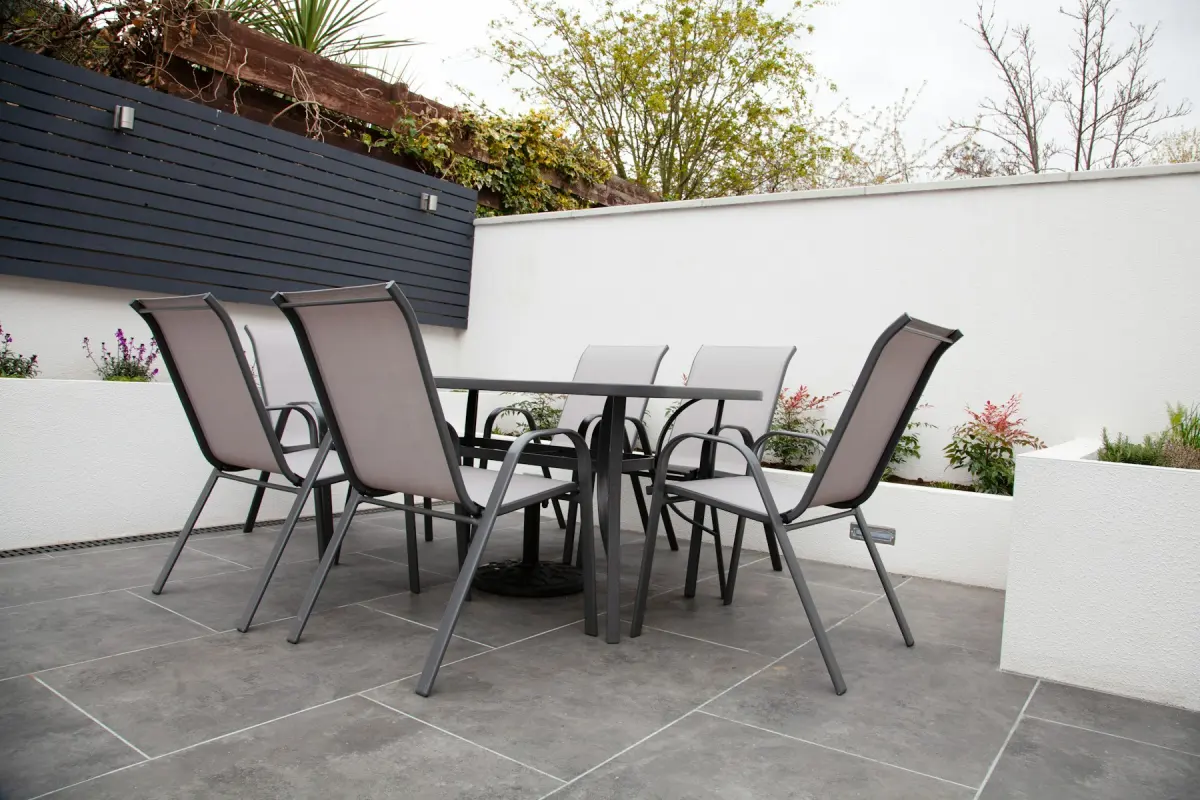
Recommended settings
| What to do | Declutter for a furnished room you are re-shooting; Virtual staging only to plan an empty room |
|---|---|
| Room | Bedroom |
| Style | Coastal, or whichever of the 12 styles you will really buy and keep |
| Output size | 2K |
| Note | Name what you will actually put in the room, e.g. “one queen bed, two nightstands, no desk” |
How it works
- 1
Photograph the room as it is
For a furnished unit, make the beds, open the curtains and shoot in daylight. For a unit you have not furnished yet, shoot it empty.
- 2
Choose the mode that fits
Pick Declutter to clean up a real room without touching the furniture. Pick Virtual staging, with Room and Style, to see an empty room furnished before you shop.
- 3
Press Generate and compare
Check the result against the original on the before/after slider. Nothing a guest counts on, such as beds, windows or the view, should have changed.
- 4
Publish only what matches
A decluttered photo of the real room can go in the listing. A staged plan stays a plan until the room is furnished that way.
Can I use virtual staging for Airbnb listing photos?
Only if the guest will find the room in the photo. A buyer walks through a house before paying for it, so a staged photo of an empty home is a labeled suggestion. A guest pays first and arrives later. If the photo shows a sofa, a desk or an extra bed that is not there, the listing has promised something the stay does not deliver.
That leaves two honest uses for a host. One is planning: see an empty bedroom furnished in a few styles before you spend money on furniture. The other is cleaning up photos of the real, furnished room. Check your platform's own rules on listing photos as well, since they are the ones that count.
Plan a setup before you buy
This page opens the generator on Virtual staging, Bedroom and Coastal. Upload a photo of the empty room and you get the same room back with bedroom furniture and decor in that style. Change the style to Scandinavian or Bohemian and render again to compare directions; each render uses credits.
Treat the result as a direction, not a shopping list. The tool cannot place a specific product from a shop and cannot measure the room, so check sizes yourself before you order. Restyle does the same job for a room that already has furniture: it shows a new style in a similar layout, which helps when you are deciding whether a refresh is worth it. Outdoor staging adds outdoor furniture, an outdoor rug and planters to a photo of a patio, deck or balcony, for the same kind of planning.
If you publish a staged photo while the furniture is on its way, say in the listing that it is virtually staged, furnish the room to match, and replace it with a real photo as soon as the room is set up.
Declutter is the everyday tool
Most hosts already have a furnished unit and a set of photos that are almost right. What spoils them is small: a phone charger on the nightstand, toiletries around the sink, dishes on the rack, a jacket on a chair, your own family photos on a shelf. Declutter removes loose clutter and personal items like these and keeps the furniture where it is.
That keeps the photo true, because a guest arrives to a cleaned unit anyway. The beds, the sofa, the layout and the view are the ones they will find. Remove furniture is the wrong mode for a listing photo: it empties the room, which is only useful as a first step when you plan to refurnish.
What a guest must not be surprised by
Guests book on what they can count: beds, seats, a desk, a balcony, the view. Never use a staged photo to show more of these than the unit has. The content policy also forbids adding things a property does not have, such as a pool, a view, extra windows or extra rooms, and hiding real defects or permanent features such as water stains, damage, a busy road or a neighboring building.
Exterior edits need the same test. A gray sky is weather, so Blue sky does not change what the guest gets. Think twice about Green lawn: if the grass will still be brown or bare on arrival, leave the photo alone.
Not the right fit
- Listing photos that show furniture, beds or amenities the unit does not have: guests book on the photo. Furnish first, then photograph the real room.
- Hiding stains, damage, a busy road or the building next door: that is against the content policy. Fix what you can and show the rest as it is.
- One staged room shown from several angles: furniture does not stay identical between photos. For a furnished unit, take real photos of each angle and use Declutter on them.
- Video tours, 3D tours or 360° panoramas: Virtual Staging Maker edits one still photo at a time.