
Bedroom Virtual Staging: Add a Made Bed to an Empty Room
Bedroom virtual staging adds a made bed, two nightstands with lamps, a dresser or bench, a rug and wall art to a photo of an empty bedroom.
Upload the photo, keep Virtual staging and Bedroom selected, pick a style such as Scandinavian, and press Generate.
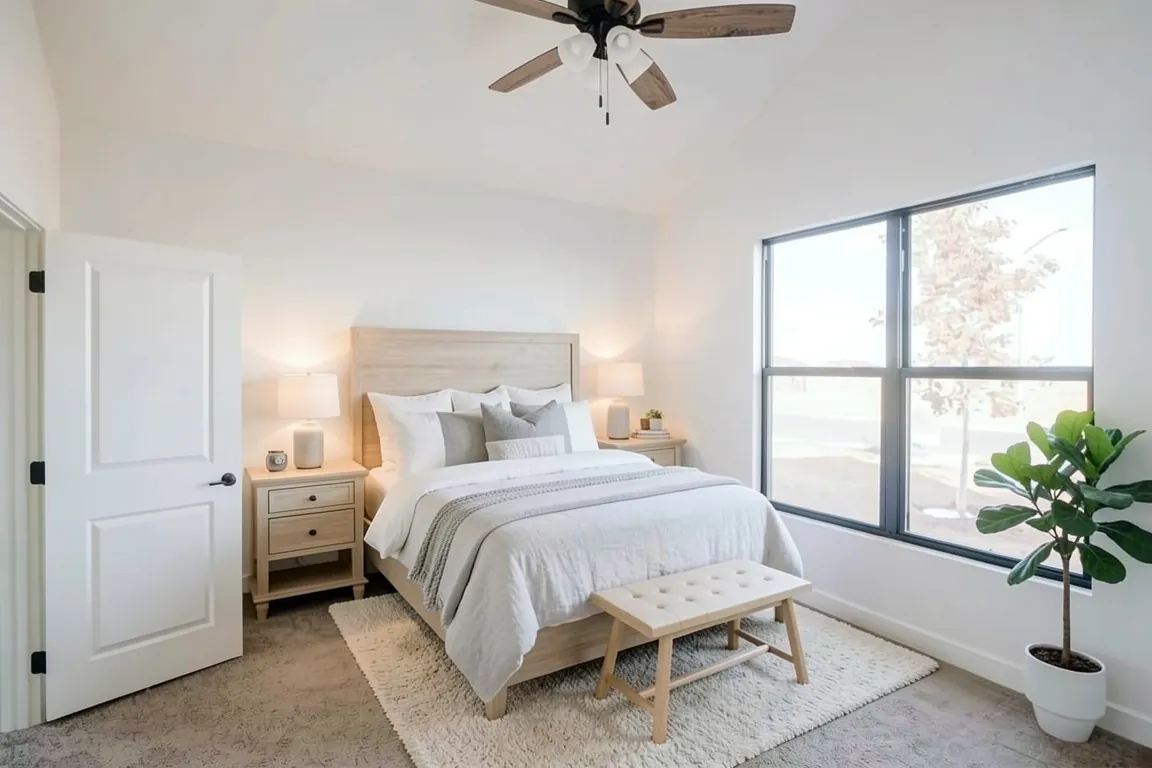
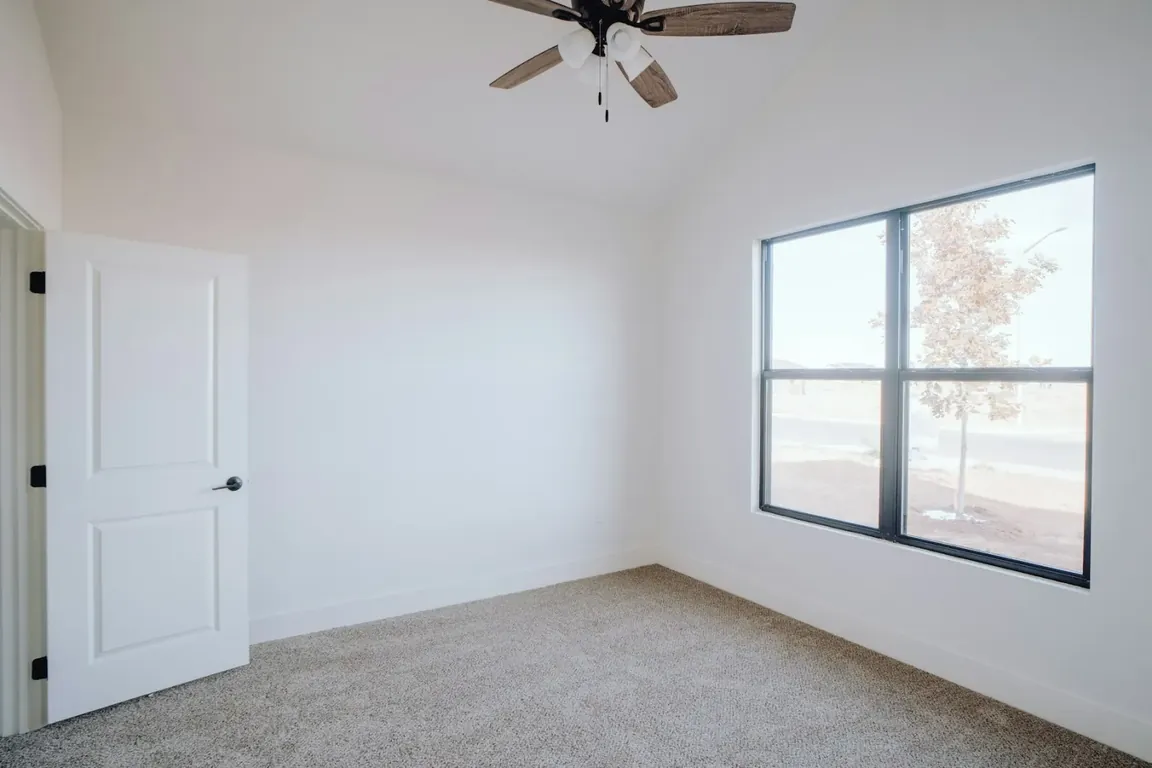 BeforeAfter
Style inspiration
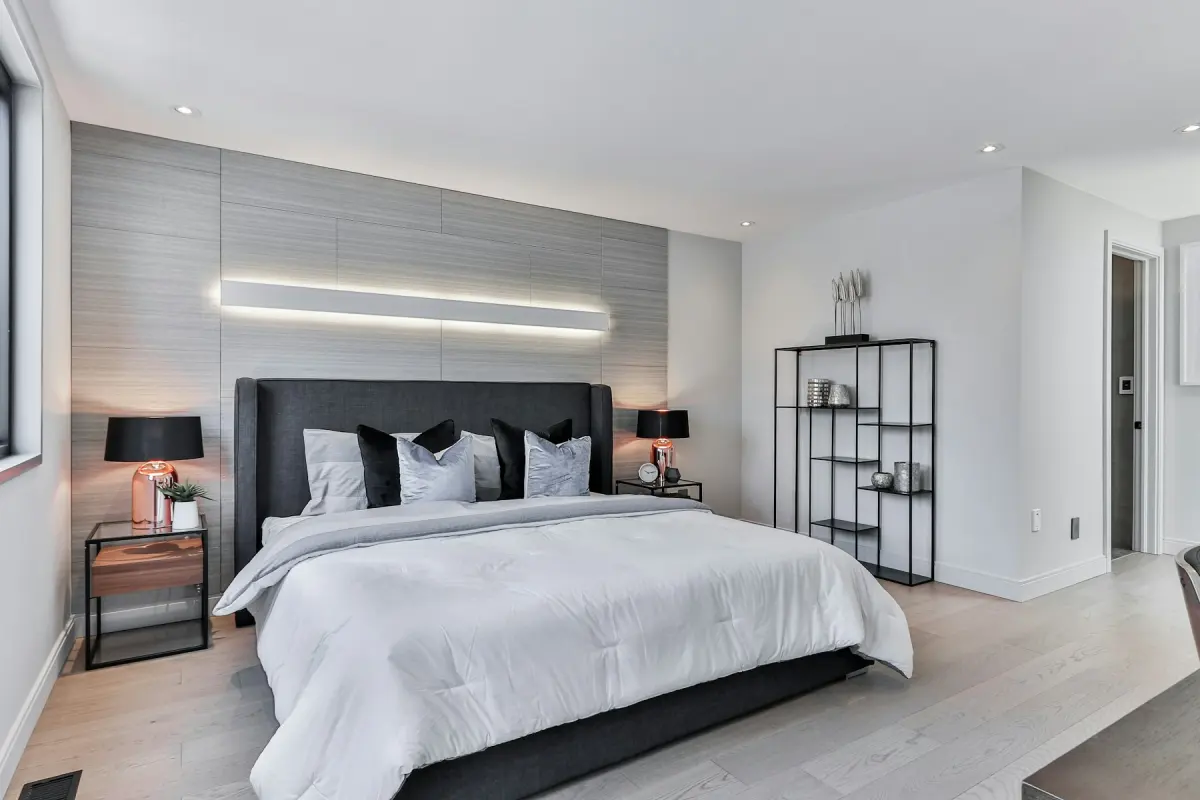 Modern
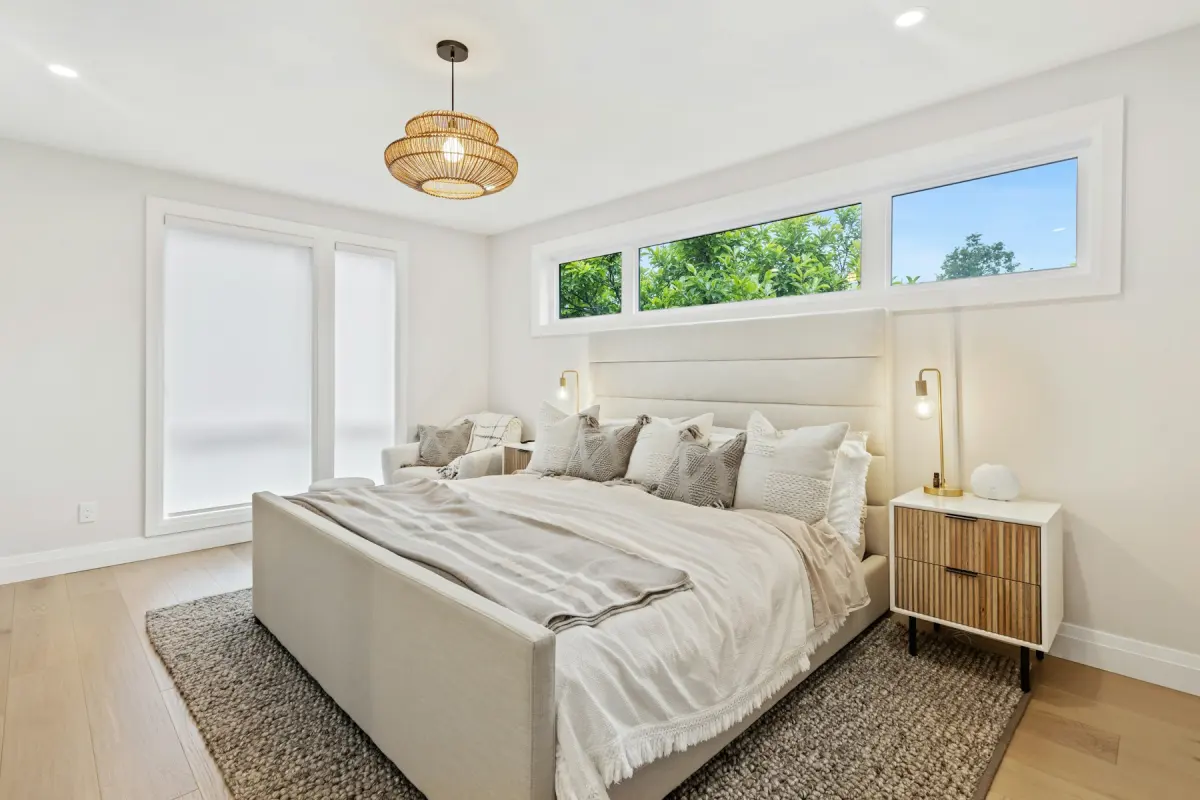 Scandinavian
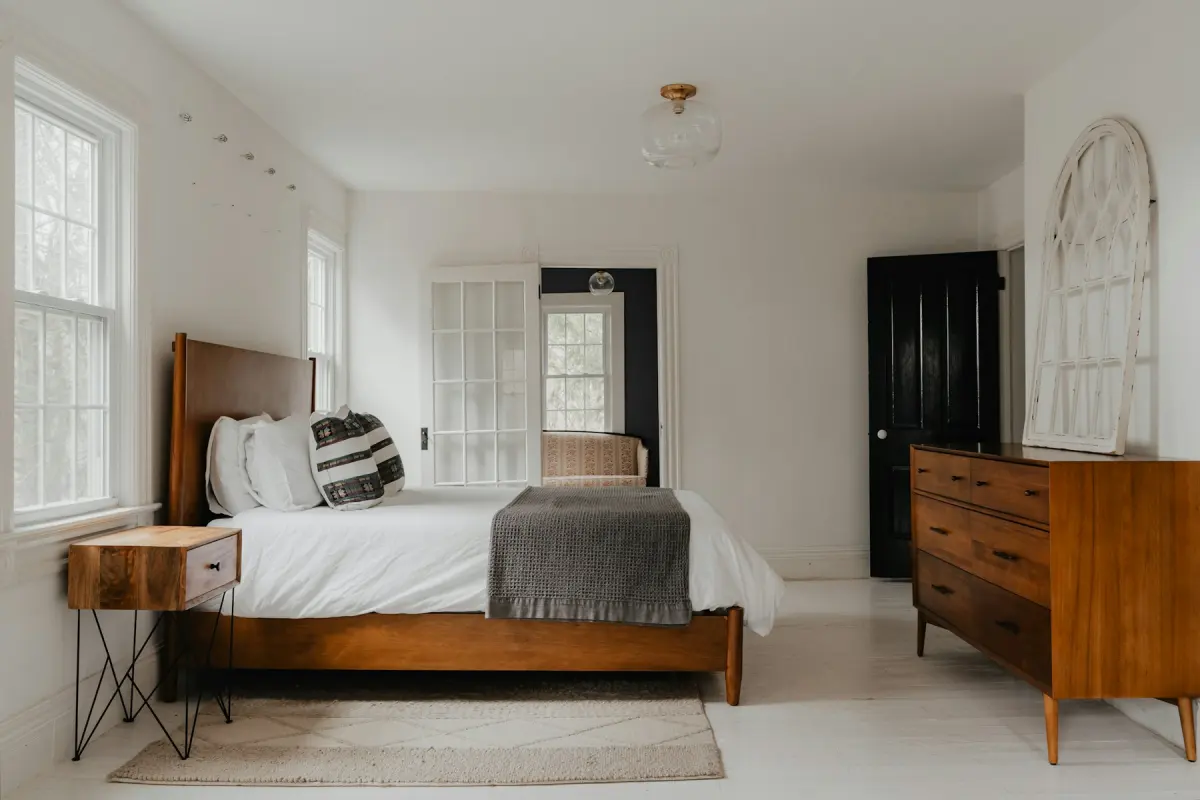 Mid-century
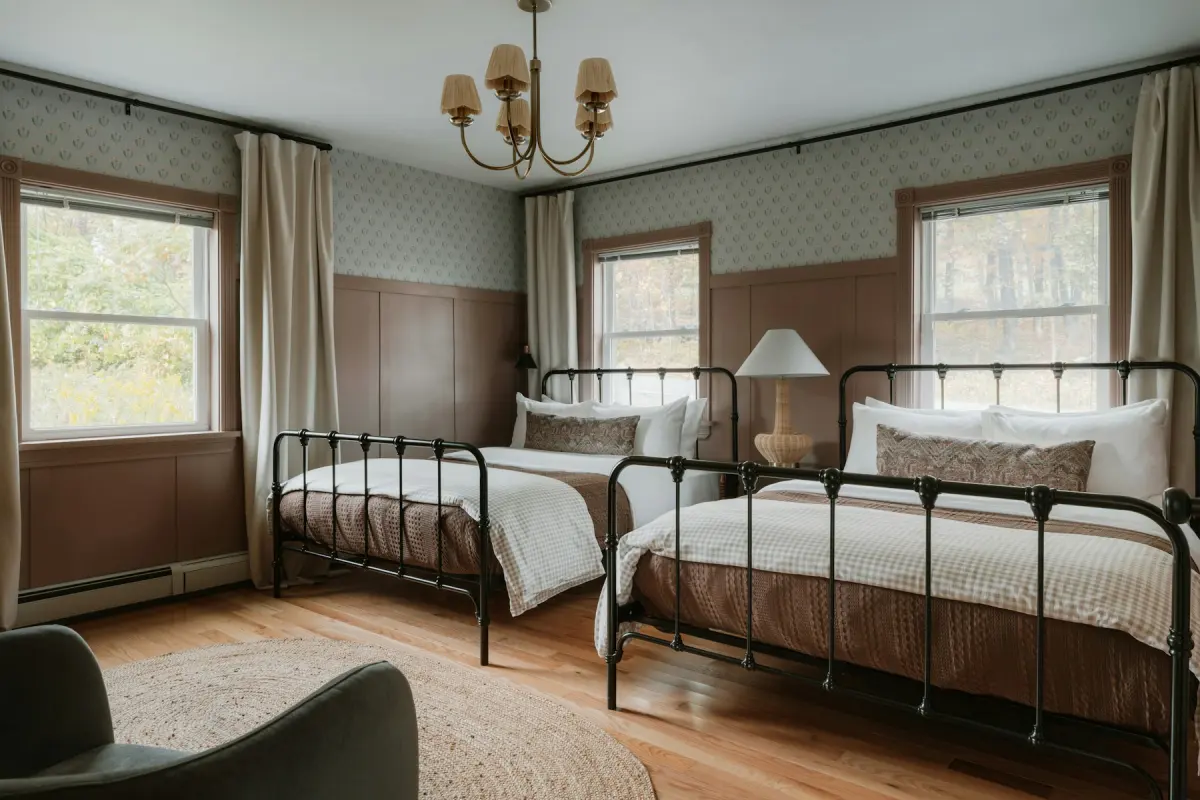 Farmhouse
Example note
Queen bed centered on the wall opposite the door, light oak headboard, white and soft gray linen bedding, two matching nightstands with small lamps, a bench at the foot of the bed. Keep the closet doors and the window clear.
A bedroom with no bed in it is hard to read. Viewers see four walls and a window and have to guess where they would sleep. On the Bedroom setting, Virtual staging adds a made bed with a headboard, pillows and a throw, two nightstands with lamps, a dresser or a bench, an area rug and wall art. Curtains are added only where the photo shows a curtain rod. The bed is the piece people look for first, and everything else is there to frame it.
The headboard normally goes against the longest wall that has no door in it, with the window to one side. The bed should not stand across the closet, and the door needs its full swing. The request already tells the model not to block windows, doors, closets or radiators, but a small bedroom leaves few choices, and that is where mistakes happen. If only one wall makes sense, name it in the note: “headboard on the wall to the left of the window”. In a narrow room, ask for one nightstand or a smaller bed so there is still a way around it.
Shoot from the doorway or the corner beside it, with the camera level and the wall where the bed should go in view from floor to ceiling. Open the blinds and take the photo in daylight. Close the closet doors. If the closet has mirrored doors, stand where you are not reflected in them: photos showing people should not be uploaded.
What goes wrong most often: the bed is drawn too large for the room, the headboard covers part of a window, a nightstand lands in front of the closet, or the bedding is busier than you wanted. Check the result against the original on the before/after slider. Fix furniture problems with the note (“a full-size bed, not a king”, “plain white bedding”, “no curtains”) and another render. If the window or the closet itself has changed, do not use that result. A new render uses credits and draws new furniture; it does not edit the last one.
Best for
- Vacant homes where every bedroom photographs as the same empty box
- A small secondary bedroom that needs to read as a bedroom, not as storage
- Builders showing the primary bedroom of a finished, unfurnished home
- Short-term rental hosts deciding how to furnish a guest room before they buy anything
Settings and tips
- Say the bed size in the note if it matters. A king bed in a small room is the most common fault.
- Curtains appear only where a rod is visible. To keep the window bare, write “no curtains”.
- Give each bedroom in a listing a different style or bedding color, so viewers can tell the rooms apart.
- A bedroom that still holds a bed or boxes needs Remove furniture first; stage the downloaded empty room as a separate render.
Frequently asked questions
More rooms and styles
- Room redesignRestyle a furnished room in one of 12 styles
- Living roomA sofa, chairs, rug and art for an empty living room
- KitchenStools, a small table and light counter styling
- Dining roomA table, chairs and a sideboard sized to the room
- BathroomTowels, a bath mat and a plant; the fixtures stay
- Home officeA desk, an office chair and a bookshelf for a spare room
- Kids' roomA twin or bunk bed, a play table and toy storage