
Outdoor staging
Outdoor Virtual Staging: Furnish a Patio, Deck or Balcony
Outdoor virtual staging adds outdoor furniture, an outdoor rug and planters to a photo of an empty patio, deck, balcony, terrace or backyard.
Upload the photo, choose Outdoor staging, pick a style, and press Generate.
- Patio, deck, balcony, terrace, backyard
- 12 styles
- 2K or 4K
- JPG, PNG, WebP up to 15 MB
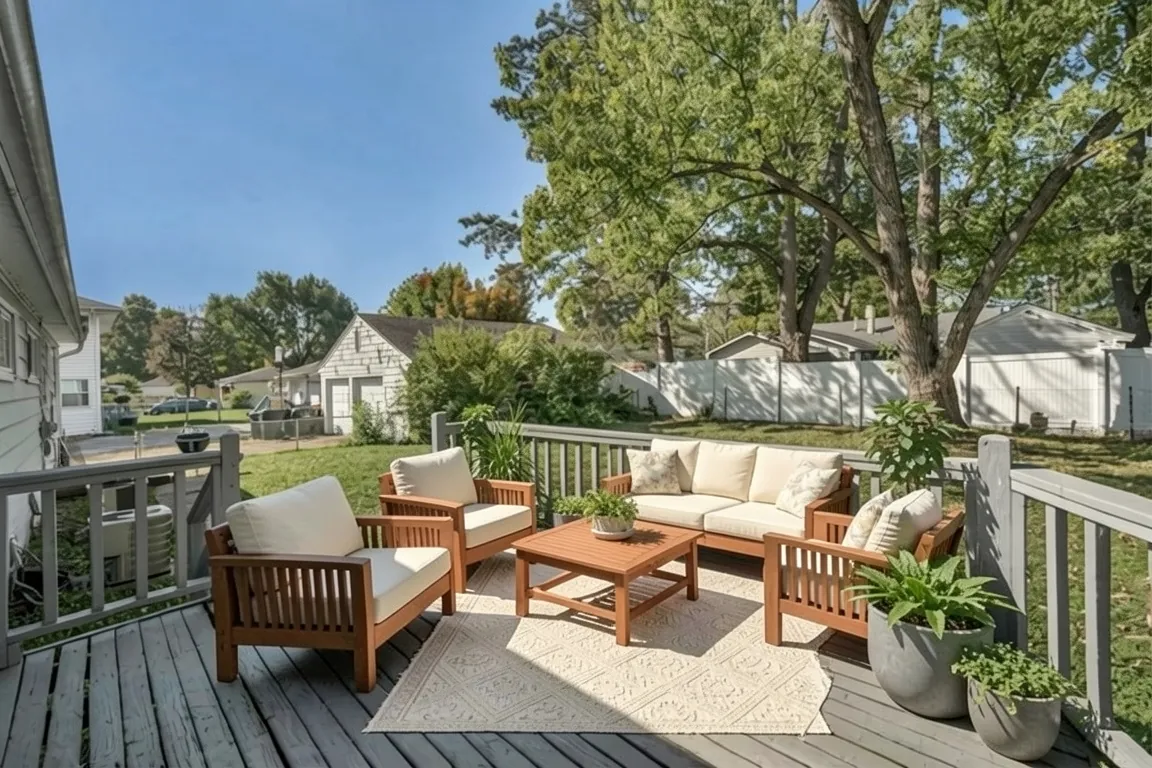
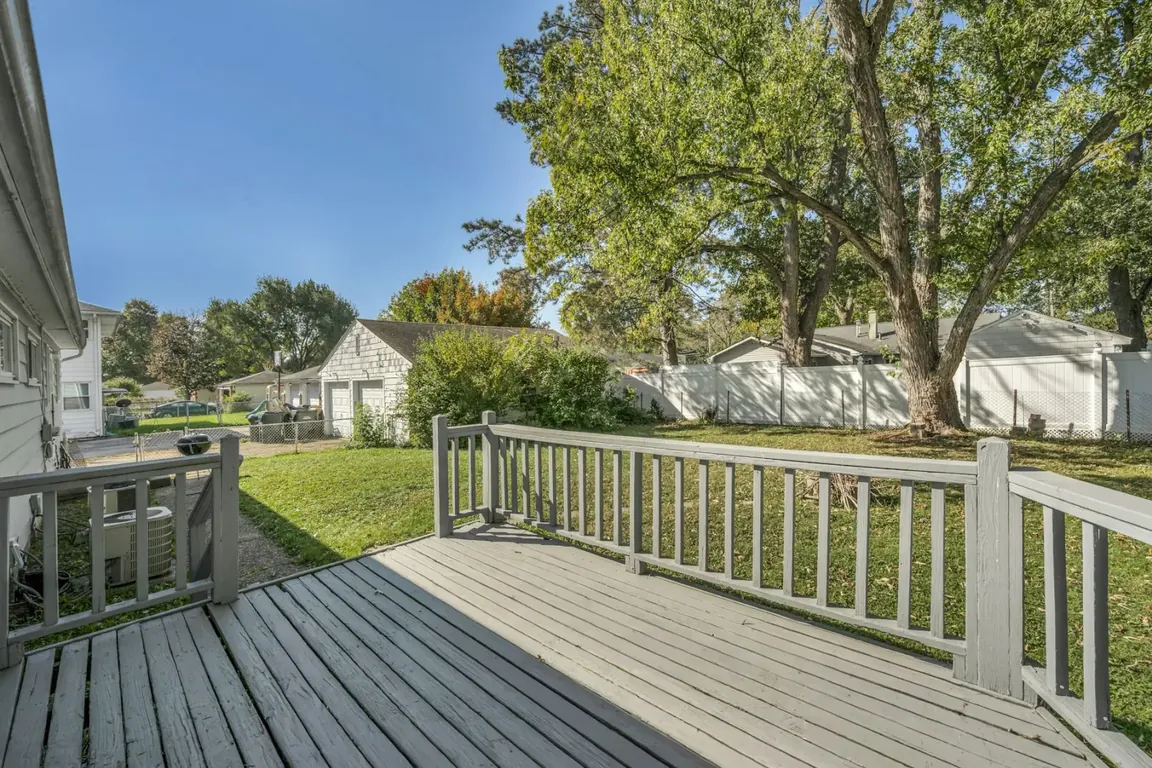 BeforeAfter
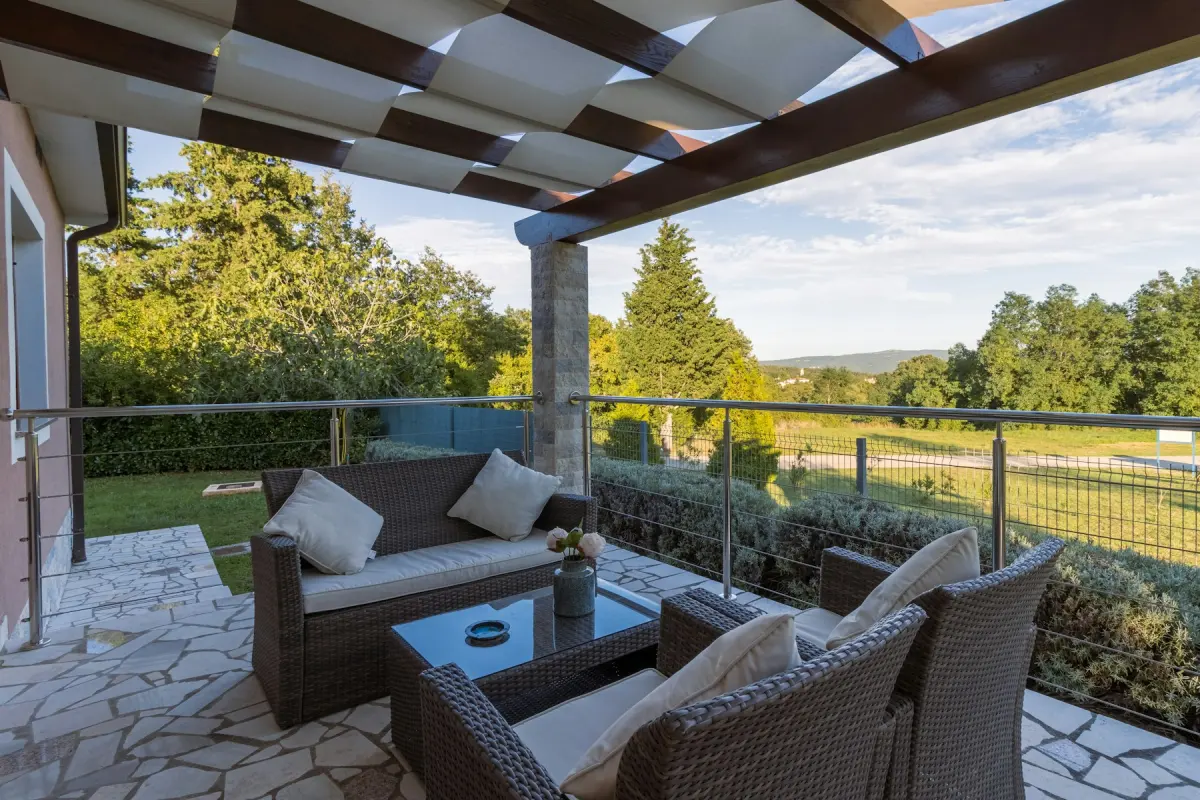
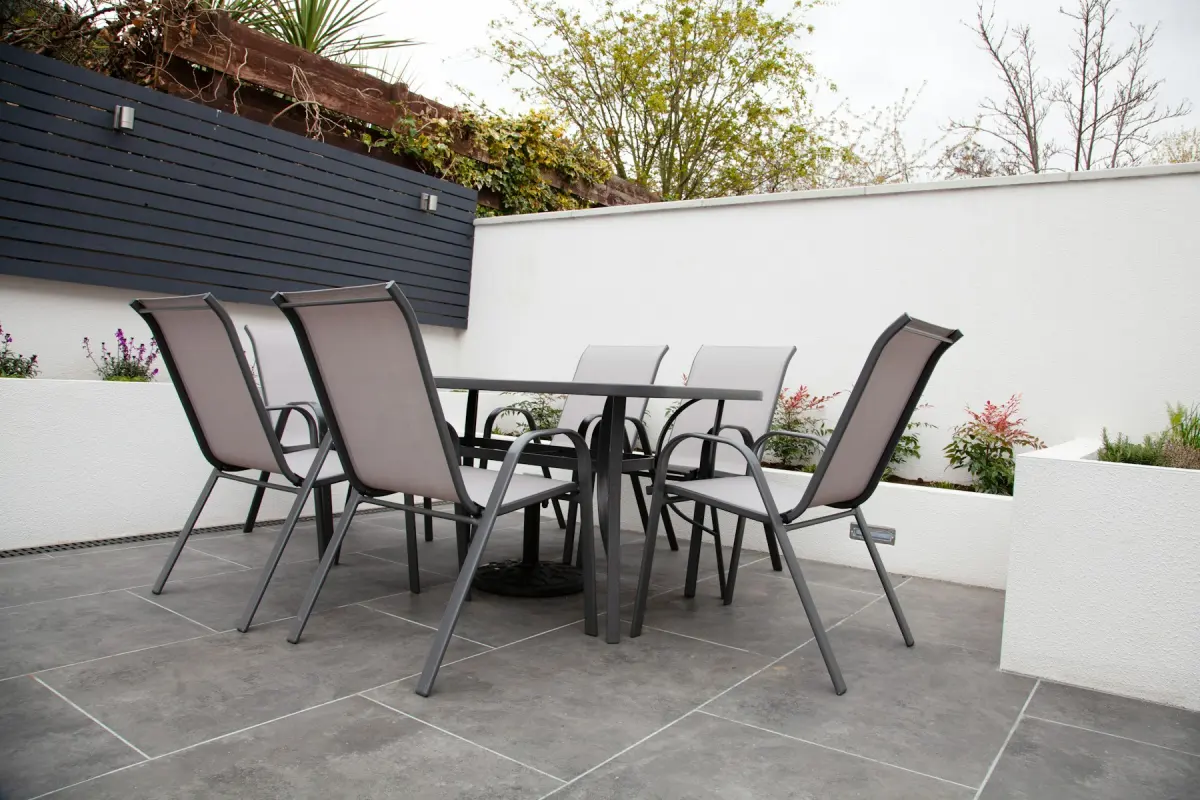
What this kind of photo looks like
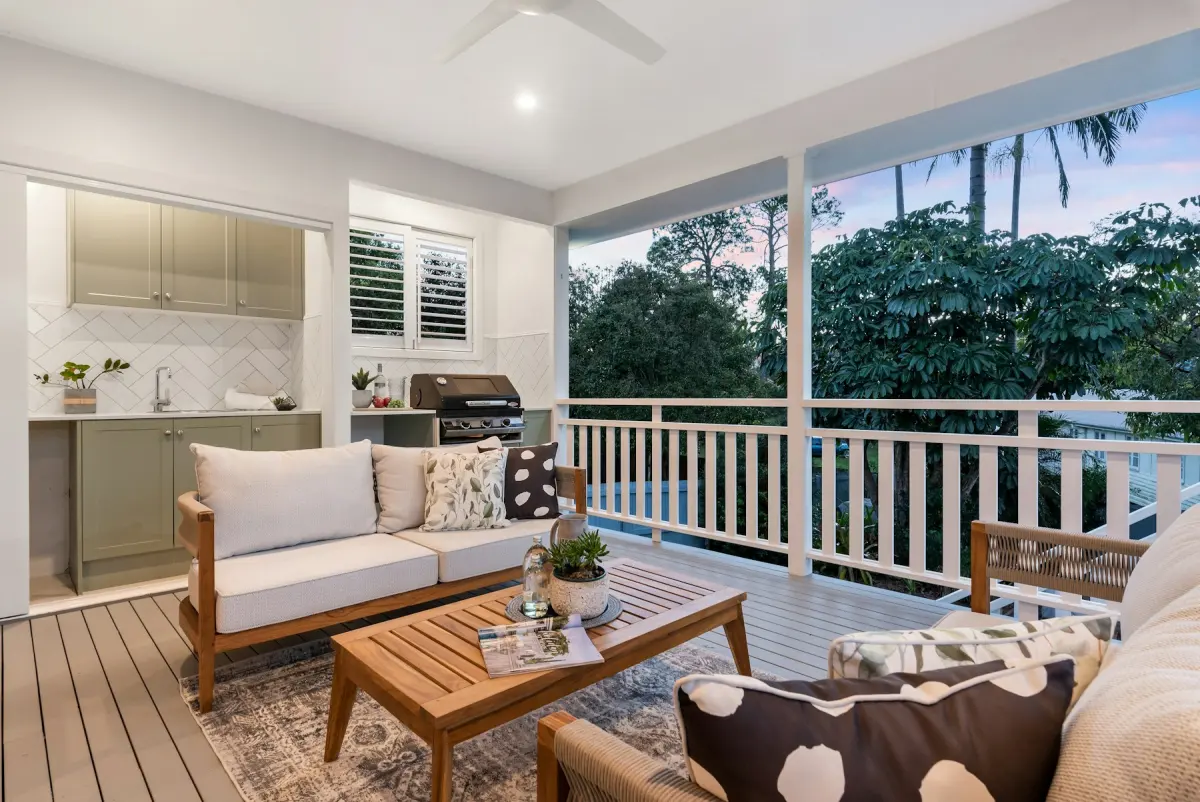
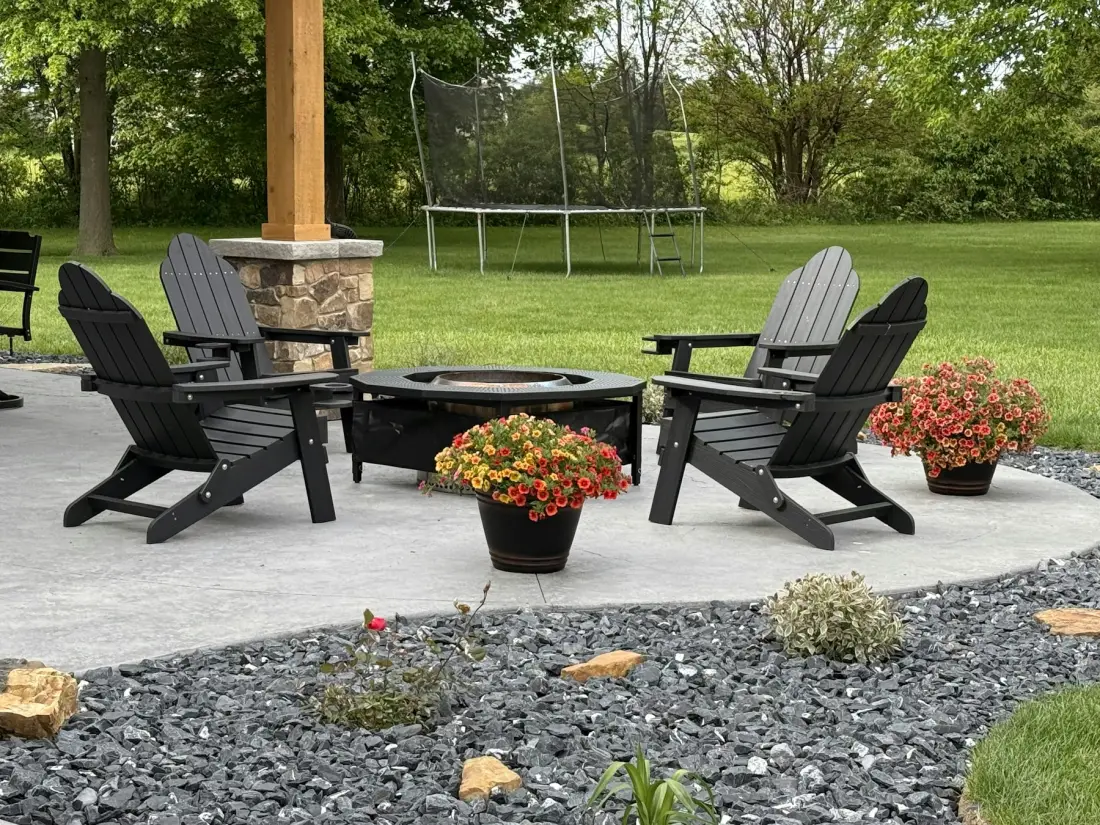
How it works
- 1
Upload the empty outdoor space
Add a single JPG, PNG or WebP photo of up to 15 MB. Frame it so the paving or decking where furniture could stand takes up a good part of the photo.
- 2
Choose Outdoor staging
Pick Outdoor staging under What to do. This mode has no room type to set.
- 3
Pick a style
Choose one of the 12 styles, such as Coastal, Modern or Farmhouse. The style steers the look of the furniture, the rug and the planters.
- 4
Say how the space is used
In the optional note, name the setup you want: “dining table for six”, “two lounge chairs and a side table”, “bistro set for a small balcony”.
- 5
Generate and download
Pick the output size, 2K or 4K, and press Generate. Look over the furnished space on the before/after slider, then press Download.
Settings and tips
- What the mode adds
- Outdoor furniture, an outdoor rug and planters, in the style you picked.
- What it keeps
- Walls, windows, doors, the view and the framing are meant to stay as photographed. The mode furnishes the space; it does not rebuild it.
- Match the furniture to the size
- A narrow balcony and a wide deck need different setups. If the first render crowds the space, ask for less in the note (“one bench and two planters only”) and press Generate again.
- Keep doors and steps clear
- See where the furniture landed. If a sofa blocks the patio door or a planter sits on the steps, say where the pieces belong (“seating against the back wall, door clear”) and render again. Each render uses credits.
- Lawn and sky are separate jobs
- Outdoor staging does not fix brown grass or a gray sky. Those are the Green lawn and Blue sky modes, each a render of its own.
- Clear the space before you shoot
- Photograph the patio swept and empty, in daylight. Hoses, bins and toys left in the frame may still be there in the staged photo.
Good for
- Agents whose listing has an empty patio, deck or balcony that reads as dead space
- Home builders with a new deck or terrace and nothing on it yet
- Short-term rental hosts planning an outdoor setup before they buy it
- Property managers marketing apartments where the balcony is a selling point
- Photographers adding an outdoor living shot to an exterior set
Not the right fit
- Front-of-house photos. For the sky use Blue sky, for the grass use Green lawn, and for a twilight look use Day to dusk.
- Adding things the property does not have. A pool or a view is against the content policy; this mode adds movable furniture, a rug and planters.
- Indoor rooms: use Virtual staging, which has room types.
- A particular furniture set from a shop. The tool cannot place a specific product or measure whether it would fit.
Which outdoor photos to upload
The mode is made for the outdoor living areas of a home: a patio, a deck, a balcony, a terrace or a backyard. Upload a photo of the space itself, taken standing on it or looking onto it, not a street view of the whole house.
Stand in a corner or in the doorway so that the floor area and one edge (a railing, a fence, the garden) are both in view. On a balcony, hold the camera level and include the floor: a photo that shows only the railing and the view leaves nowhere to put a chair.
Patio, deck, balcony, backyard: what to ask for
The mode adds outdoor furniture, an outdoor rug and planters, and the note decides what kind. For a patio or deck, ask for a dining set or a lounge group. For a balcony, a small table and two chairs is usually all that fits. In a backyard, say which paved or decked area the seating belongs on.
Ask for one use per photo. A deck shown as a dining area in one render and as a lounge in another gives you two photos to choose from; a note that asks for both at once can crowd the space.
Staged outdoor photos in listings and rentals
Furniture in a staged patio photo does not come with the home, and buyers should be told so. Many MLSs and portals allow virtual staging when it is disclosed and the property is not misrepresented; rules differ by MLS, portal, state and country, so check yours. A checkbox at download puts a “Virtually staged” label in the lower-left corner of the photo.
Short-term rentals are different: a guest expects to find what the photo shows. Use the staged photo to plan the setup, then photograph the real furniture once it is in place.
How outdoor staging works
Your photo, the style and the note go to Google’s Nano Banana 2.1 image model, with an instruction to add outdoor furnishings and to leave walls, windows, doors, the view, the camera angle and the framing unchanged. It is an instruction, not a guarantee, and no human designer edits the result. If anything other than the furnishings changed, render again.