
Blue sky
AI Sky Replacement for Real Estate Photos
AI sky replacement for real estate photos swaps a gray or dull sky for a clear blue sky with a few clouds, and the photo stays a daytime photo.
Upload the exterior, choose Blue sky under What to do, and press Generate.
- Clear blue sky, a few clouds
- JPG, PNG, WebP up to 15 MB
- 2K or 4K
- Kept 14 days
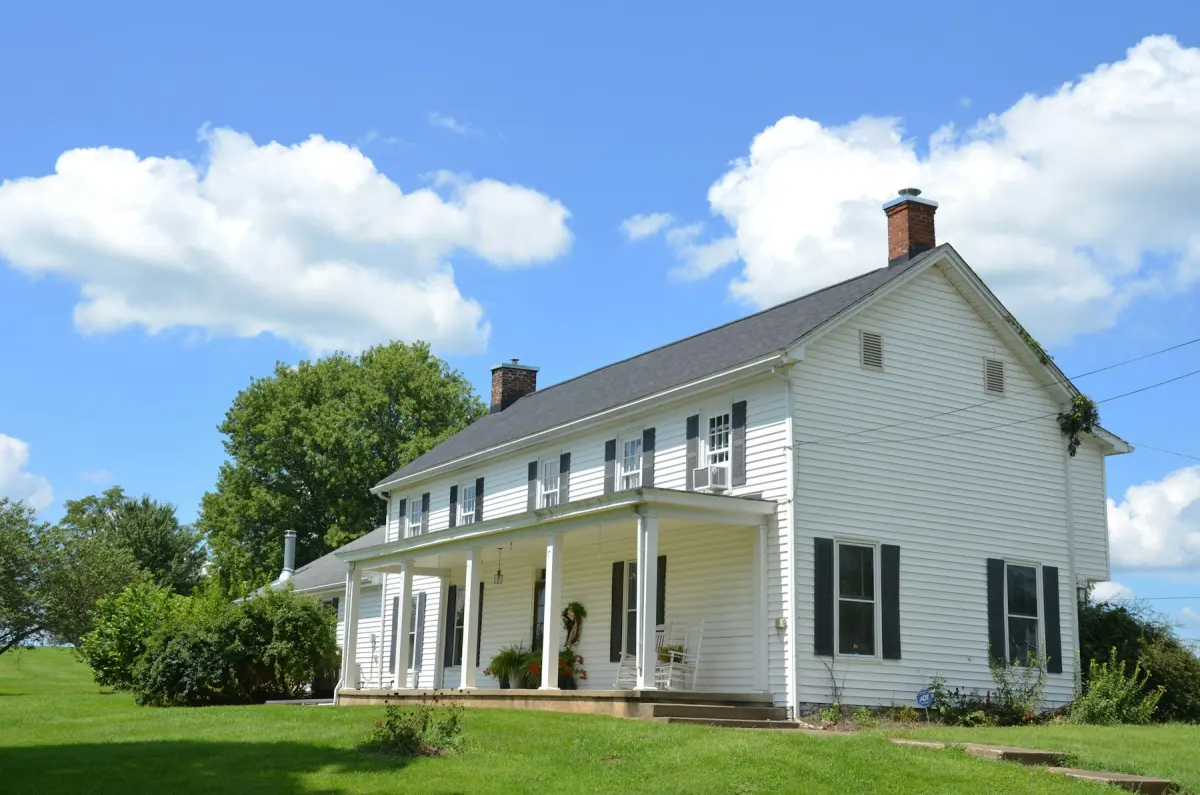
What this kind of photo looks like
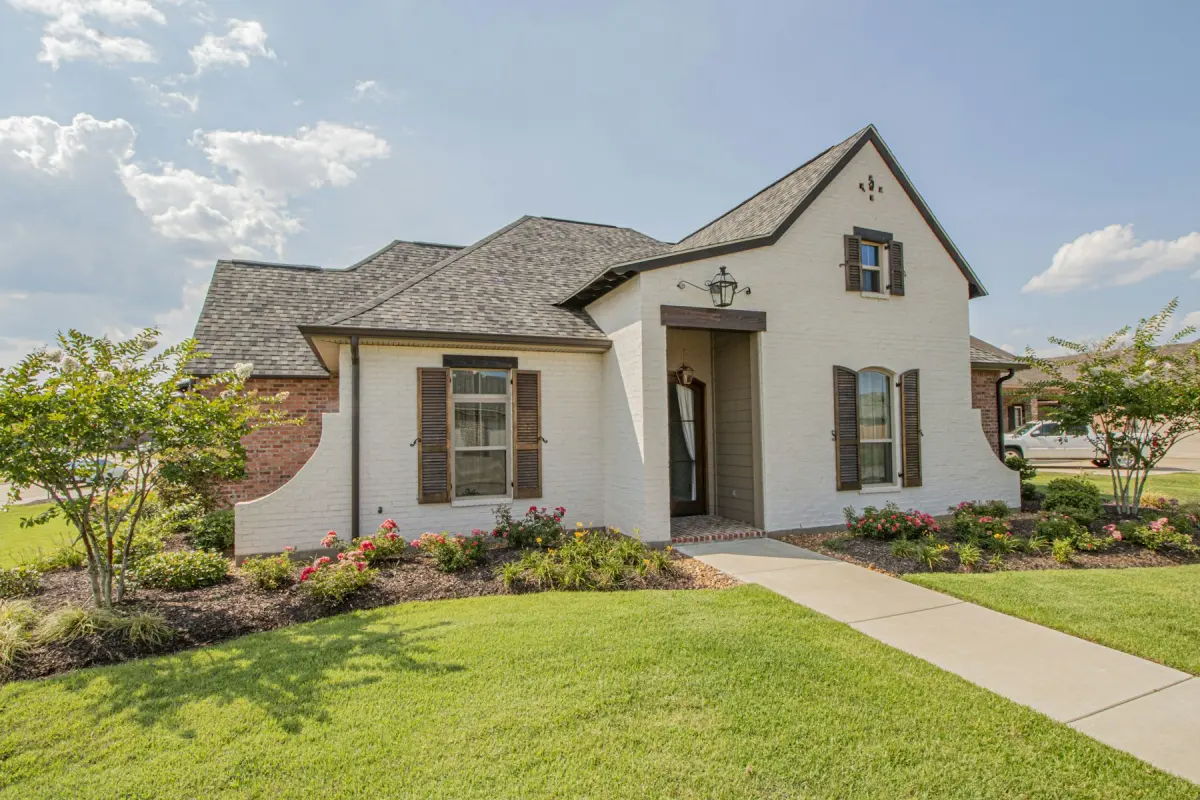
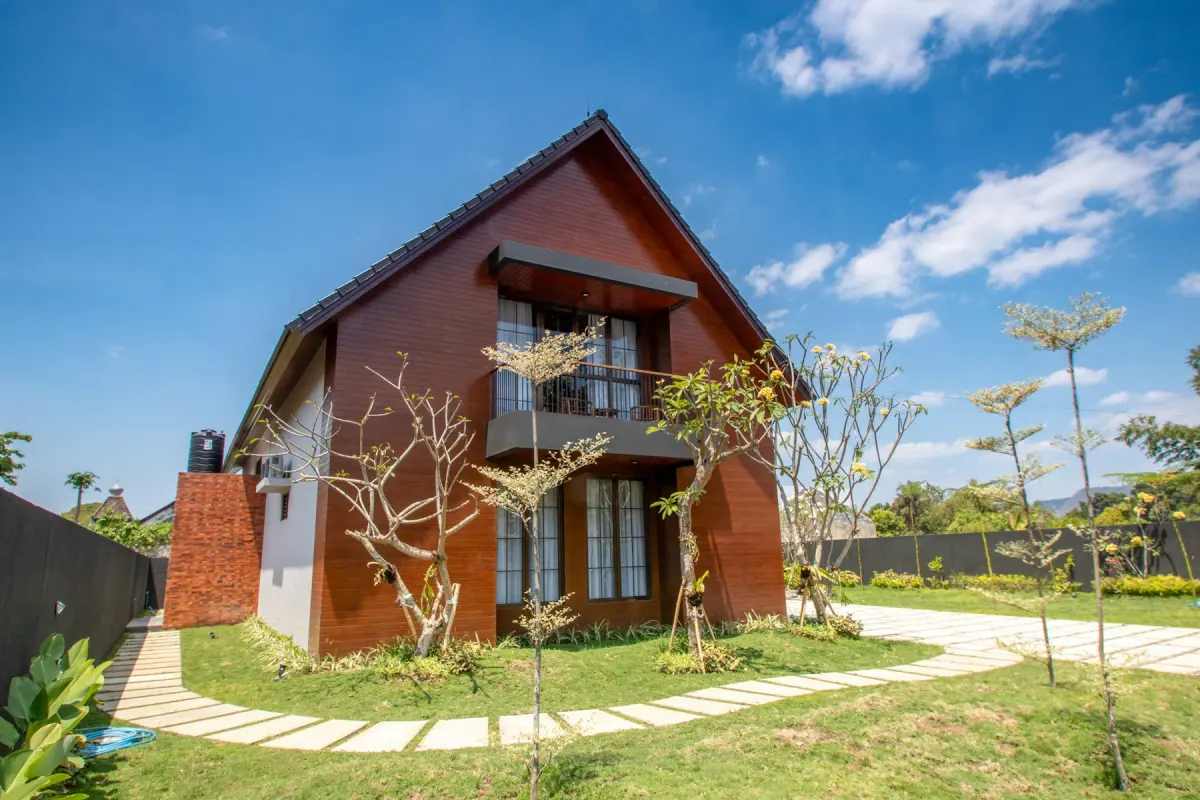
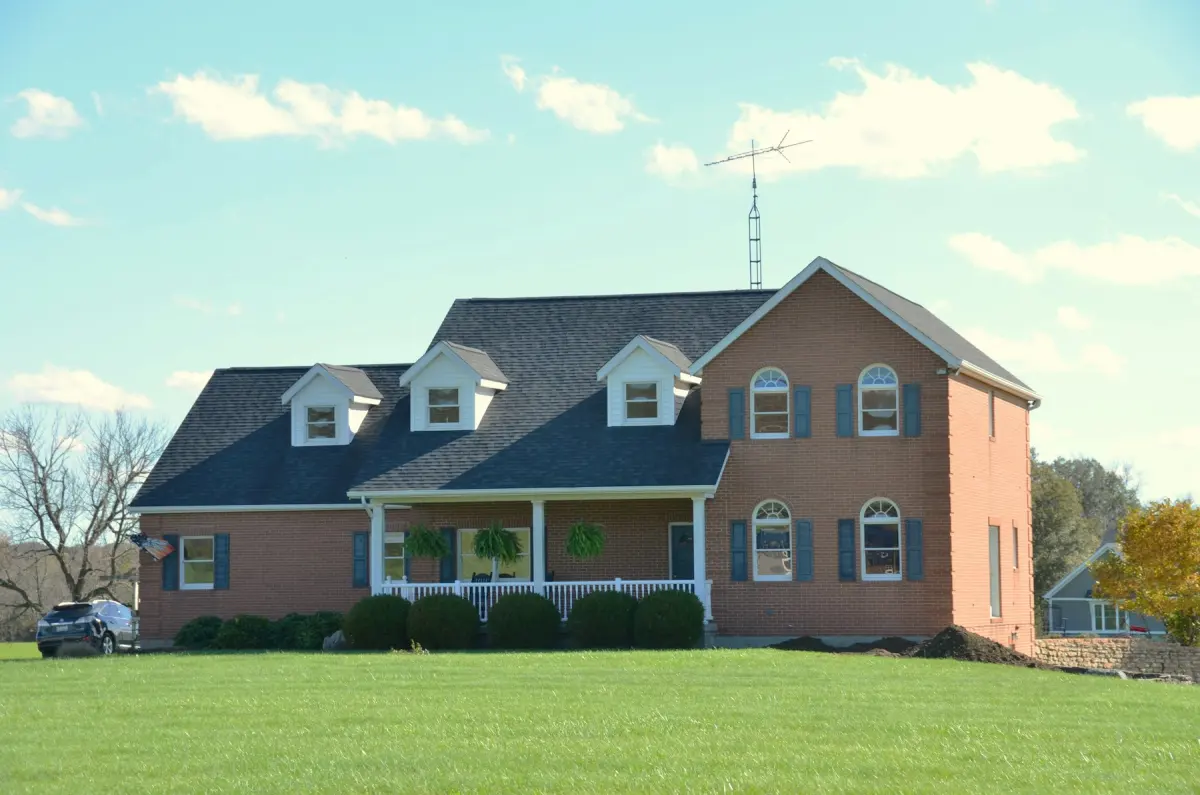
How it works
- 1
Upload the exterior with the gray sky
The upload takes a single JPG, PNG or WebP of up to 15 MB. Photos larger than 4096 px on the long edge are scaled down in your browser before upload.
- 2
Choose Blue sky
Pick Blue sky under What to do. The mode has no room type or style, and most photos need no note.
- 3
Press Generate
Choose 2K or 4K first; most photos are ready while you wait.
- 4
Check the edges, then download
On the slider, follow the roofline, the chimneys and the tree branches where they meet the new sky. If they look right, press Download.
Settings and tips
- What the mode replaces
- The sky. A gray or dull one becomes clear blue with a few clouds.
- What it leaves alone
- The house and the view are meant to stay as shot. Blue sky does not turn the grass green (that is Green lawn) and does not change the time of day (that is Day to dusk).
- Give the sky some room
- A photo where the sky is a thin strip above the roof changes little. One with sky above and beside the house shows the difference.
- Fine detail against the sky
- Bare branches, antennas, railings and wires are the hard part of any sky swap. Zoom in on them after you download; if branches were thinned out or a chimney lost its edge, render again.
- Do not lose the wires
- Power lines and neighboring buildings are part of what a buyer will see on a visit. If the new sky wiped them out, that result misrepresents the property: render again with a note such as “keep the power lines and the building on the right”.
- Wet ground under a blue sky
- A blue sky over puddles, wet pavement or snow can look edited. The mode changes the sky and not the ground, so choose a photo where the ground is dry.
Good for
- Photographers whose shoot day turned out overcast and cannot be moved
- Agents with good exterior photos and a flat white sky
- Property managers refreshing building exteriors that were shot in winter
- Home builders photographing finished houses on a fixed schedule
Not the right fit
- A sunset or twilight sky: use Day to dusk, which adds a dusk sky and lit windows.
- Removing power lines, antennas or the building next door. Those are real features; hiding them misrepresents the property and is against the content policy.
- A folder of exteriors in one go. The generator takes one photo per render and has no batch upload and no API.
- Brown grass or an empty patio in the same photo: run Green lawn or Outdoor staging as separate renders.
When a sky replacement makes sense
Weather is the one part of an exterior shoot nobody controls. The house is ready, the photographer is booked, and the sky is a flat gray sheet. Replacing the sky keeps the shoot and changes the backdrop.
The Blue sky mode makes one kind of sky: clear blue with a few clouds. There is no menu of skies to pick from.
Sky, dusk or lawn: which exterior mode
The three exterior modes each change one thing. Blue sky changes the sky and keeps it daytime. Day to dusk changes the time of day: dusk sky, warm windows, exterior lights on. Green lawn changes the grass.
A photo that needs two of them needs two renders: download the first result, upload it again and pick the second mode. Every render uses credits, so begin with the mode that fixes the biggest problem and see whether the other is still needed.
How the sky is replaced
Virtual Staging Maker sends your photo to Google’s Nano Banana 2.1 image model with an instruction to replace the sky and to keep the building, the view, the camera angle and the framing unchanged. The result is a JPG with the aspect ratio of your upload.
The instruction is not a guarantee, and nobody retouches the result by hand. Look at before and after each time, and render again if anything below the sky changed.
Blue skies and honest listings
A sky replacement is an edit, and rules on edited photos differ by MLS, portal, state and country. Check your own before you publish, and disclose the edit where that is required.
What must never change is the property. Everything under the sky should match the original photo.