
Fix and flip
Virtual Staging for House Flippers
Virtual staging for house flippers covers both ends of a flip: a virtual renovation preview before the work starts and furnished photos of the finished rooms for the listing.
Upload a photo of the room as it is today, choose Renovate, a room type and a style, and press Generate.
What this kind of photo looks like
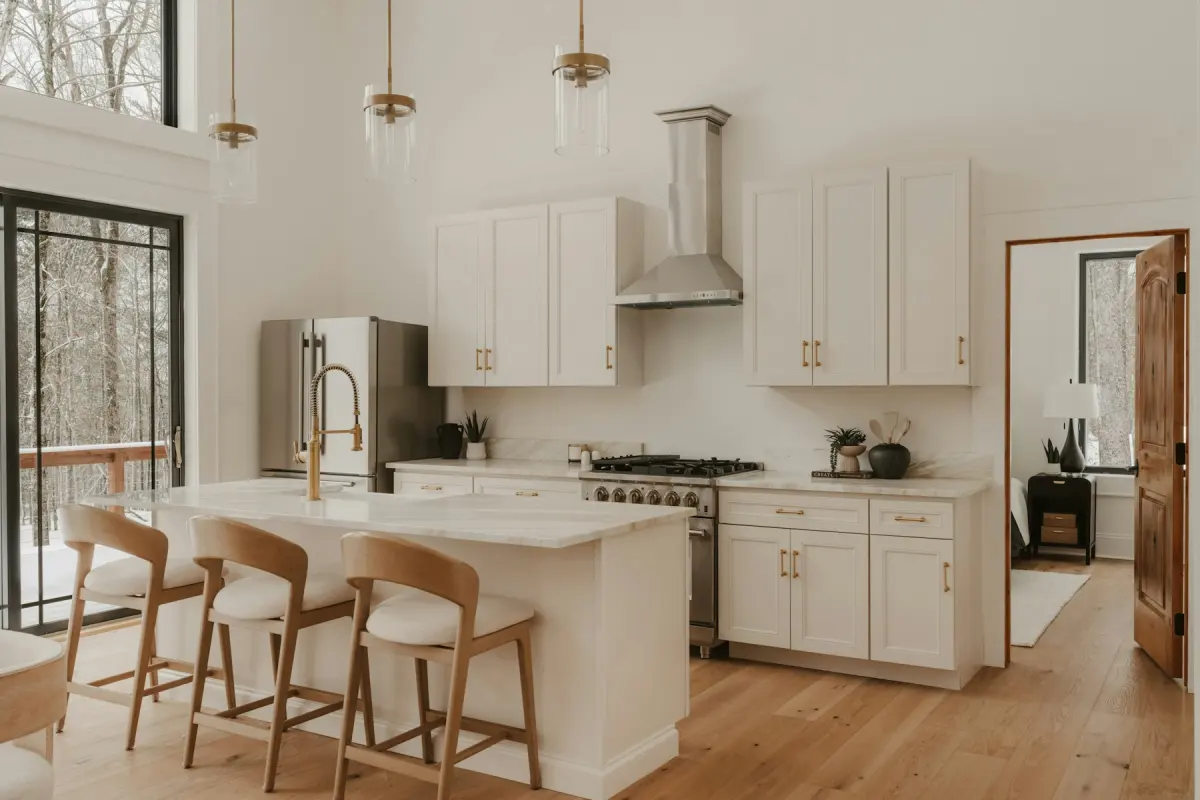 Kitchen
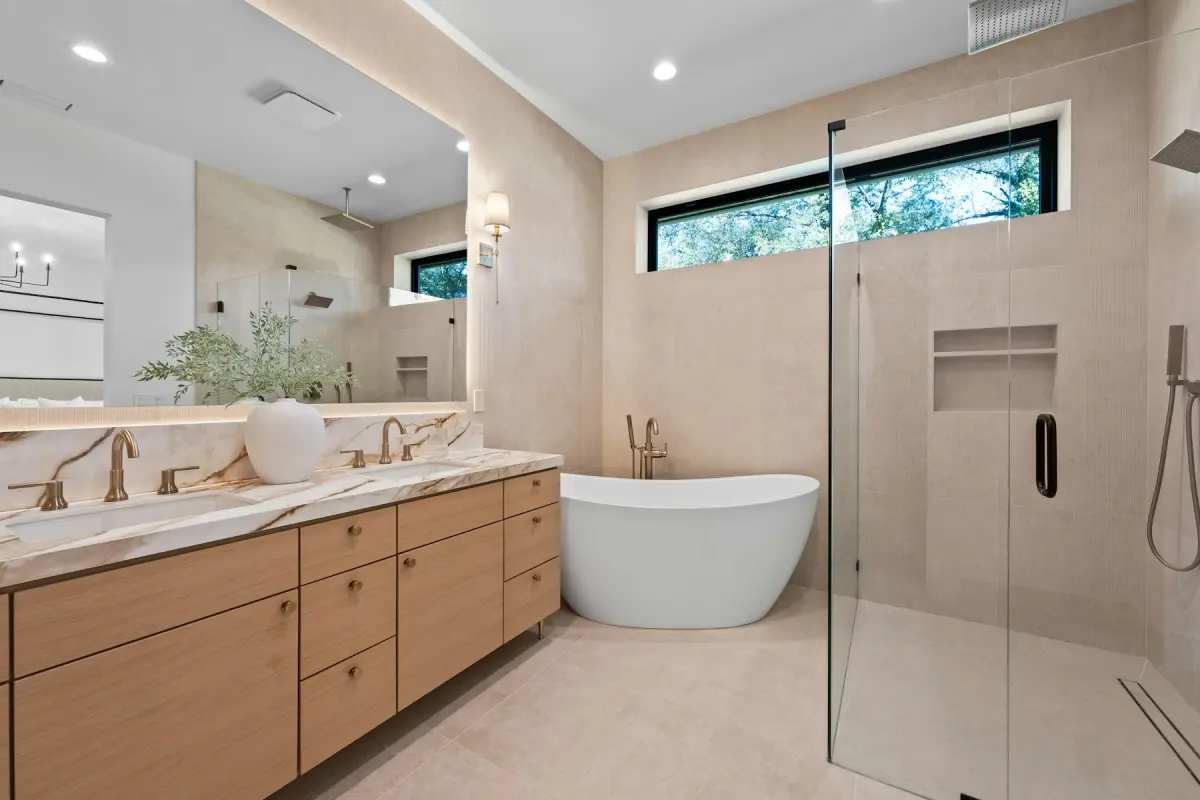 Bathroom
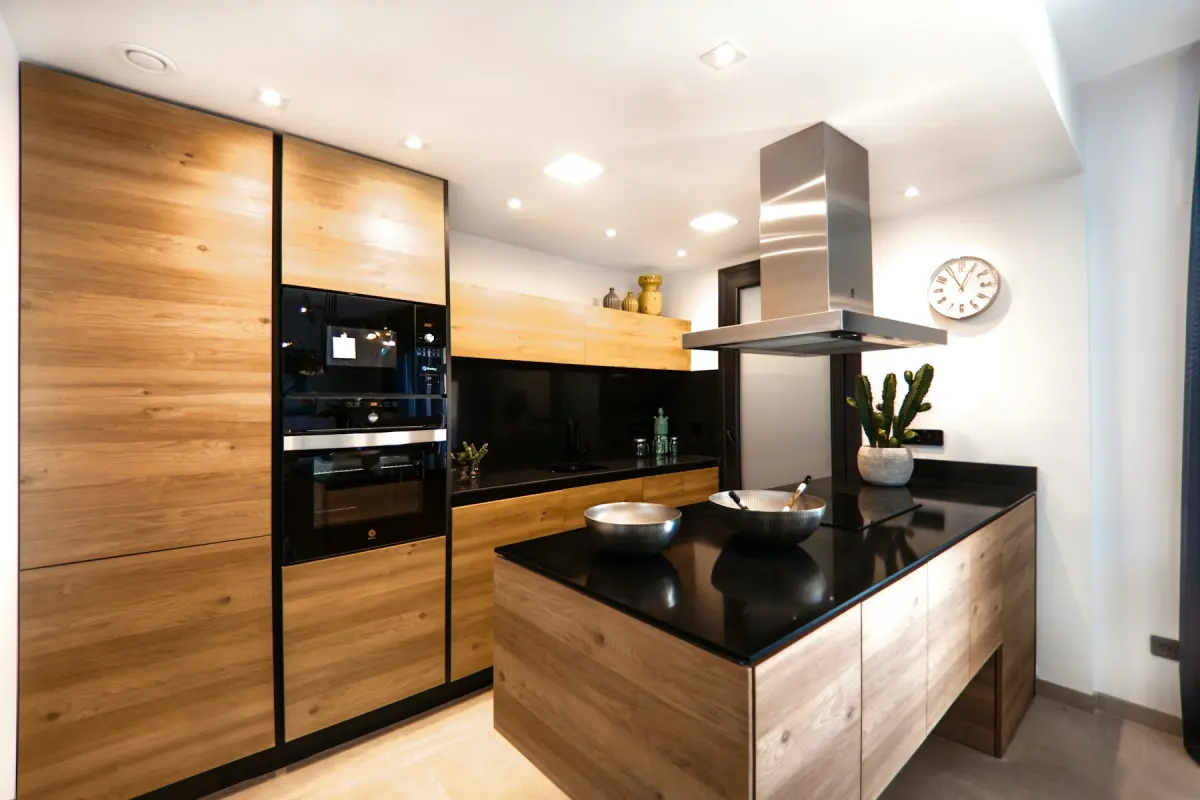 Modern
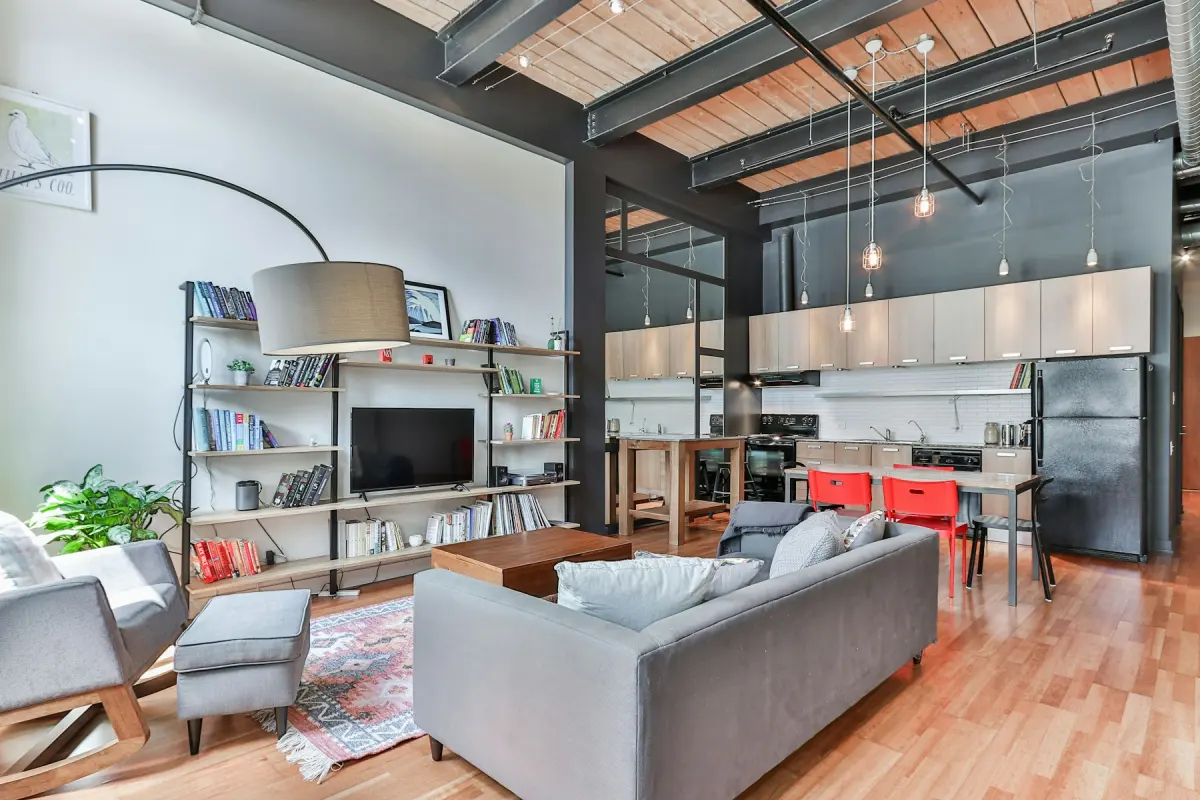 Industrial
Recommended settings
| What to do | Renovate before the work; Virtual staging once the work is done |
|---|---|
| Room | Kitchen first, then Bathroom: Renovate changes the most there |
| Style | Modern, and the same style for the preview and the final staging |
| Output size | 2K for previews; 4K if the finished photos go to print |
| Note | Name the finishes you are pricing, e.g. “white shaker cabinet fronts, light stone countertops” |
How it works
- 1
Photograph the house as you bought it
Shoot the kitchen, the bathrooms and the main rooms before demolition. These photos are also your record of the starting point.
- 2
Preview the remodel with Renovate
Upload a photo, keep Renovate selected, set Room and Style, and press Generate. Try another style before you order materials.
- 3
Do the work
Use the preview as a direction for you and your contractor. The real room decides what the listing photo shows.
- 4
Stage the finished rooms
After the final clean, photograph the empty rooms and run Virtual staging in the same style.
- 5
Download and disclose
Add the “Virtually staged” label at download and check your MLS rules before you list.
Before the work: preview the remodel
On the day you get the keys, the kitchen has the old cabinets and the bathroom has the old tile. Renovate shows the same room after a cosmetic remodel: new wall paint, flooring, light fixtures and hardware. In a kitchen it also changes cabinet fronts, countertops and backsplash, and in a bathroom the vanity, tiles and fittings.
It keeps the room's size and the position of windows, doors and plumbing. That matches the kind of flip where the layout stays and the surfaces change. If your plan moves a wall or relocates the sink, the preview will not show it.
Use it to make decisions early. Render the kitchen in Modern and in Farmhouse and compare them, or show a partner or a contractor which way you are heading. Each render uses credits and there are no free re-renders, so change the style or the Note on purpose and not at random.
What a preview is not
A Renovate result is a photo, not a plan. The tool cannot measure the room and cannot place a specific product, such as the cabinet line you are buying, and it gives no quantities or costs. Use it for the look and get the numbers from your contractor.
It also shows work that has not happened. If you sell the house as it stands and want to show a buyer what it could become, put the preview next to the real photo and mark it clearly as a concept. Never present it as the room's current state.
If the previous owner's furniture is still in the room, run Remove furniture first. It takes out furniture, rugs, lamps, curtains and belongings and leaves built-in things such as cabinets, appliances and fireplaces.
After the work: stage what you built
A finished flip is an empty house with new surfaces. Photograph it after the final clean and use Virtual staging on the living room, the dining area and the main bedroom. The new kitchen and bathrooms are real now, so their photos can go out as shot.
The finishes are what the buyer pays for, so check them on every result. The model is told to keep walls, windows, doors and built-in fixtures unchanged; that is an instruction and not a guarantee. If a staged photo shows a floor or a cabinet that differs from yours, render again.
Staging changes the photos and not the showing. Buyers will still walk into empty rooms, so label the staged photos and check what your MLS requires: rules differ by MLS, portal, state and country.
The front of the house
Day to dusk turns a daytime exterior into a twilight photo with a dusk sky, warm light in the windows and the exterior lights on, which suits a lead photo. Blue sky replaces a gray sky.
A flip often ends with a yard that is half dirt. Green lawn makes brown, patchy or bare grass green and tidy, but the buyer sees the real yard at the showing. Lay the sod, or leave the photo as it is.
Not the right fit
- Layout changes such as moving a wall, adding a window or relocating plumbing: Renovate keeps the room's size and the position of windows, doors and plumbing. Get drawings from a designer or an architect.
- Budgets, measurements or material lists: the tool returns a photo and cannot measure a room. Ask your contractor.
- Hiding cracks, water stains or damage you did not fix: that misrepresents the house and is against the content policy. Fix it or show it.
- Showing your exact products: it cannot place a specific item from a shop. Photograph the finished room.