
Bathroom Virtual Staging: Towels, a Bath Mat and a Plant
Bathroom virtual staging adds folded towels, a bath mat, a small plant and simple counter styling to a photo of a bare bathroom, while the vanity, tub, shower, toilet and tiles are meant to stay as they are.
Upload the photo, keep Virtual staging and Bathroom selected, pick a style such as Minimalist, and press Generate.
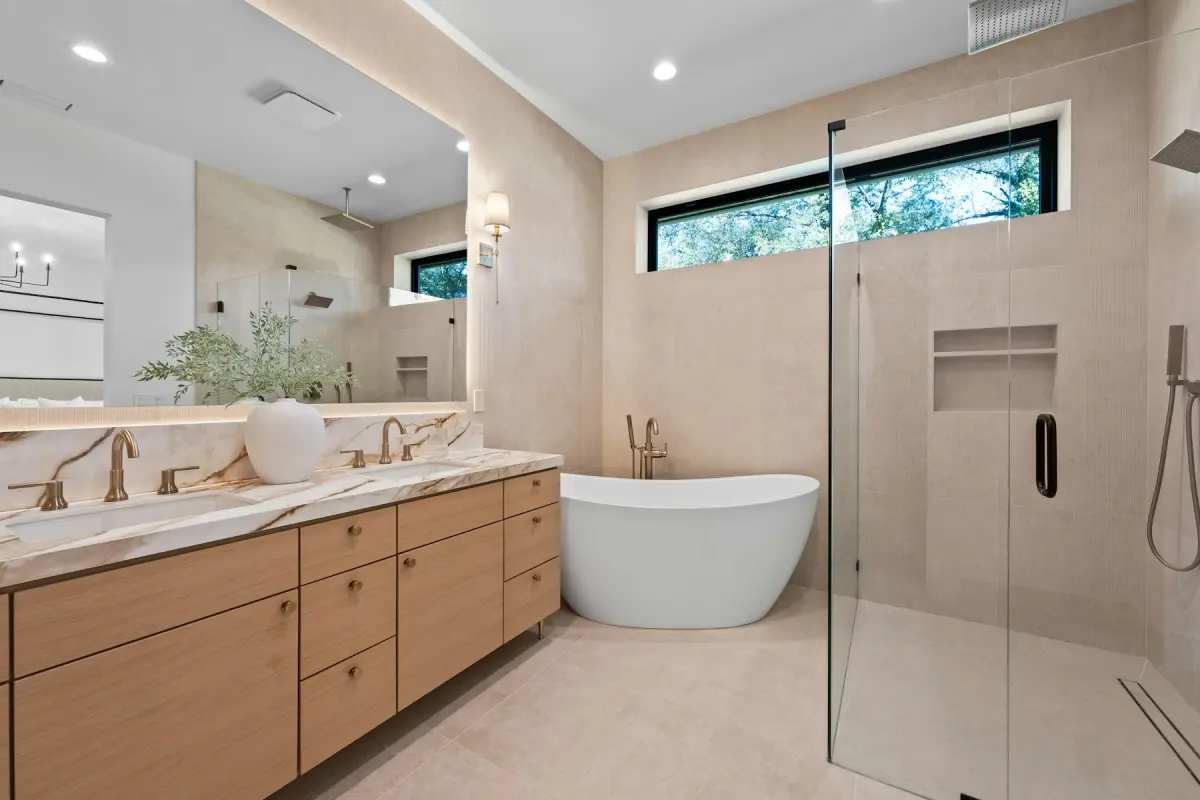
Style inspiration
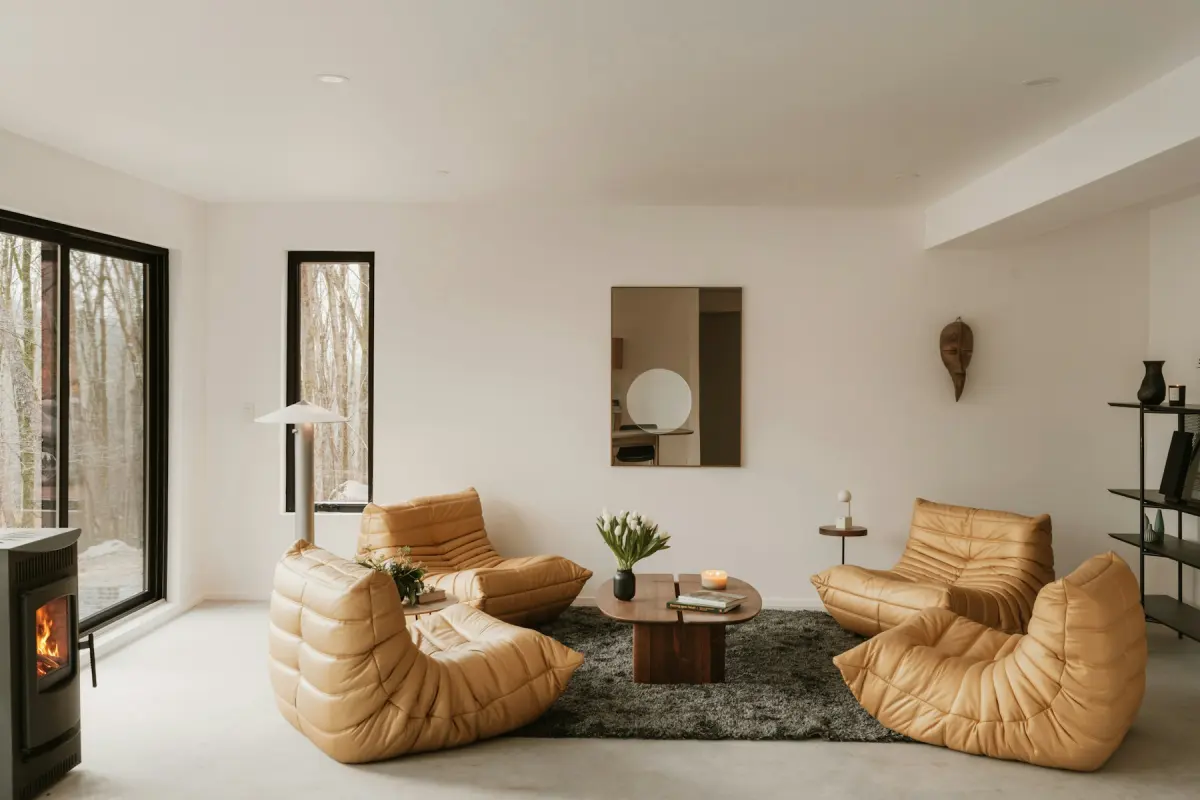 Minimalist
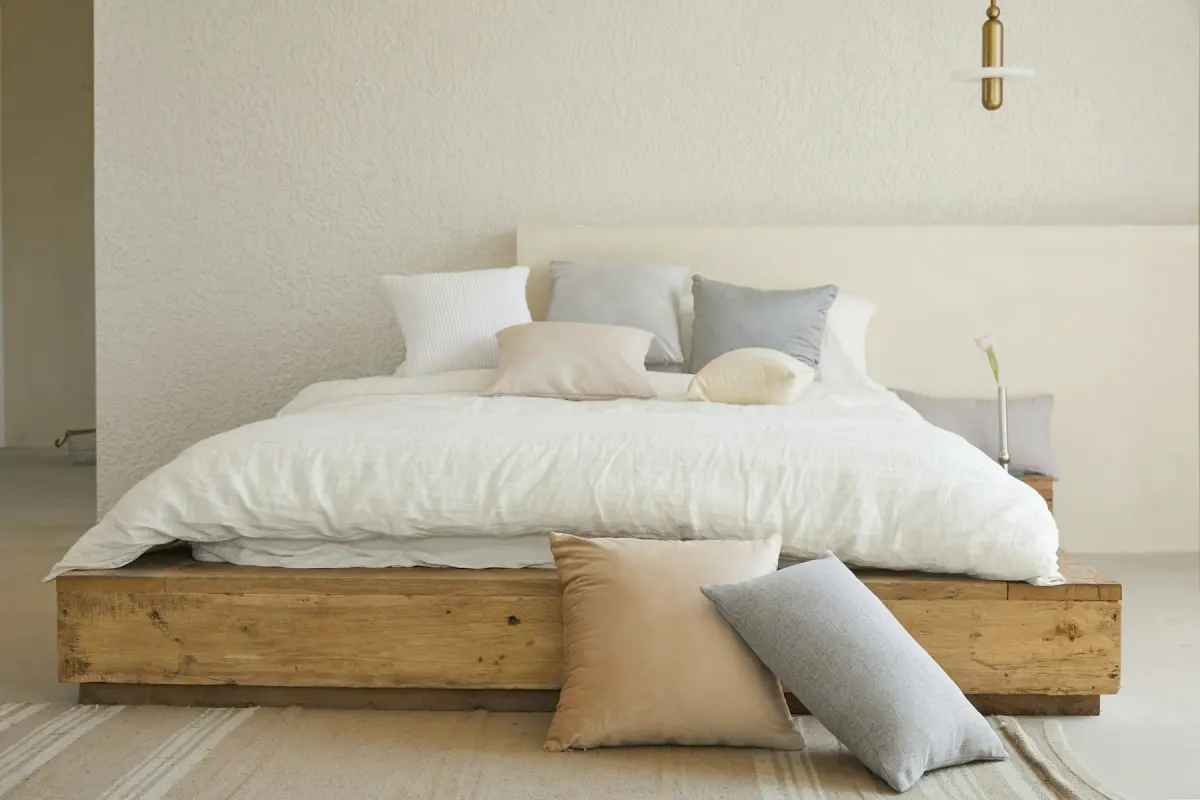 Minimalist
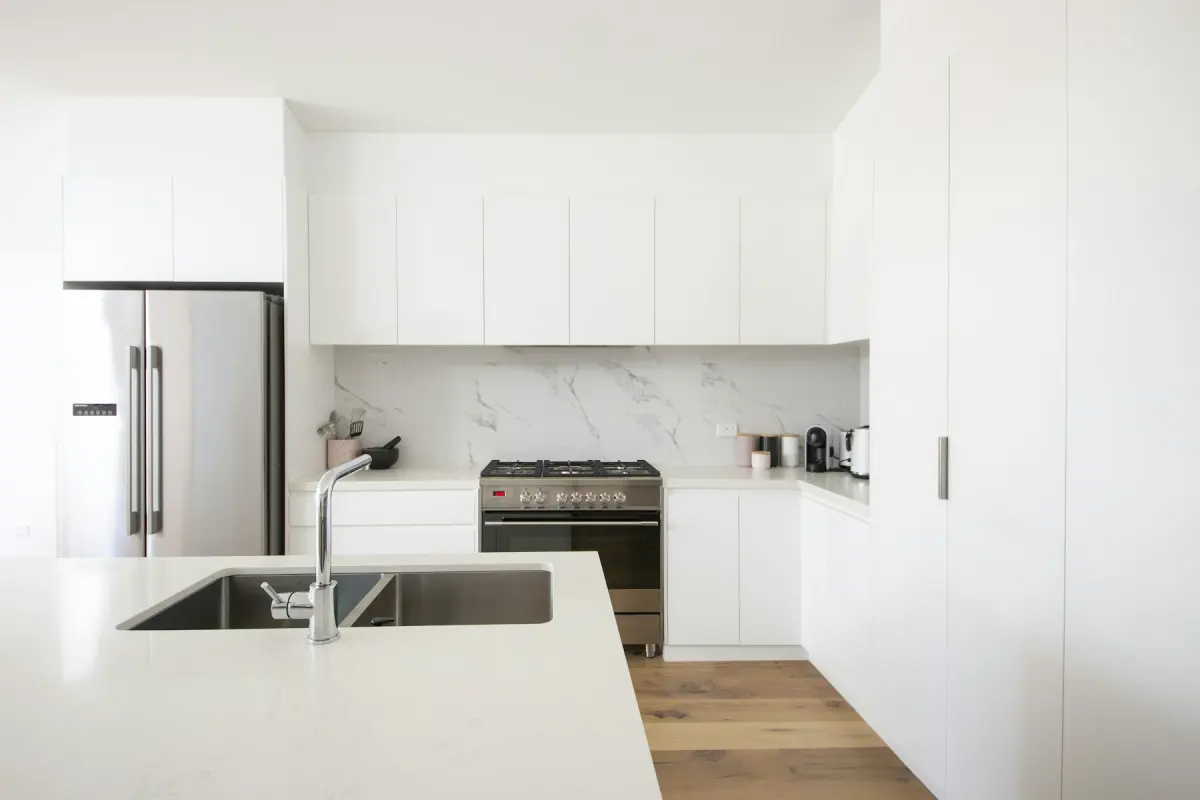 Minimalist
Example note
Two folded white towels on the vanity, a light gray bath mat in front of the tub or shower, a small green plant and a glass soap dispenser by the sink. Nothing on the toilet tank or the tub edge, no candles, no shower curtain.
A bathroom has no furniture to add, so staging it means accessories. On the Bathroom setting, Virtual staging adds folded towels, a bath mat, a small plant, a soap dispenser and simple counter styling, and the request says to keep the vanity, tub, shower, toilet and tiles as they are. That restraint is deliberate. Buyers and renters look at a bathroom photo to judge the fixtures and the tile, and a few soft items are enough to make a hard, bare room look cared for without getting in the way.
Placement is simple but worth stating. Towels go on the vanity, on a shelf or over an existing towel bar. The mat lies in front of the tub or the shower, not across the doorway. The plant sits at the back of the counter or on the windowsill, where it does not hide the faucet. Nothing should cover tile you want to show, the shower glass should stay clear, and a windowsill should stay mostly empty so the daylight still reads.
Bathrooms are small, so stand in the doorway, hold the camera level at about chest height and get the vanity and the tub or shower into one frame. Check the mirror before you press the shutter: you and the camera should not be in it, and photos showing people should not be uploaded. Put the toilet lid down, switch on all the lights and carry your own bottles and brushes out of the room. If you cannot, run Declutter on the photo first; it removes toiletries and other loose items and keeps everything else in place.
What goes wrong is either excess or a changed fixture. If the result has towels on every surface, candles along the tub or a rug that hides the floor tile, ask for less in the note: “two towels and one plant only”. Then look closely at the before/after slider, because a bathroom is full of built-in detail. The faucet, the mirror, the tile pattern and the grout lines should match the original; if any of them changed, render again. A new vanity, new tiles or new fittings are a job for Renovate, not staging. Stains, cracks and damage are another matter again: Virtual Staging Maker is not for hiding defects.
Best for
- Clean, updated bathrooms that photograph as cold and bare
- Vacant rentals where the bathroom is one of only a few photos
- New-build bathrooms with nothing on the counters yet
- Short-term rental hosts showing the room the way they will set it up for guests
Settings and tips
- Name the towel color in the note. White works with almost any tile.
- Close the toilet lid and check the mirror for your reflection before you take the photo.
- Keep it sparse: a bathroom needs fewer props than any other room.
- Virtual staging only adds accessories here. Use Declutter to clear toiletries and Renovate to show a new vanity, tiles or fittings.
Frequently asked questions
More rooms and styles
- Room redesignRestyle a furnished room in one of 12 styles
- Living roomA sofa, chairs, rug and art for an empty living room
- BedroomA made bed, nightstands and a rug for an empty bedroom
- KitchenStools, a small table and light counter styling
- Dining roomA table, chairs and a sideboard sized to the room
- Home officeA desk, an office chair and a bookshelf for a spare room
- Kids' roomA twin or bunk bed, a play table and toy storage