
Kitchen Virtual Staging: Stools, a Table and Styled Counters
Kitchen virtual staging adds counter stools, a small dining set and light counter styling to a photo of an empty kitchen, while the cabinets, countertops and appliances are meant to stay as they are.
Upload the photo, keep Virtual staging and Kitchen selected, pick a style such as Modern, and press Generate.
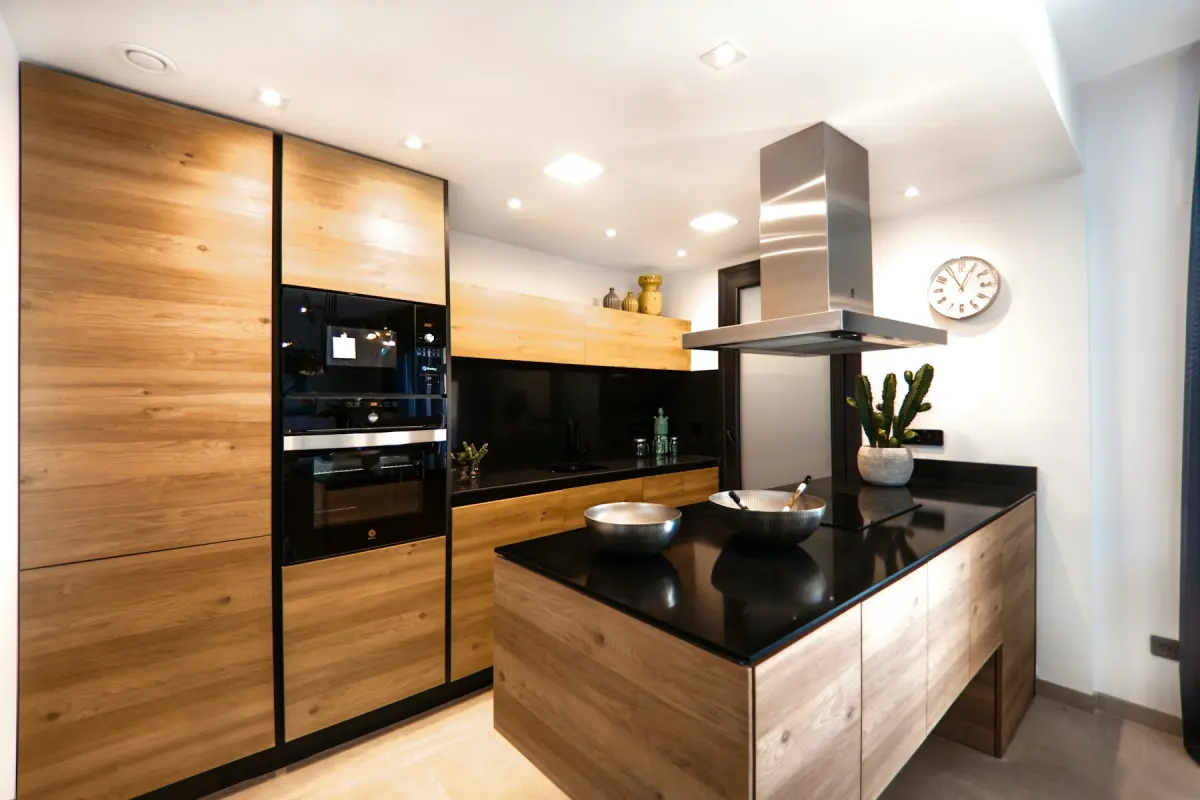
Style inspiration
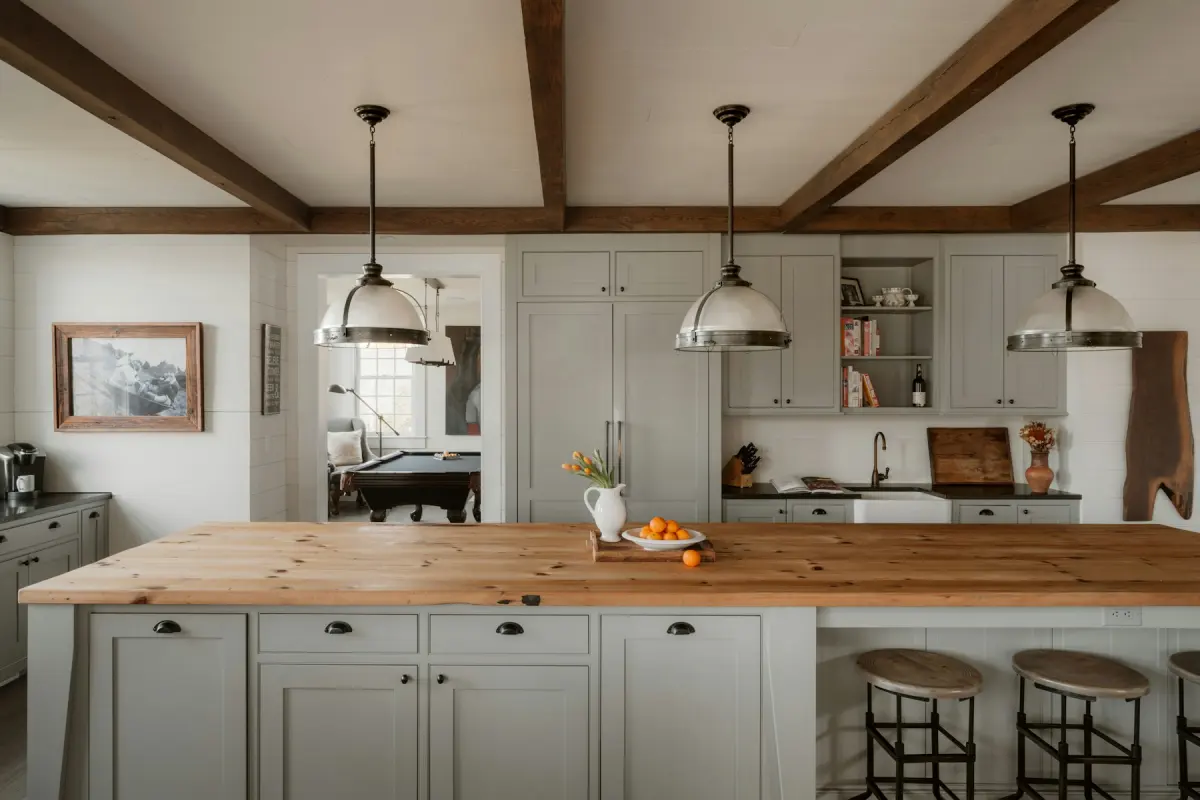 Farmhouse
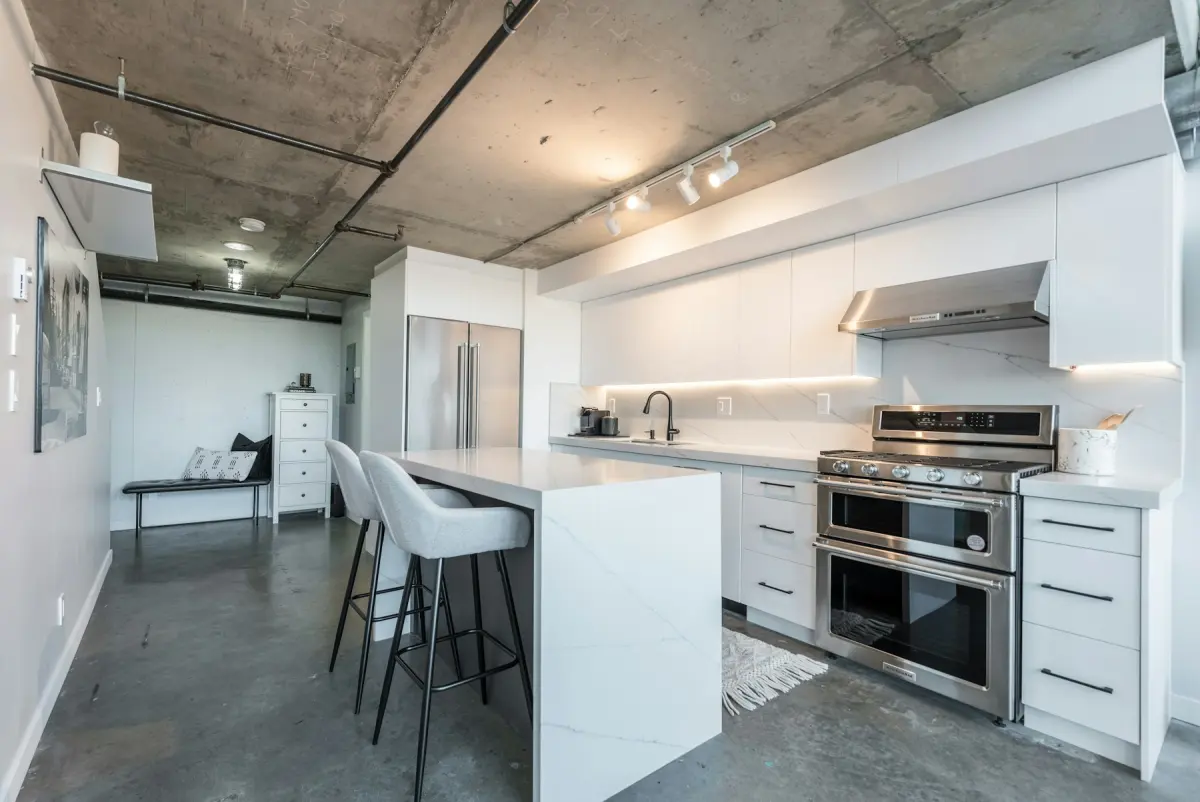 Industrial
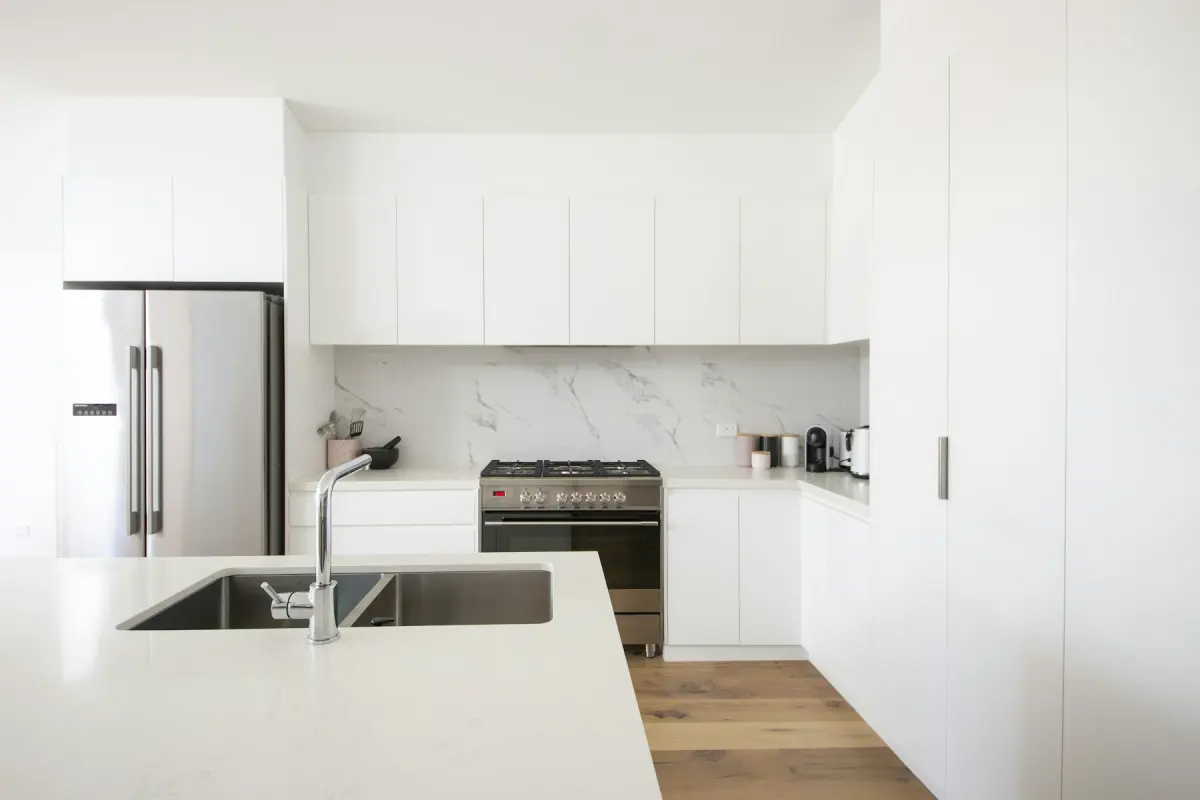 Minimalist
Example note
Counter stools with light wood seats at the island or breakfast bar, a small round table with two chairs near the window if there is floor space, a bowl of lemons and a wooden cutting board on the counter. Keep the sink, range and fridge fully visible.
A kitchen is mostly built in, so staging it is a light job. On the Kitchen setting, Virtual staging adds counter stools where there is an island or a breakfast bar, a small dining set where there is open floor, and a little counter styling: a fruit bowl, a cutting board, a plant. The request says to keep cabinets, countertops and appliances as they are. The aim is to show that people can sit and eat here and to give bare counters some scale, without covering the surfaces a buyer wants to inspect.
Stools belong on the overhang side of the island, the side with no cabinets or appliances below it, and out of the lane between the sink, the range and the fridge. A table goes by the window or in the open corner, clear of the oven door, the dishwasher and any door to the yard or the pantry. If the kitchen has neither an island nor spare floor, expect counter styling only. That is the right result for a galley kitchen, where anything standing on the floor would block the way through.
Photograph from the doorway or the far end of the room, with the camera level and a little above counter height, so the countertops show as surfaces and the seating side of the island is in view. Switch on the ceiling and under-cabinet lights and open the blinds. Clear the real counters before you shoot. If you cannot, run Declutter on the photo first: it removes loose items such as dishes, papers and fridge magnets and keeps everything else where it is.
Kitchens go wrong in two ways. One is too much: stools on the working side of the island, a table squeezed into a walkway, counters crowded with props. Ask for less in the note, for example “two stools only, no table” or “one bowl on the island, nothing else on the counters”. The other is a change to something built in: a cabinet door, the faucet, the range hood or an appliance that no longer matches the original. Compare the two photos on the before/after slider, and if a fixture has changed, discard that result and render again. New cabinet fronts, countertops and backsplash are not staging at all; Renovate is the mode for those, as a separate render.
Best for
- New-build and just-renovated kitchens that look cold with nothing on the counters
- Kitchens with an island or breakfast bar and no stools
- Eat-in kitchens where an empty corner should read as a breakfast spot
- Vacant rentals where the kitchen is the strongest room in the listing
Settings and tips
- Count the stools in the note. Ask for the number the island really seats.
- Write “no table” for a galley or corridor kitchen, so the floor stays clear.
- Keep counter styling to two or three items; buyers want to see the countertop.
- Shoot with the seating side of the island toward the camera, or the stools will be drawn from behind.
Frequently asked questions
More rooms and styles
- Room redesignRestyle a furnished room in one of 12 styles
- Living roomA sofa, chairs, rug and art for an empty living room
- BedroomA made bed, nightstands and a rug for an empty bedroom
- Dining roomA table, chairs and a sideboard sized to the room
- BathroomTowels, a bath mat and a plant; the fixtures stay
- Home officeA desk, an office chair and a bookshelf for a spare room
- Kids' roomA twin or bunk bed, a play table and toy storage