
Living Room Virtual Staging: Furnish an Empty Room Photo
Living room virtual staging adds a sofa, accent chairs, a coffee table, a rug and decor to a photo of an empty living room.
Upload the photo, keep Virtual staging and Living room selected, pick a style such as Transitional, and press Generate.
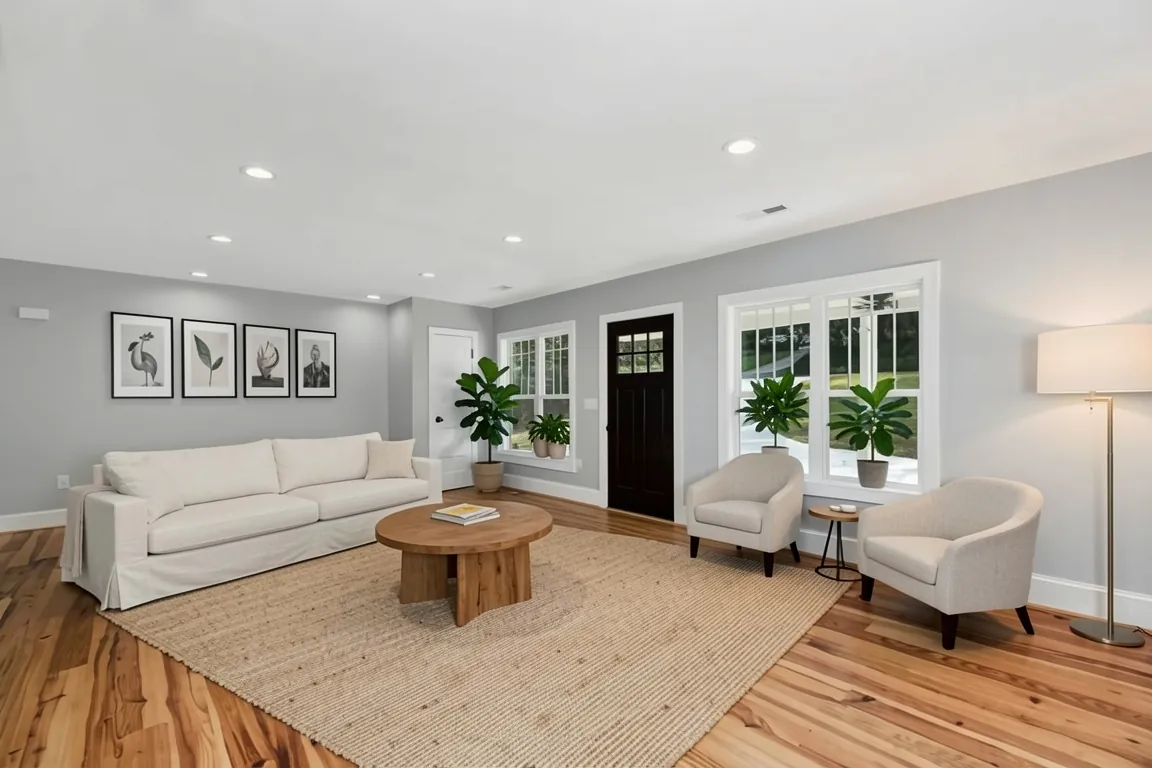
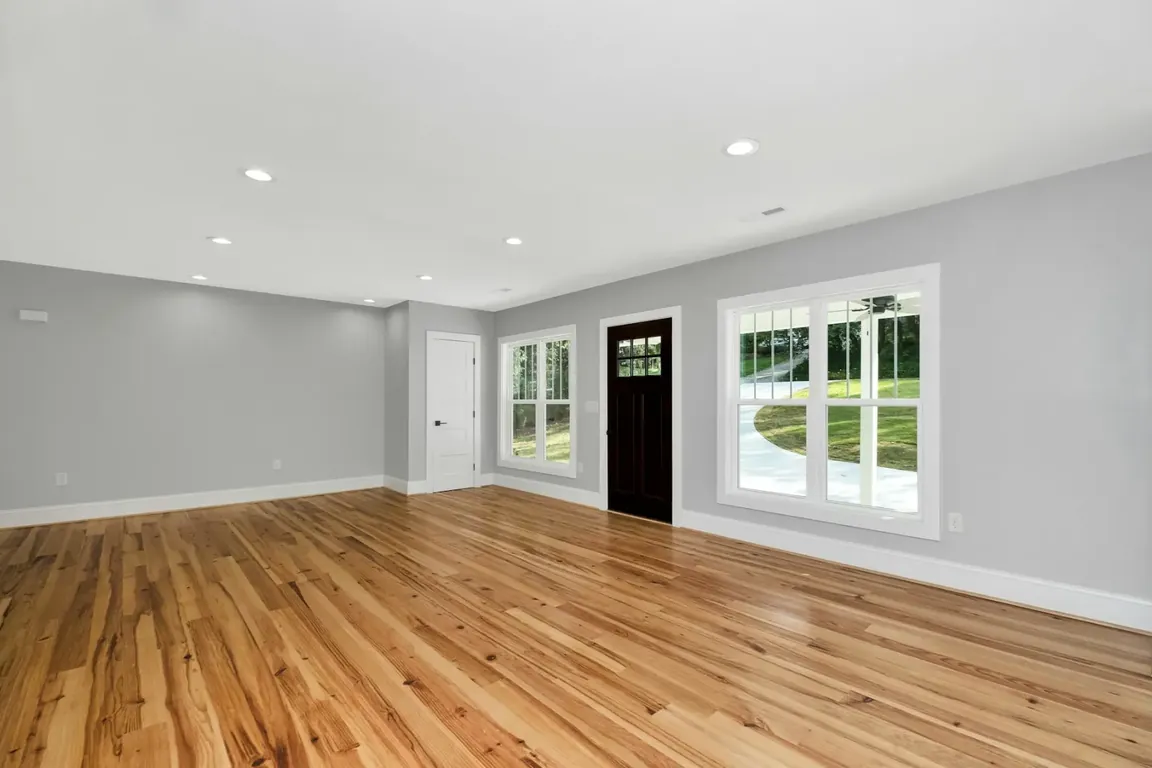 BeforeAfter
Style inspiration
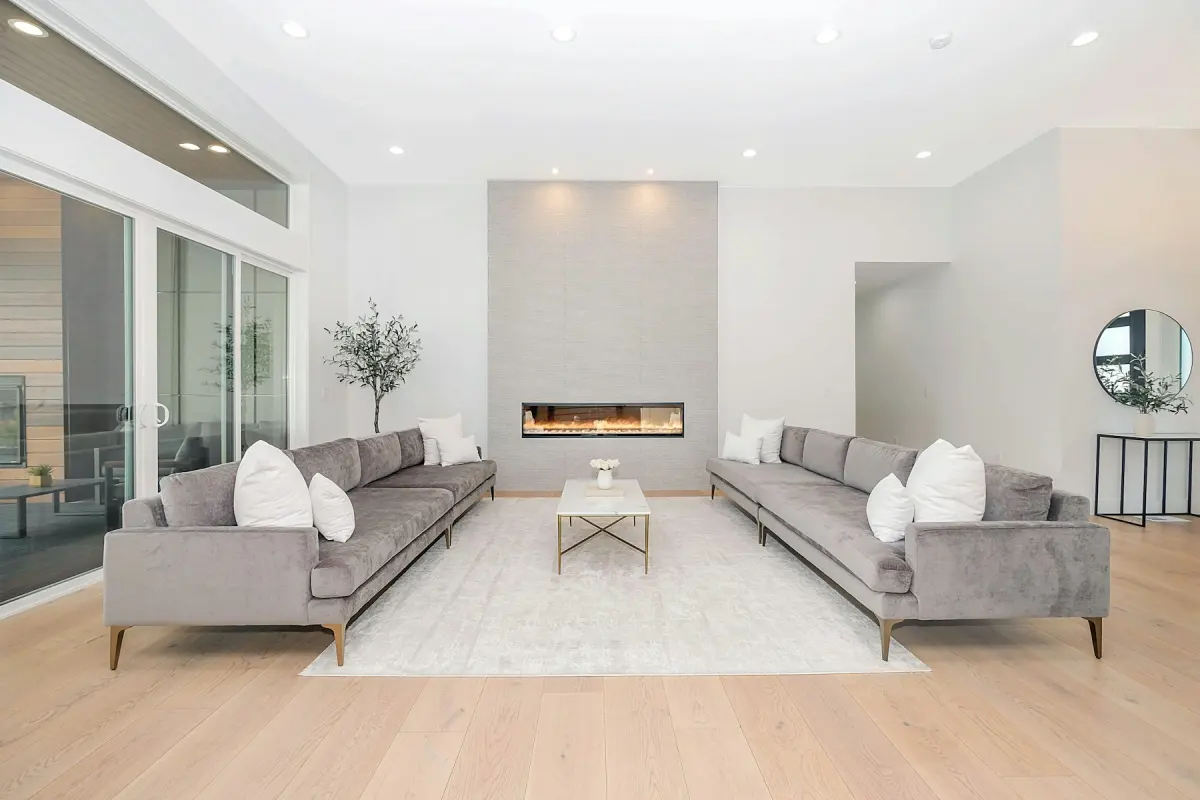 Modern
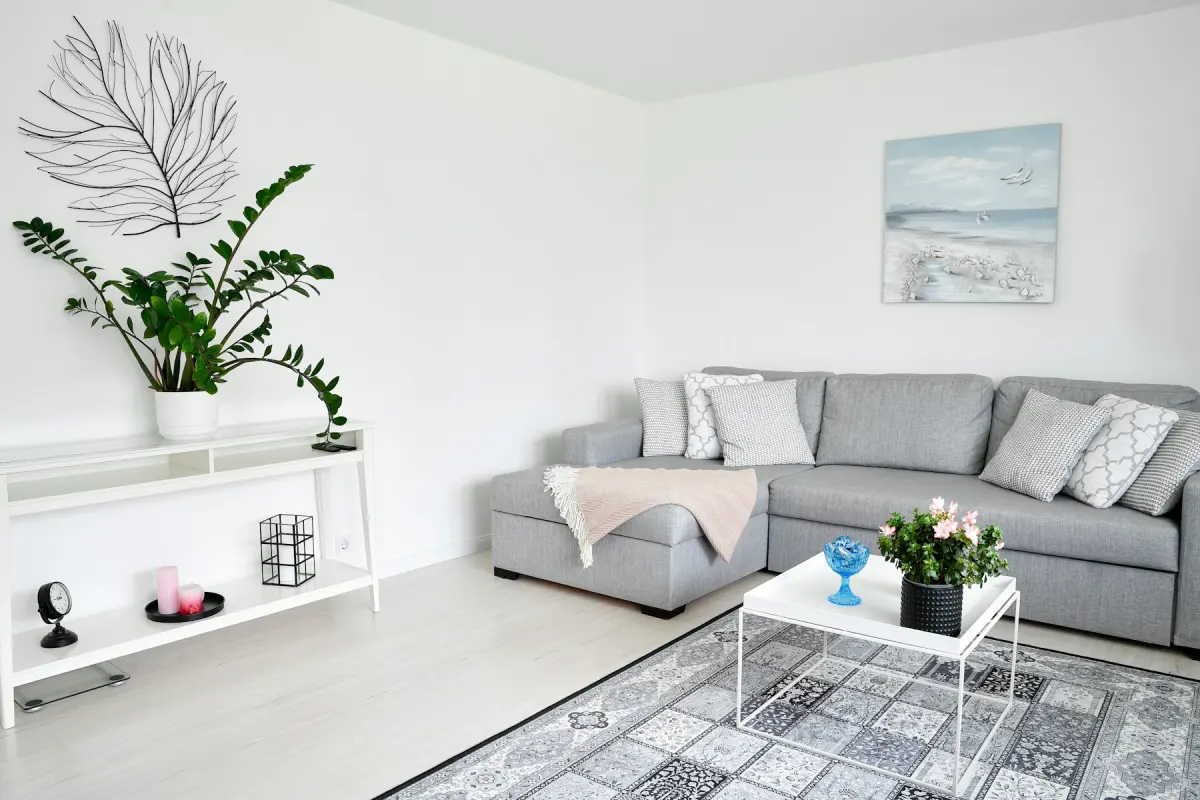 Scandinavian
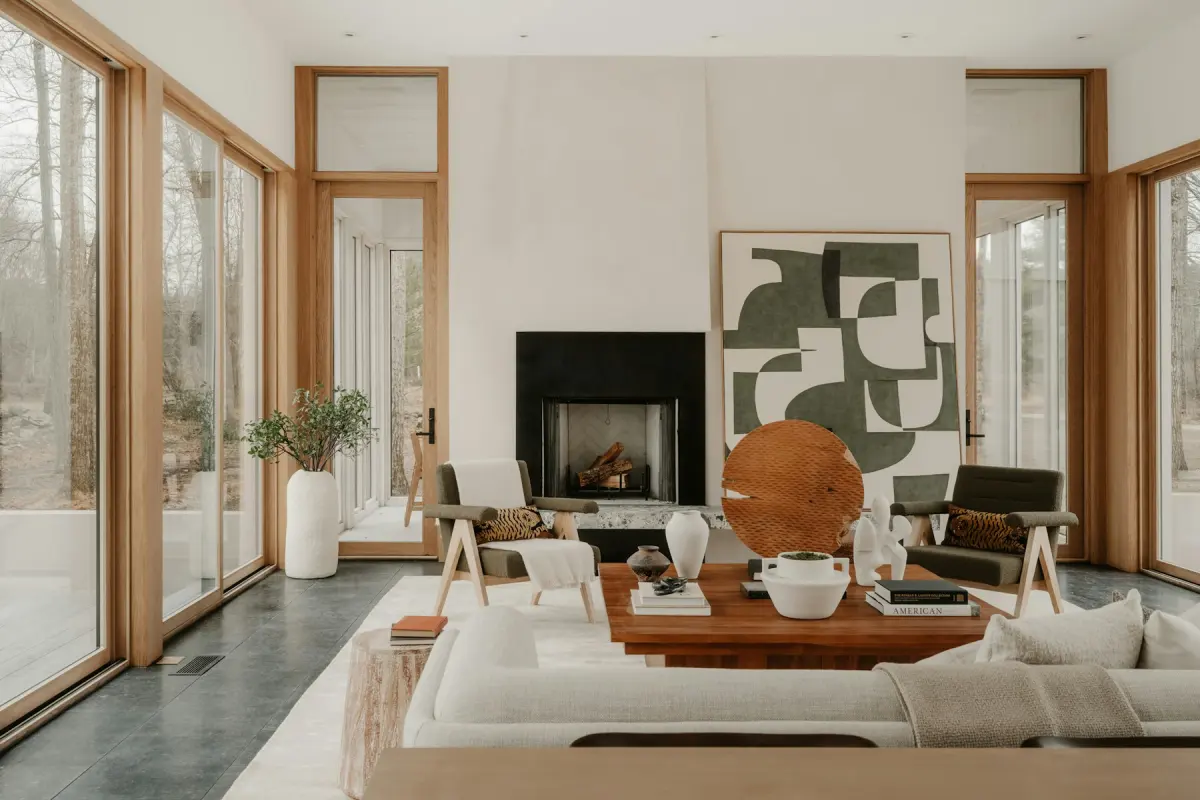 Mid-century
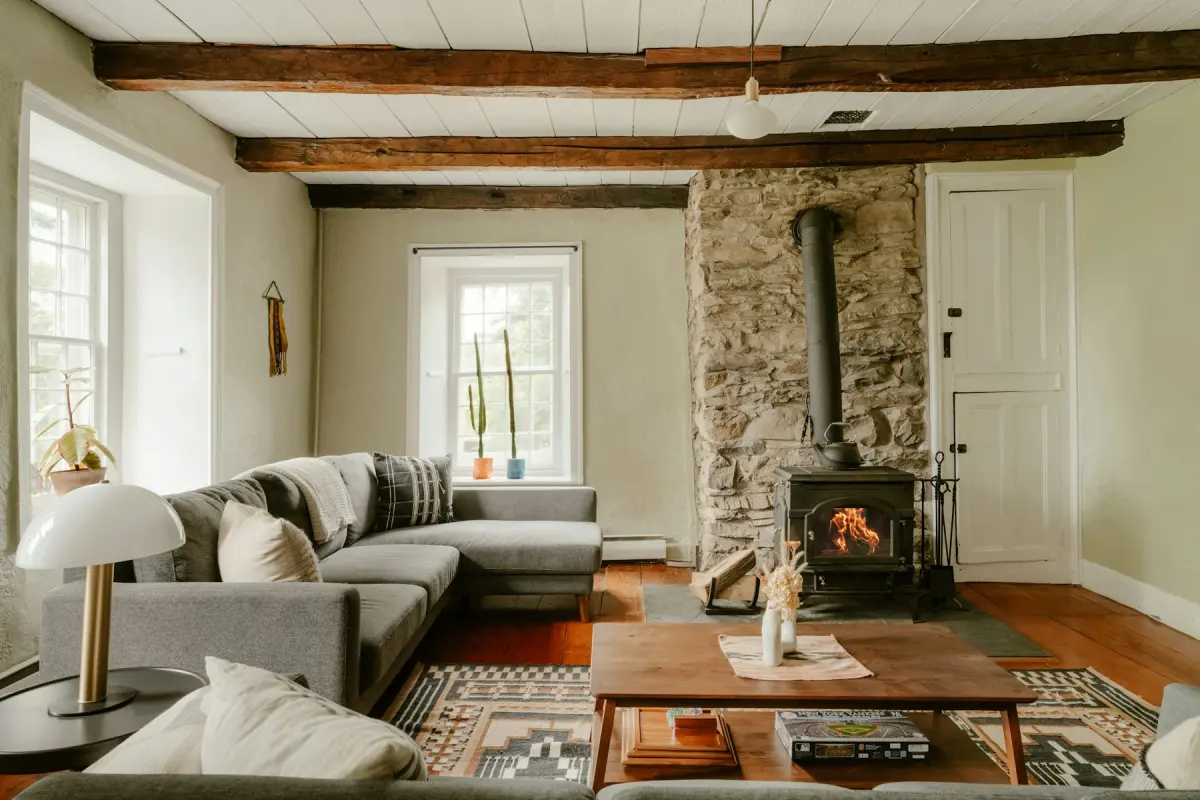 Farmhouse
Example note
Sofa against the longest wall, two accent chairs facing it, a rectangular wood coffee table on a large neutral rug, a floor lamp in the corner. Warm beige and soft blue tones. Keep the windows and the walkway to the door clear.
An empty living room photo gives a viewer nothing to judge the space against. On the Living room setting, Virtual staging adds what a home stager would bring to a sale listing: a sofa, one or two accent chairs, a coffee table, an area rug, a media console or sideboard, a floor lamp, wall art and a few plants. The sofa does most of the work, because it shows where people would sit and which way the room faces. The rug ties the seating into one group, so the floor reads as a room and not as leftover space.
Where the pieces sit matters more than which pieces they are. Virtual Staging Maker sends your photo, the room, the style and the note to Google’s Nano Banana 2.1 image model, with an instruction to keep walkways open and not to block windows, doors, closets, vents, radiators or the fireplace. In most living rooms that puts the sofa on the longest solid wall, the chairs across from it and the console on a wall without a window. If the room has a fireplace or one wide window, say in the note which of them the seating should face. If people cross the room to reach a hallway or a patio door, name that route too.
Photograph the room from a corner or the doorway, so two walls and as much floor as possible are in the frame. Hold the camera level at about chest height and shoot in daylight with the blinds open. The floor is where the furniture lands: a photo that is mostly ceiling, or one taken so close that only one wall shows, leaves little room for a seating group.
The usual faults in this room are a sofa set in front of a low window or a radiator, a rug that runs into a doorway, and pieces that look too large or too small for the floor. Compare the result with the original on the before/after slider. If the furniture is wrong, add a line to the note, such as “a smaller two-seat sofa” or “nothing in front of the radiator”, and press Generate again. If a window, a door or the fireplace itself changed, set that result aside and render again. Each render is new, uses credits, and will not repeat the same furniture.
Best for
- Agents listing a vacant home whose main room photographs as bare floor and walls
- Home builders showing a finished but unfurnished living room
- Property managers advertising an empty rental between tenants
- Owners selling by themselves after the furniture has moved out
Settings and tips
- Name the focal point in the note: the fireplace, the big window or the wall where a media console would go.
- In an open-plan room, say where the seating ends, for example “seating area on the left half, leave the right half open”.
- The page opens on Transitional: neutral beige and greige tones, tailored upholstery, mixed wood and metal. Any of the 12 styles can be picked before you press Generate.
- If the room still has furniture in it, run Remove furniture first, download the empty room and stage that photo.
- Tick the “Virtually staged” checkbox when you download if your MLS or portal asks for a label.
Frequently asked questions
More rooms and styles
- Room redesignRestyle a furnished room in one of 12 styles
- BedroomA made bed, nightstands and a rug for an empty bedroom
- KitchenStools, a small table and light counter styling
- Dining roomA table, chairs and a sideboard sized to the room
- BathroomTowels, a bath mat and a plant; the fixtures stay
- Home officeA desk, an office chair and a bookshelf for a spare room
- Kids' roomA twin or bunk bed, a play table and toy storage