
Dining Room Virtual Staging: Add a Table and Chairs
Dining room virtual staging adds a dining table with chairs, a centerpiece, a sideboard, a rug and wall art to a photo of an empty dining room.
Upload the photo, keep Virtual staging and Dining room selected, pick a style such as Traditional, and press Generate.
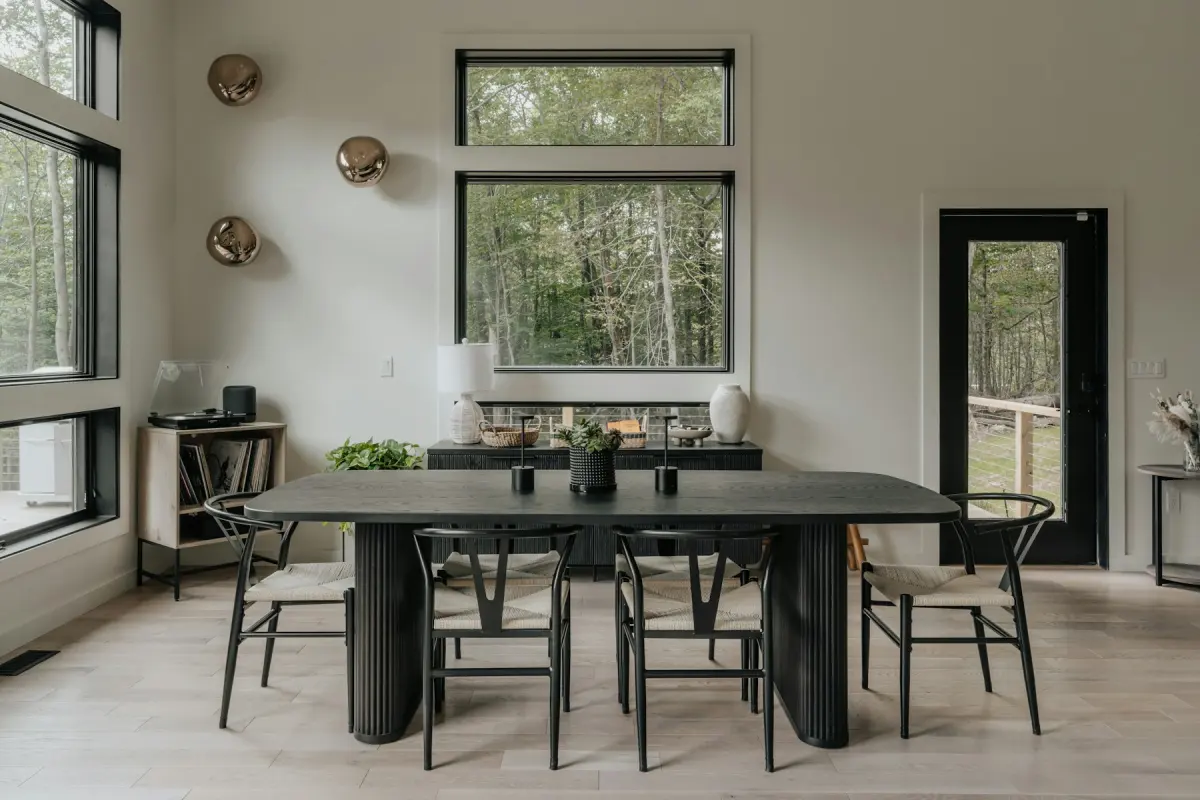
Style inspiration
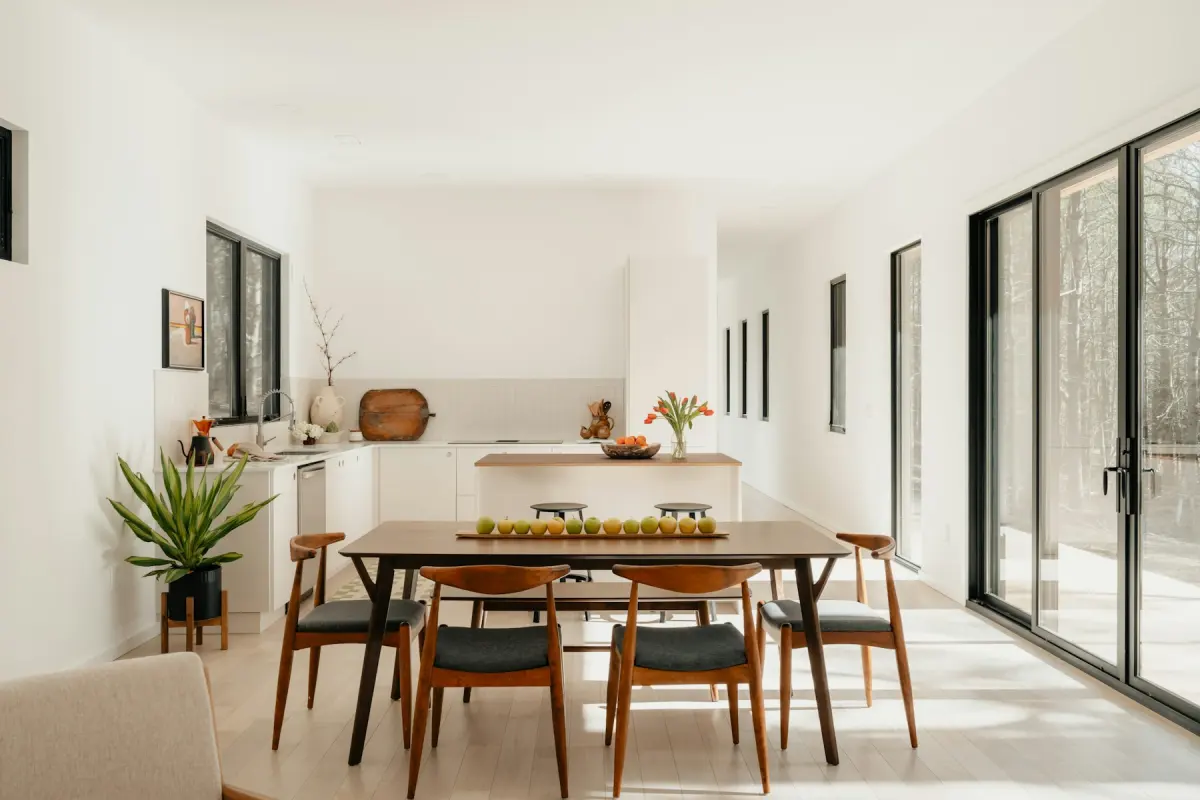 Mid-century
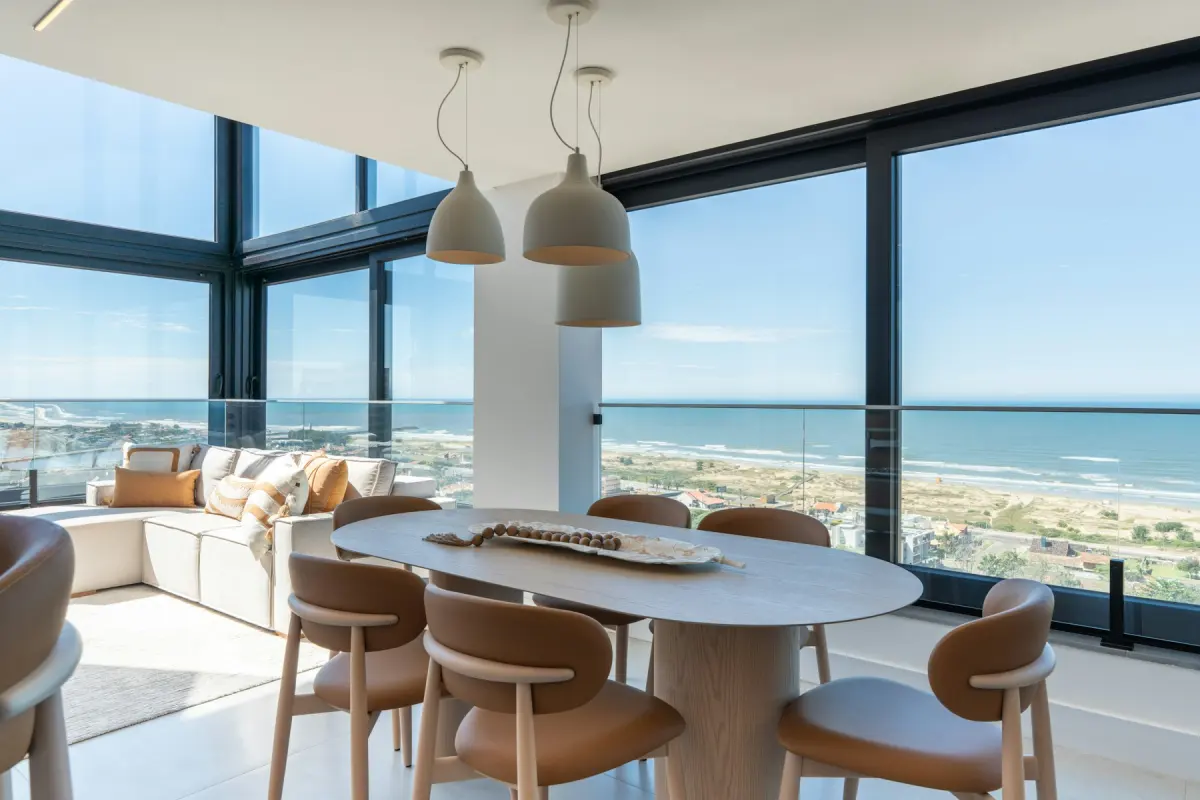 Coastal
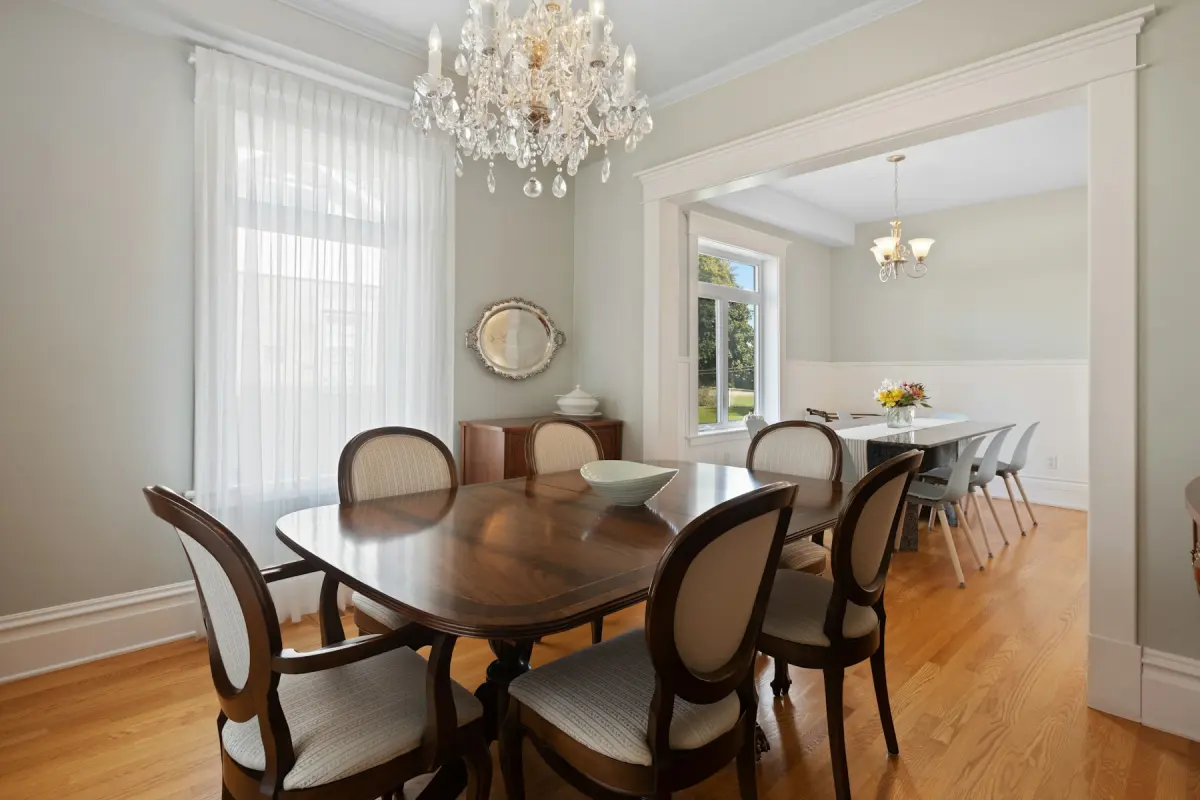 Traditional
Example note
A rectangular dark wood dining table for six centered under the ceiling light, upholstered chairs in cream, a low sideboard on the long wall, a patterned rug large enough for all the chairs. A simple centerpiece of greenery, no place settings.
An empty dining room is the room viewers most often take for something else: a spare office, a wide hallway, part of the living room. One table settles the question. On the Dining room setting, Virtual staging adds a dining table with chairs sized to the room, a centerpiece, a sideboard or console, an area rug and wall art, and the request says to keep an existing ceiling light where it is.
That ceiling light is the anchor. In most dining rooms a pendant or chandelier already marks where the table goes, and a table drawn off-center from it looks wrong at a glance. If your fixture hangs in the middle of the room, write “table centered under the ceiling light” in the note. Chairs need space to pull back, so the table should stand clear of every wall, and the route from the kitchen door to the next room should not run through a chair. The sideboard takes the longest wall without a window or a door. In a small room, ask for no sideboard at all.
Take the photo from the doorway or a corner with the camera level, and get the ceiling light and the floor beneath it into the same frame. That one requirement decides most dining room photos: if the fixture is cropped out, there is nothing to line the table up with. Daylight with the fixture switched on works well, and a frame that includes the opening to the kitchen or the living room helps viewers place the room in the house.
Typical faults are a table too long for the room, more chairs than could be pulled out, a rug so small that the chairs sit half off it, and a light fixture that has been swapped for a different one. The first three are furniture problems: fix them in the note (“a round table for four”, “a rug large enough for all the chairs”) and render again. The last is a change to the property, so check the before/after slider, and if the fixture, a window or a doorway is not what the original shows, do not use that result. Another render uses credits and produces different furniture, not a corrected copy of the same table.
Best for
- Formal dining rooms that sit empty in a vacant listing
- Open-plan homes where the dining area needs to be told apart from the living area
- Rooms with a chandelier and nothing under it
- Builders showing how the space off the kitchen can be used
Settings and tips
- Give the shape of the table and how many it seats: “round, for four” or “rectangular, for eight”.
- Write “no place settings” if you want a plain centerpiece and a clear tabletop.
- In a narrow room, write “no sideboard” so the way around the chairs stays open.
- Virtual staging keeps the room’s light fixtures and does not add one. If there is no ceiling light, tell the note where the table goes, such as “centered in front of the bay window”.
Frequently asked questions
More rooms and styles
- Room redesignRestyle a furnished room in one of 12 styles
- Living roomA sofa, chairs, rug and art for an empty living room
- BedroomA made bed, nightstands and a rug for an empty bedroom
- KitchenStools, a small table and light counter styling
- BathroomTowels, a bath mat and a plant; the fixtures stay
- Home officeA desk, an office chair and a bookshelf for a spare room
- Kids' roomA twin or bunk bed, a play table and toy storage