
Kids' Room Virtual Staging: A Bed, a Desk and Toy Storage
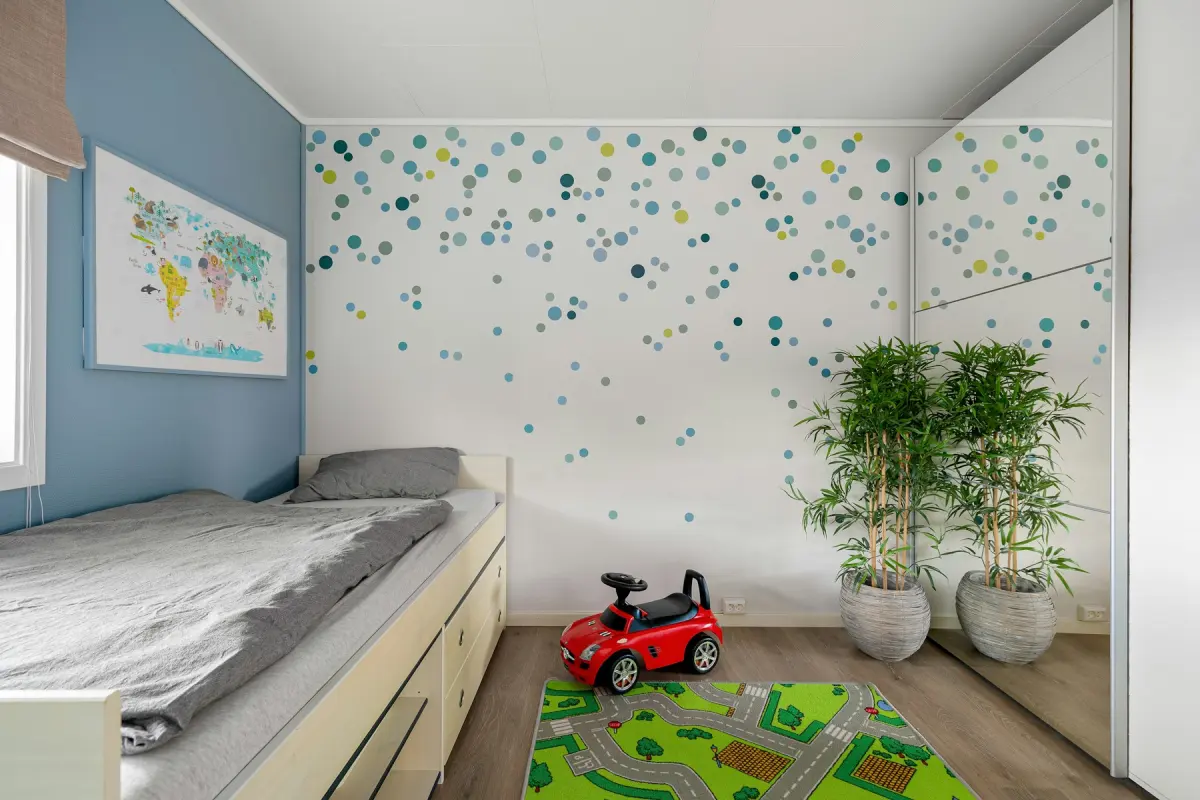
Kids' room virtual staging adds a twin or bunk bed, a small desk or play table, toy storage, a soft rug and playful wall art to a photo of an empty bedroom.
Upload the photo, keep Virtual staging and Kids' room selected, pick a style such as Scandinavian, and press Generate.
Style inspiration
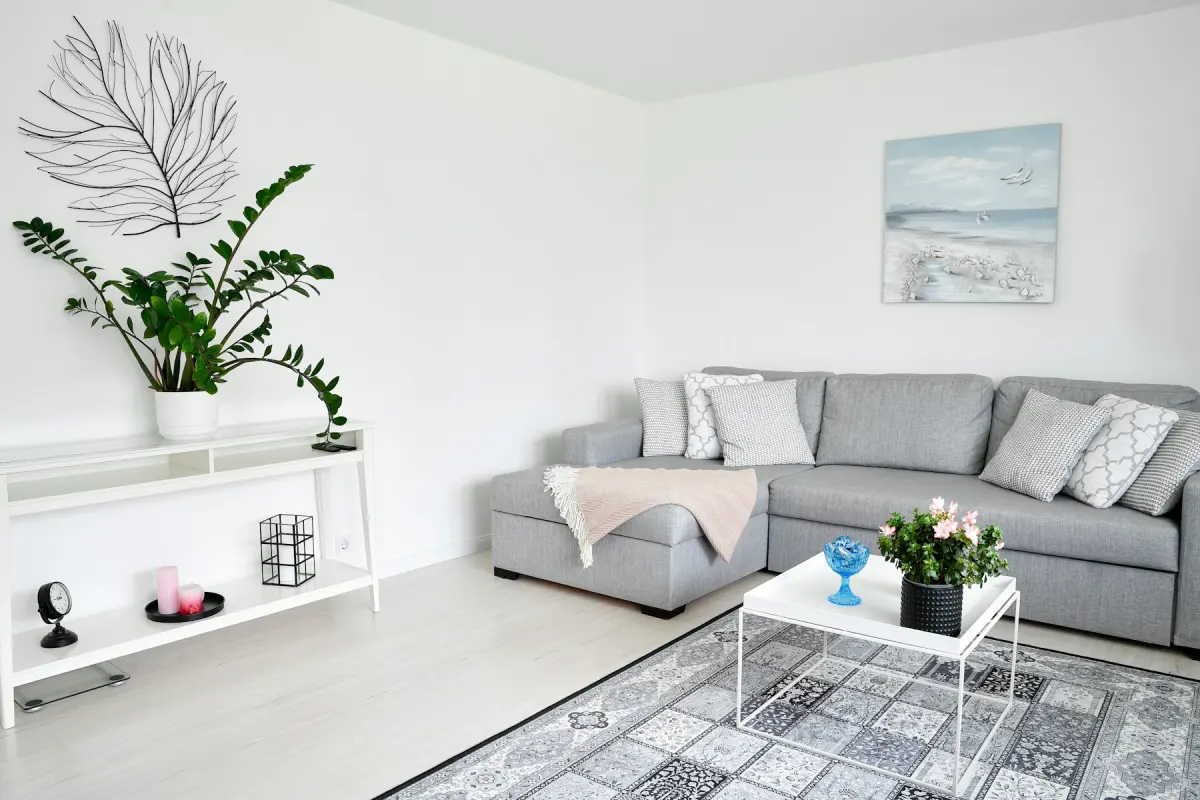 Scandinavian
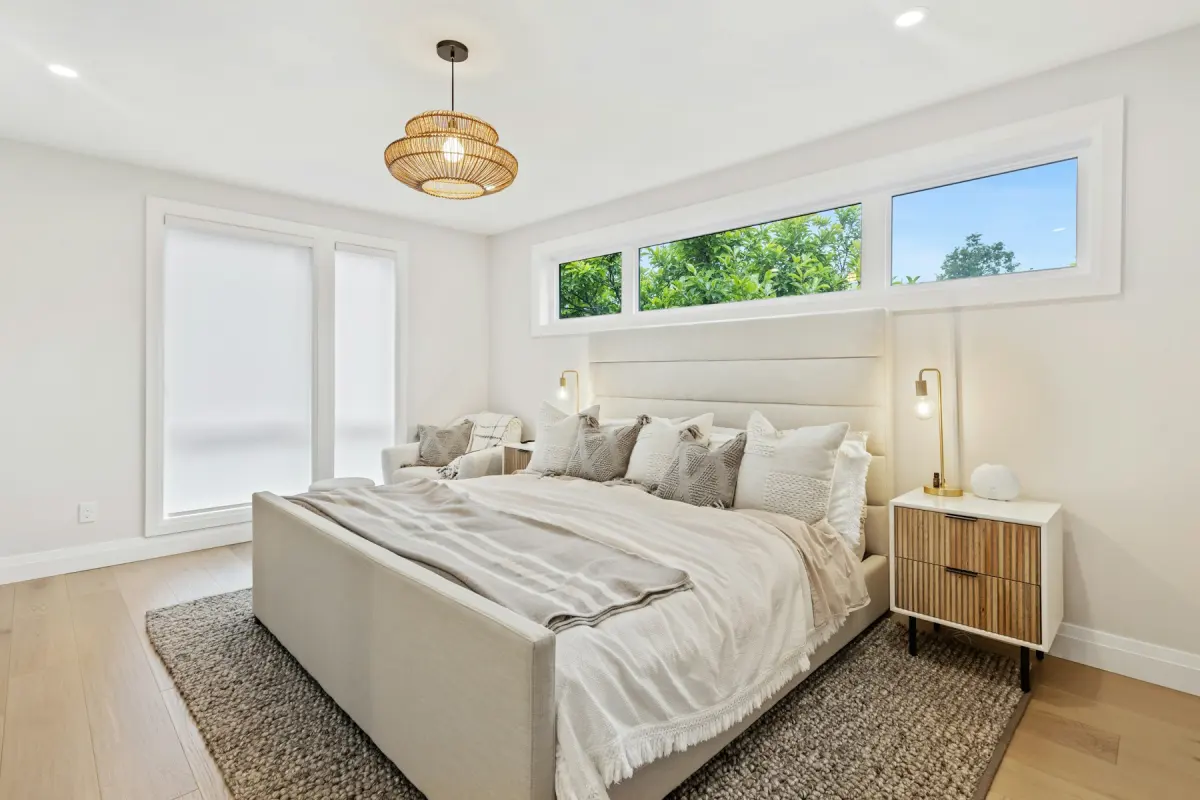 Scandinavian
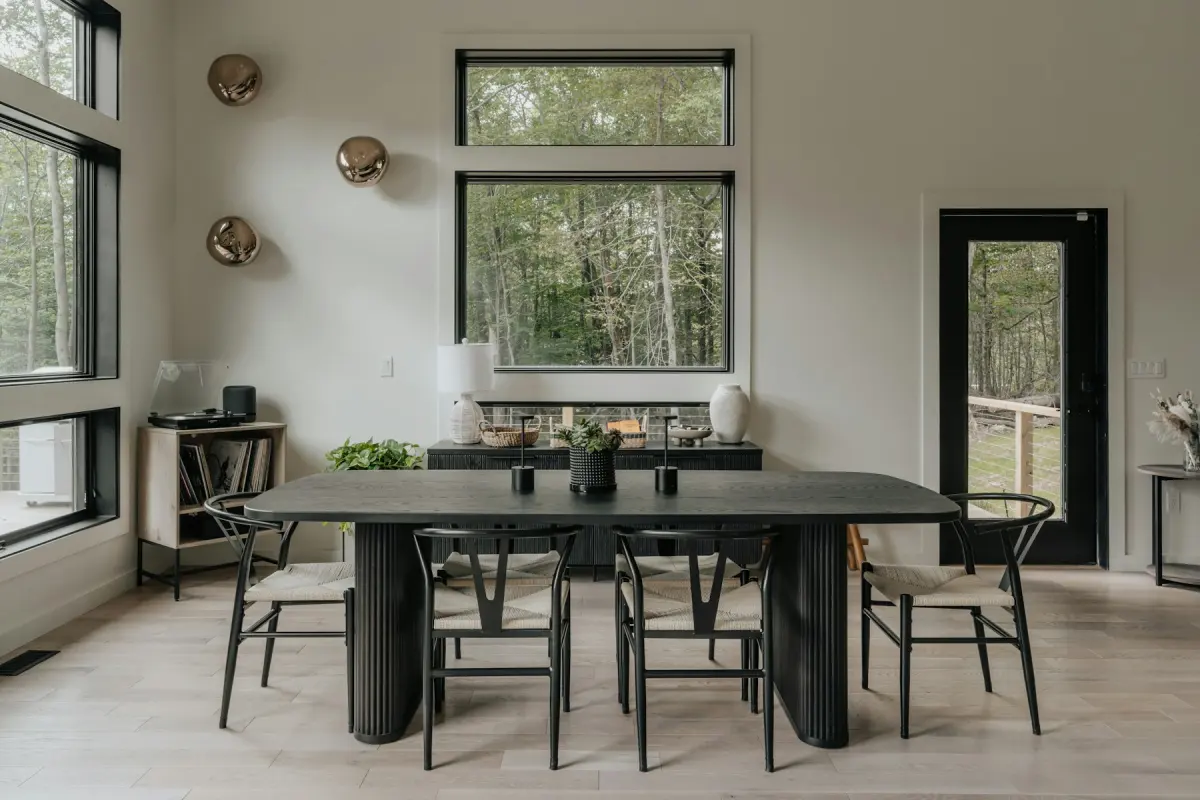 Scandinavian
Example note
A twin bed with a light wood frame along the wall away from the window, bedding in soft green and white, a small desk beside the window, low open shelves with baskets for toys, a round cream rug. Animal prints on the wall, clear floor in the middle.
A second or third bedroom staged with one more double bed tells family buyers little. Shown as a child’s room, it says the home has a place for children, and a twin bed suits a small room better than a double. On the Kids' room setting, Virtual staging adds a twin or bunk bed with cheerful bedding, a small desk or play table, toy storage, a soft rug and playful wall art.
Put the bed along a wall, not under the window and not behind the door, and leave the middle of the floor open. In a child’s room the empty floor is the play space, and it is what makes the photo work. Storage stays low and goes on the wall beside the closet, not in front of it. The desk or play table fits next to the window, where the light is. If you want a bunk bed, look at the ceiling in your photo first: under a low or sloped ceiling, ask for a twin bed in the note.
Photograph from the doorway with the camera level, and include the floor right up to the near edge of the frame, since the rug and the open play area sit there. Use daylight, open the blinds and shut the closet doors. If the room is still lived in, the toys, clothes and posters have to go before staging: Declutter clears loose items and keeps the furniture, and Remove furniture empties the room. Photos showing people should not be uploaded, so take the photo when the children are out of the room.
This setting can overdo it. Bright color on every surface, a bunk bed that reaches the ceiling or toys spread across the floor narrow who the photo speaks to. Calm it down in the note: “bedding in soft green and white”, “one shelf of toys, clear floor”, “colors that suit any child”. Every request tells the model to produce no people and no text, so the result should show furniture and decor only. As with any render, compare it with the original on the before/after slider, and render again if a window, a door or the closet changed.
Best for
- Family homes with a spare bedroom that needs a purpose
- Small bedrooms that suit a twin bed better than a double
- Listings near schools and parks, where many buyers have children
- Builders showing the secondary bedrooms of a family home
Settings and tips
- Write the colors you want. “Soft green and white” or “gray and mustard” keeps the room neutral.
- Under a low or sloped ceiling, ask for “a twin bed, no bunk bed”.
- Add “clear floor in the middle” so the rug and the play space stay visible.
- One children’s room is enough for most listings; show the other bedrooms with Bedroom or Home office.
Frequently asked questions
More rooms and styles
- Room redesignRestyle a furnished room in one of 12 styles
- Living roomA sofa, chairs, rug and art for an empty living room
- BedroomA made bed, nightstands and a rug for an empty bedroom
- KitchenStools, a small table and light counter styling
- Dining roomA table, chairs and a sideboard sized to the room
- BathroomTowels, a bath mat and a plant; the fixtures stay
- Home officeA desk, an office chair and a bookshelf for a spare room