
Declutter
AI Room Declutter for Listing Photos
AI room declutter removes loose clutter and personal items from a listing photo and leaves the furniture where it stands.
Upload a photo of the lived-in room, choose Declutter under What to do, and press Generate.
- Furniture stays in place
- JPG, PNG, WebP up to 15 MB
- 2K or 4K JPG
- One photo per render
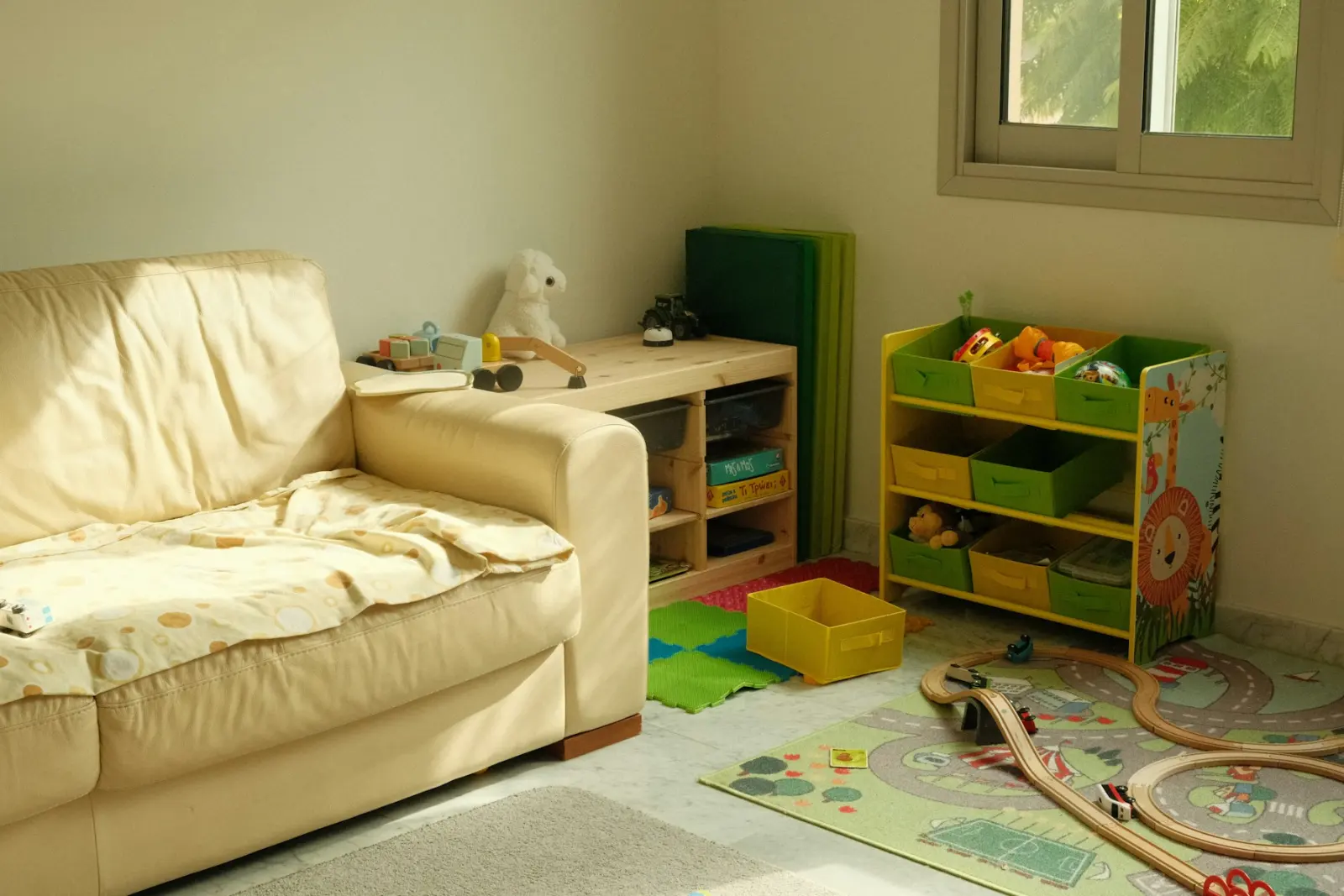
What this kind of photo looks like
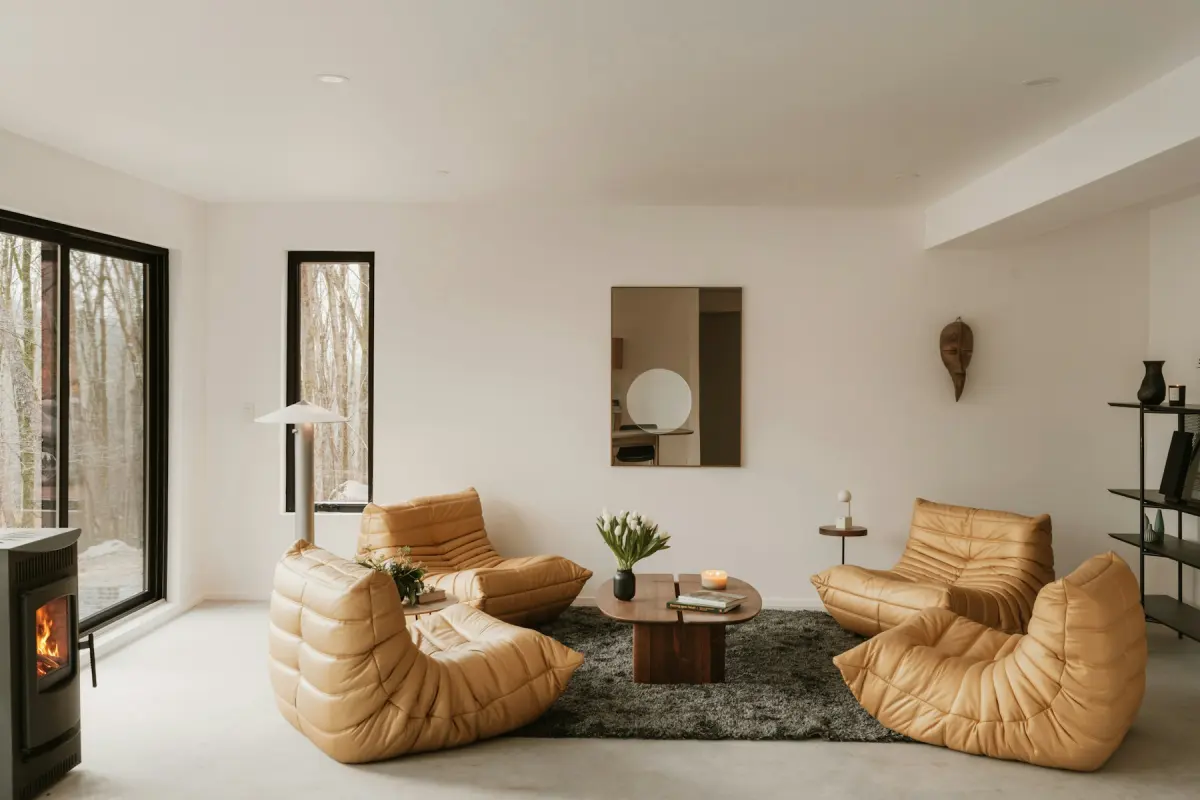 Minimalist
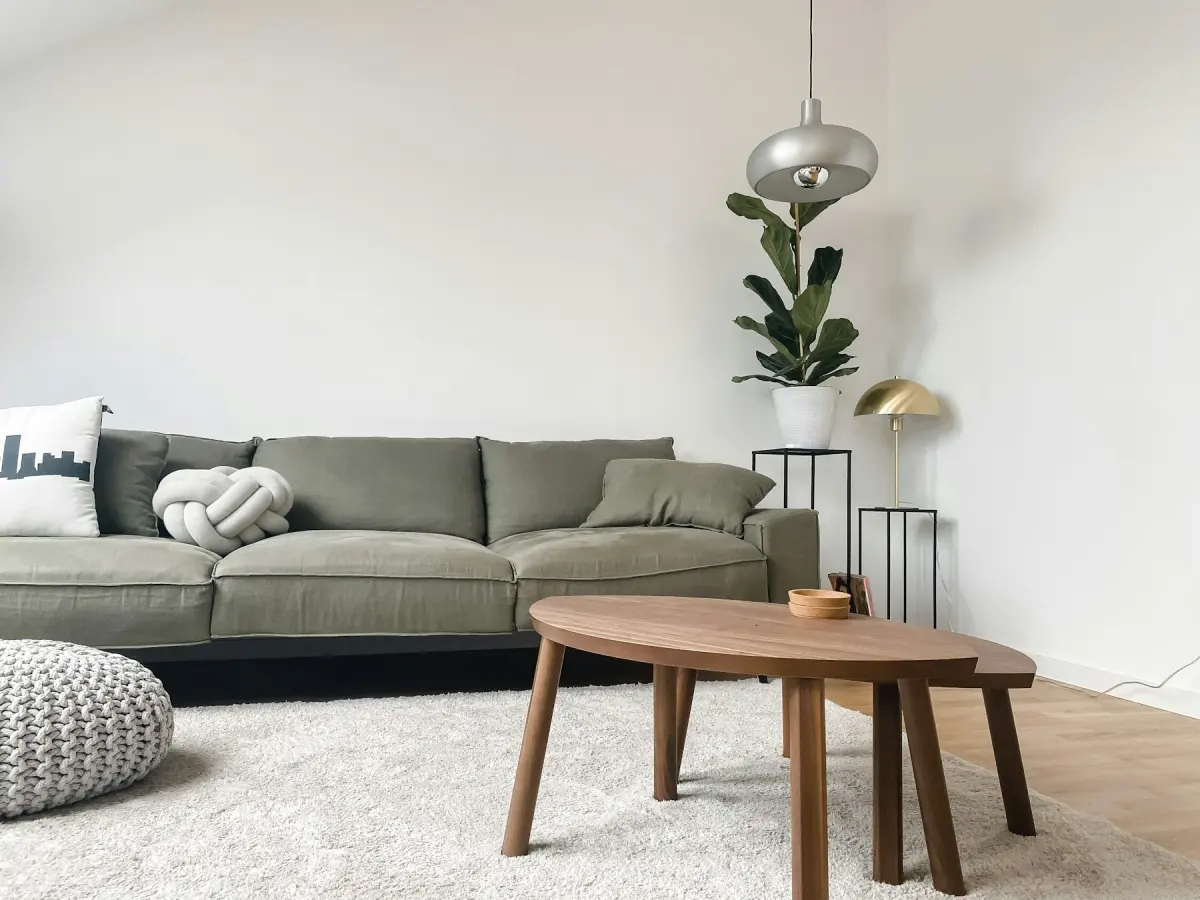
 Scandinavian
 Japandi
How it works
- 1
Photograph the room as it is
You do not have to tidy first. Open the curtains, switch on the lights and take the photo, then upload one JPG, PNG or WebP of up to 15 MB.
- 2
Choose Declutter
Pick Declutter under What to do. There is no room type or style in this mode: the furniture and the look of the room are not supposed to change.
- 3
Say what to keep or clear
Use the optional note for anything the mode should treat differently, such as “keep the books on the shelf” or “clear everything off the kitchen counter”.
- 4
Generate and compare
Choose 2K or 4K and press Generate. Drag the slider across the result to confirm that only loose items are gone, then press Download.
Settings and tips
- What Declutter removes
- Loose items and personal things: clothes, toys, papers, cables, dishes, toiletries, fridge magnets and family photos.
- What it keeps
- The furniture, where it is. Sofas, beds, tables, chairs and shelving are not meant to move, and neither are walls, windows, doors, built-in fixtures or the view.
- Decor is a gray area
- A vase, a stack of magazines or a row of cookbooks can read as decor or as clutter. If you want them kept, list them in the note; if you want bare surfaces, write “clear all surfaces”.
- When furniture shifts
- Check the position of each large piece against the original. If a chair moved or a side table disappeared, press Generate again with a note such as “do not move or remove any furniture”. The second try is a new render and uses credits.
- When clutter survives
- Small things in busy corners are the usual leftovers: a cable under a desk, bottles on a bathroom shelf. Name the spot in the note and render again.
- People in the frame
- Family photos on a wall or shelf are among the things the mode removes. A photo with a person standing in the room should not be uploaded at all.
Good for
- Owners selling a home they still live in
- Agents who receive photos of an occupied home and cannot reshoot
- Property managers photographing a unit while the tenant’s things are still there
- Short-term rental hosts updating photos of a room that is in use
- Photographers who want personal items out of a frame without retouching by hand
Not the right fit
- Emptying the room. Declutter keeps the furniture; to take out furniture, rugs and wall art as well, use Remove furniture.
- Changing how the room is furnished: Restyle replaces the furniture and decor with a new style.
- Covering up damage or wear. Stains, cracks and broken things must stay in the photo; removing them misrepresents the property and breaks the content policy.
- A whole shoot in one upload. The generator works on one photo per render, with no batch upload.
Declutter or Remove furniture
The two modes do opposite jobs. Declutter leaves a furnished room that looks tidy: the sofa, the bed and the dining table stay, and the laundry, toys and paperwork go. Remove furniture leaves bare floor and walls.
Choose Declutter when the furniture helps the photo and only the mess distracts. Choose Remove furniture when the furniture itself is the problem, or when you plan to stage the empty room in a different style.
Why personal items come out of listing photos
A buyer or renter is looking at the room, not at the people who live in it. Family photos, papers and toiletries also tell strangers more about a household than most sellers want online.
Declutter takes these things out of the photo, so the seller does not have to pack up the house before the shoot. The room still needs to be tidied for viewings; the mode changes the photo, not the home.
Keep the photo true to the room
A decluttered photo is an edited photo, and it should still show the room a visitor will walk into. For a sale listing, check the rules on edited photos; they differ by MLS, portal, state and country. For a short-term rental, tidy the real room the same way before guests arrive.
Declutter is for movable things only. Do not use the note to erase a stain on the carpet, a crack in a wall or anything else that is part of the property.
How the clutter is removed
Your photo goes to Google’s Nano Banana 2.1 image model with an instruction to remove loose items and to leave furniture, walls, windows, doors, built-in fixtures, the camera angle and the framing unchanged. The result comes back as a JPG in the same aspect ratio, at 2K or 4K.
The instruction is not a guarantee, and no human designer looks at the result before you do. You are the check: use the slider, and render again if the model changed more than the clutter.