
New construction
Virtual Staging for New Construction Homes
Virtual staging for new construction homes adds furniture to photos of finished, empty rooms, so a spec home or a new unit does not go to market as bare walls and floors.
Upload a photo of the finished room, choose the room type and a style, and press Generate.
What this kind of photo looks like
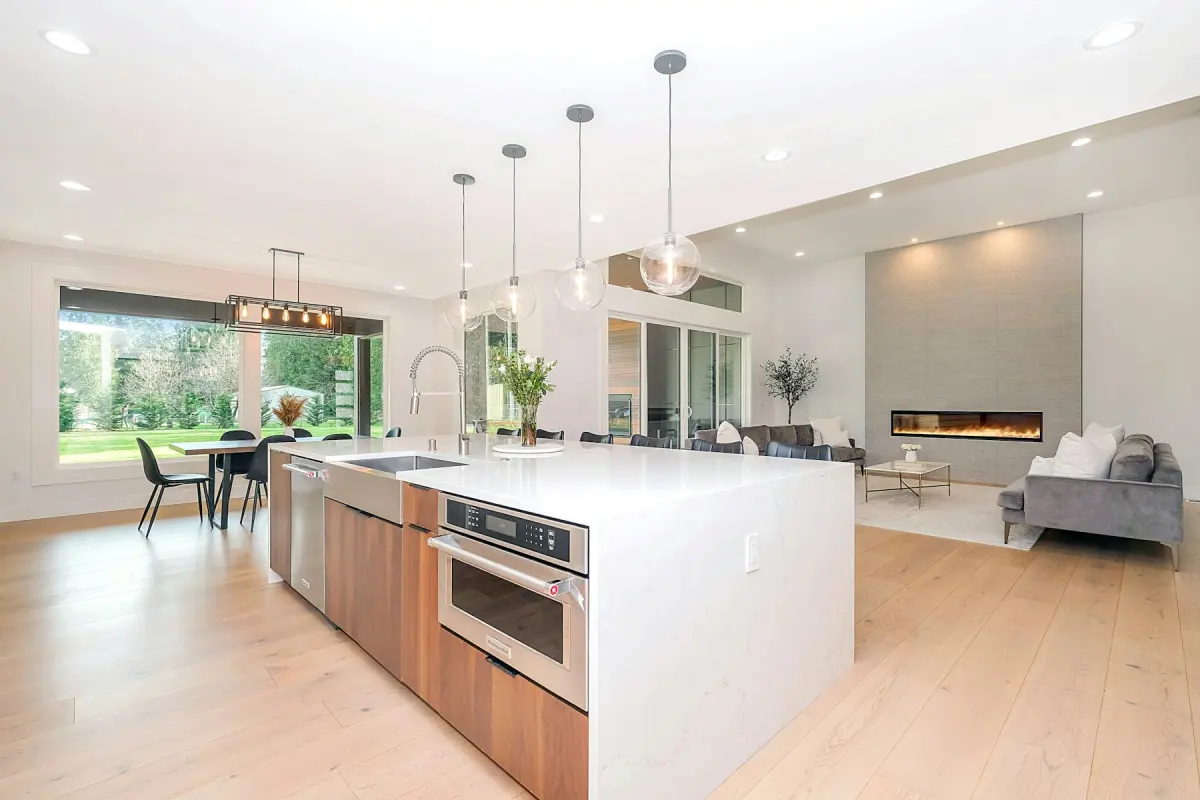 Kitchen
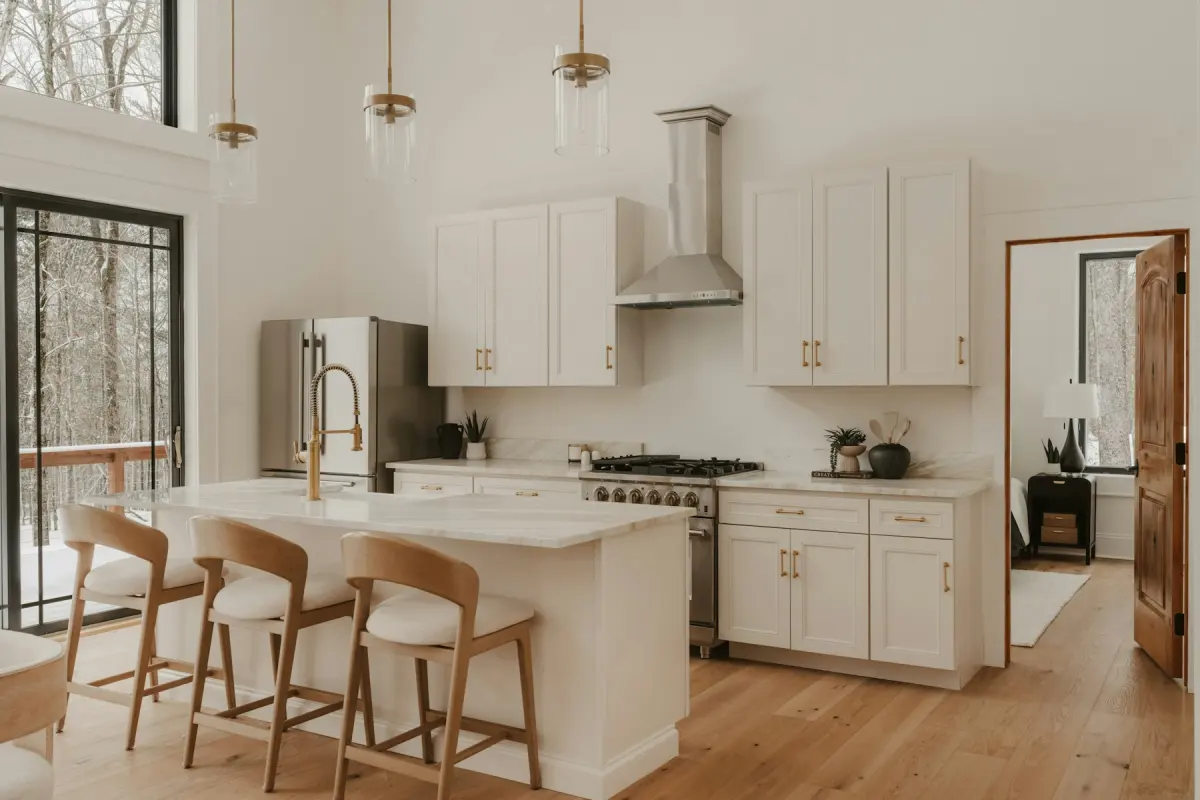 Kitchen
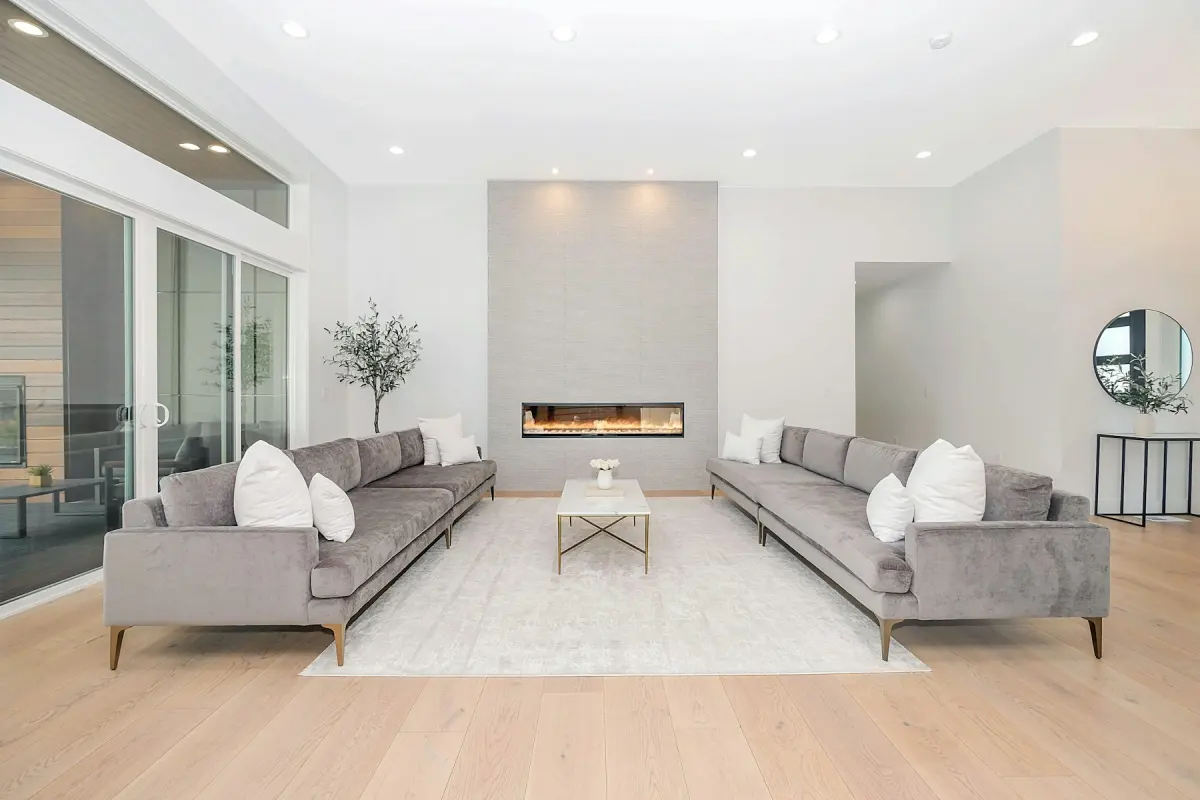 Modern
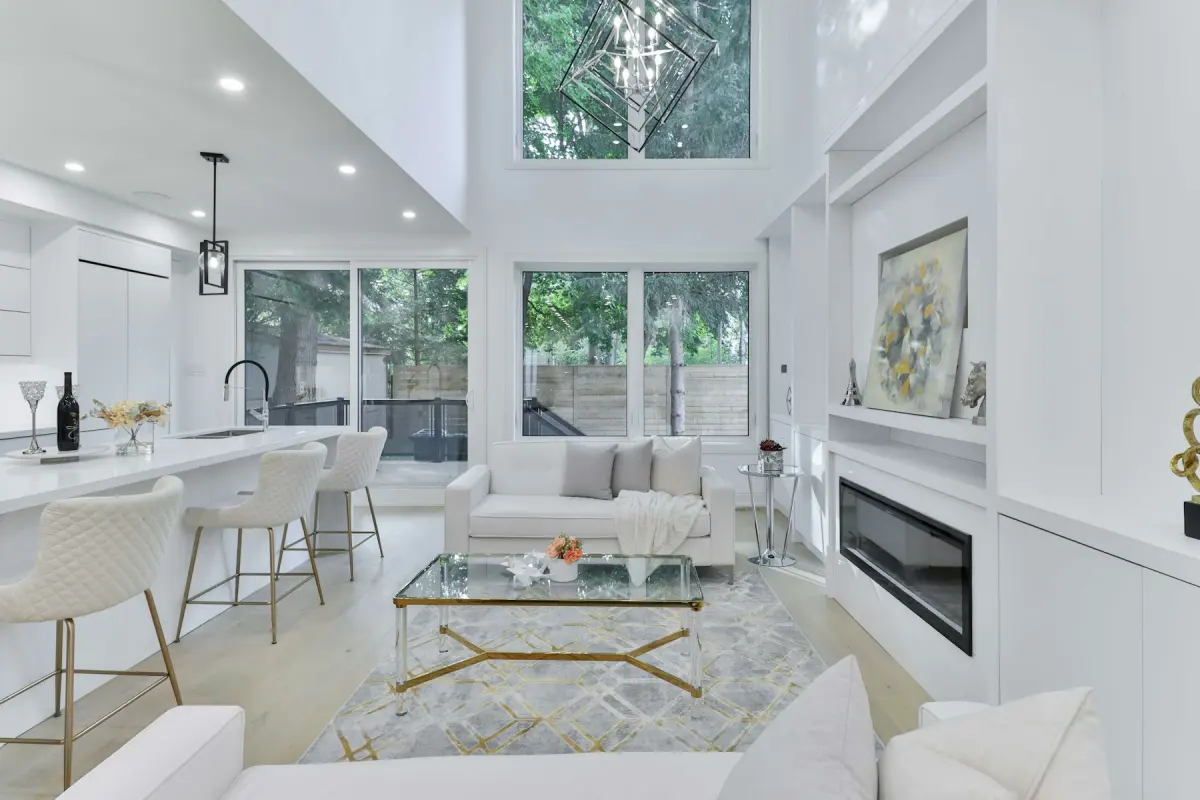 Luxury
Recommended settings
| What to do | Virtual staging |
|---|---|
| Room | Living room first, then Kitchen, Dining room and Bedroom |
| Style | Modern, or one style per community so every home's photos match |
| Output size | 4K for sales-office screens and brochures; 2K for portals |
| Note | e.g. “dining table for six beside the kitchen island” |
How it works
- 1
Wait for the final clean
Photograph rooms once flooring, paint, fixtures and trim are done and the protective film, tools and boxes are out. The photo should show what the buyer gets.
- 2
Upload one room at a time
Add a JPG, PNG or WebP of up to 15 MB. Virtual staging is already selected on this page.
- 3
Set the room and the style
Pick the Room that matches the photo and one of the 12 styles, then press Generate.
- 4
Check the finishes, then download
On the before/after slider, confirm that floors, cabinets, counters and windows are unchanged. Download with the “Virtually staged” label if you want it on the file.
Can I virtually stage a new construction home?
Yes, once there is a room to photograph. A new home is the simplest case for staging: every room is empty, there is no old furniture to remove and no clutter to clear. You upload the photo as it is and the furniture is added to it.
What Virtual Staging Maker cannot do is stage a home that does not exist yet. It edits a photo of a real room. It does not work from floor plans, drawings or a 3D model, and it does not produce them. For homes sold before completion you still need renderings from your architect or a rendering studio.
From bare shell to finished room
Timing decides what the buyer sees. Virtual staging adds furniture and decor and nothing else: the model is told to leave walls, windows, doors, ceilings and built-in fixtures as they are. Stage a room that still has bare drywall or a subfloor and you get furniture standing in an unfinished room.
Renovate can show a room with new wall paint, flooring, light fixtures and hardware, and in a kitchen also cabinet fronts, countertops and backsplash. On an unfinished room that gives you a style direction for a design meeting. It will not show the finishes in your specification, because the tool cannot place specific products, so do not publish it as what the home includes.
For listing photos, wait until the room is finished. Then the cabinets, counters and floors in the staged photo are the real ones, and only the furniture is added.
One model home, or none
A furnished model home shows one floor plan in one style. Staged photos cover the rest: the other plans in the community, the spec homes that are ready to move into, and the last homes left after the model has been sold.
When several homes share a floor plan, each one is still its own property. Photograph the home you are selling where you can. If you use photos of another home with the same plan, say that they show a similar home, and check that the finishes and options match.
You can also show one empty room in two or three styles, such as Modern, Transitional and Farmhouse, for different buyers. Each one is a separate render and uses credits. Furniture will differ between renders and between angles of the same room, so stage one lead angle per room.
Lots, patios and the front photo
New lots are often photographed before the landscaping is done. Blue sky replaces a gray sky on the day of the shoot, and Outdoor staging adds outdoor furniture, an outdoor rug and planters to an empty patio, deck or balcony.
Be strict with Green lawn. It makes brown, patchy or bare grass green and tidy, which is fair for sod that has not taken yet. Do not use it to show a lawn on a lot that will be handed over without one: the content policy forbids adding things a property does not have.
Buyers of a new home need to know that the furniture is not part of the sale. Many MLSs and portals allow virtual staging when it is disclosed and the property itself is not misrepresented, but rules differ by MLS, portal, state and country, so check yours.
Not the right fit
- Homes that are not built yet: there is no photo to upload, and Virtual Staging Maker does not work from floor plans or 3D models. Use architectural renderings.
- Showing the exact finishes or products in your specification: the tool cannot place specific products. Photograph the finished room.
- Video walk-throughs, 3D tours, 360° panoramas and floor plans: none are offered. Use a tour provider.
- Uploading a whole community at once or sending photos in through an API: there is no batch upload and no API. Render the lead rooms one photo at a time.