
Day to dusk
Day to Dusk AI: Turn a Daytime Exterior into a Twilight Photo
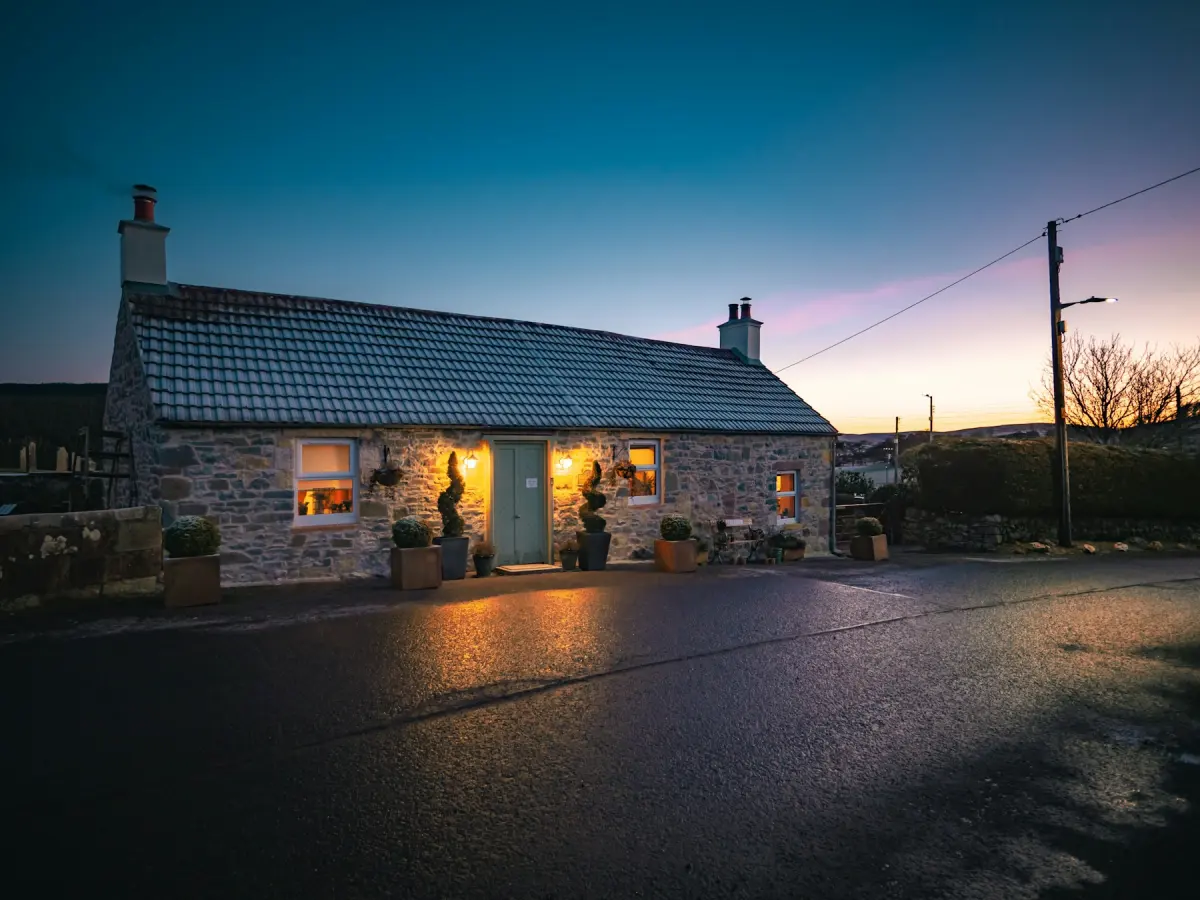
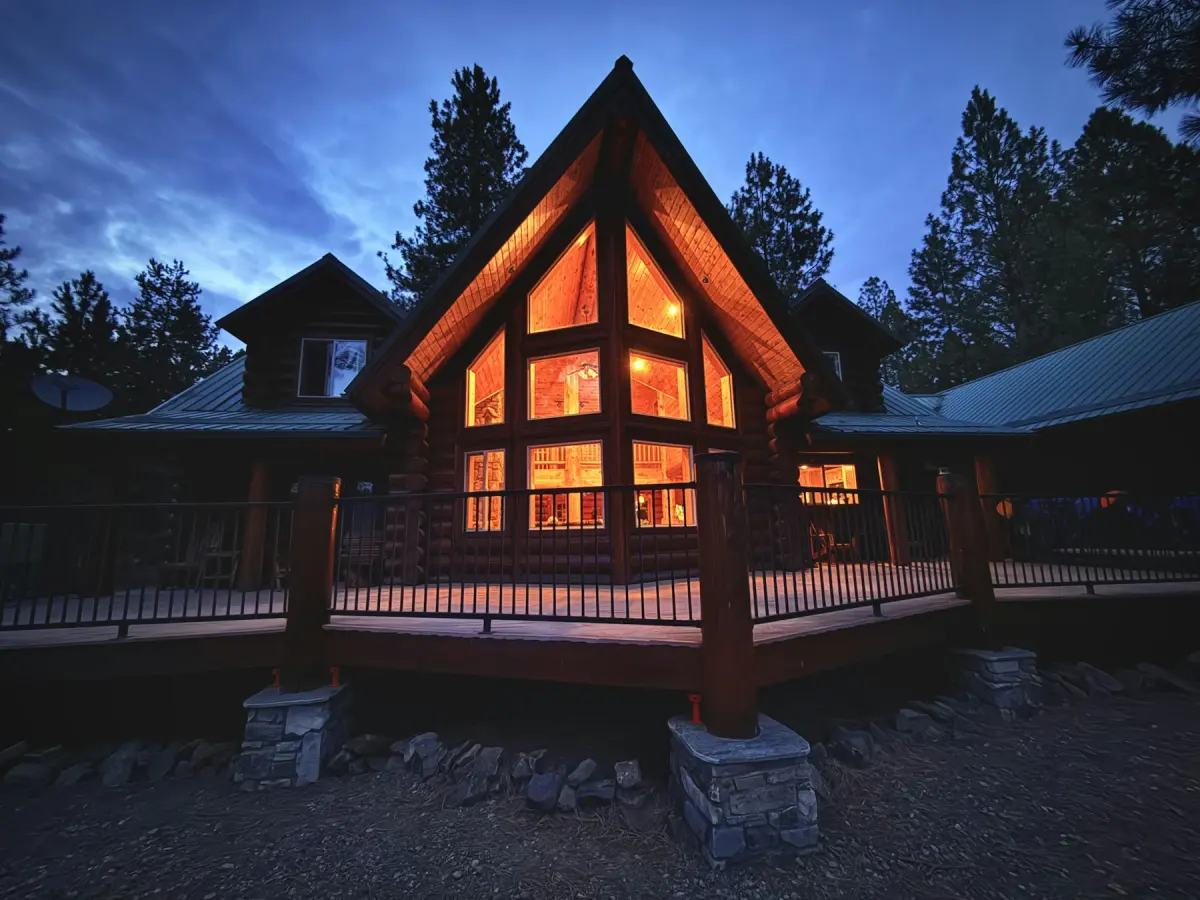
Day to dusk AI turns a daytime exterior photo of a home into a twilight photo, with a dusk sky, warm light in the windows and the exterior lights on.
Upload the exterior, choose Day to dusk under What to do, and press Generate.
- One daytime exterior photo
- JPG, PNG, WebP up to 15 MB
- 2K or 4K
- Keeps the photo’s aspect ratio
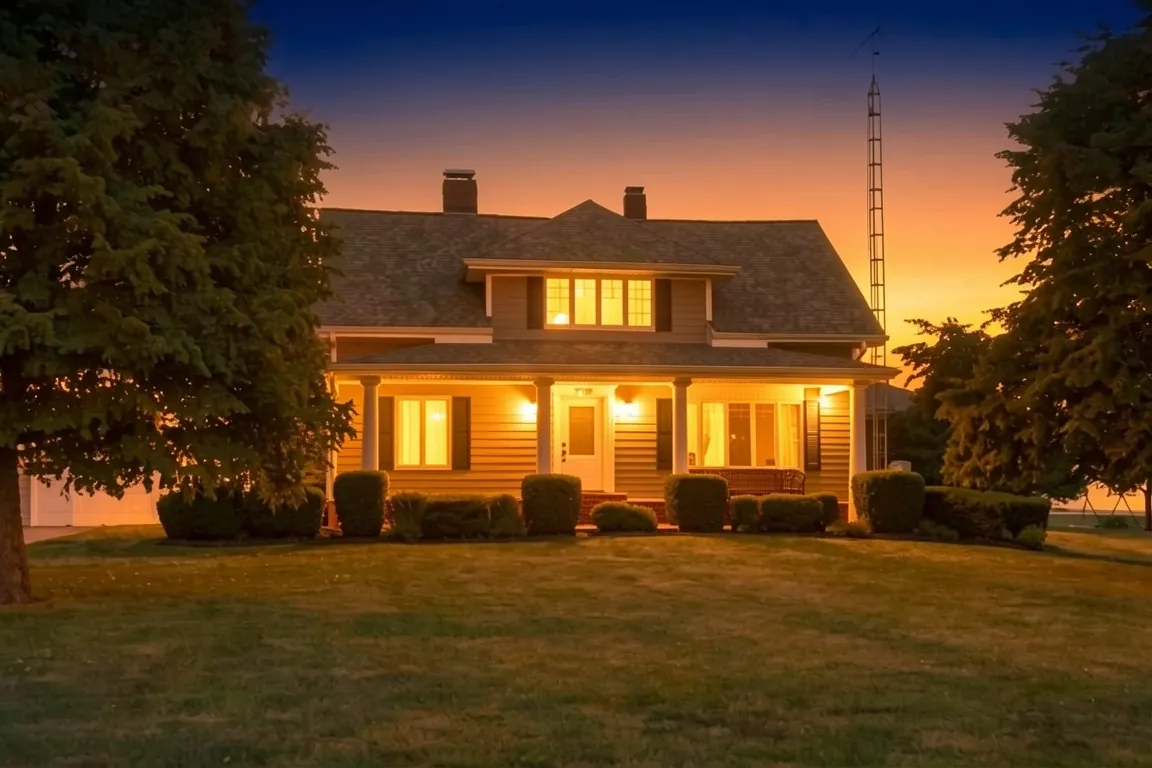
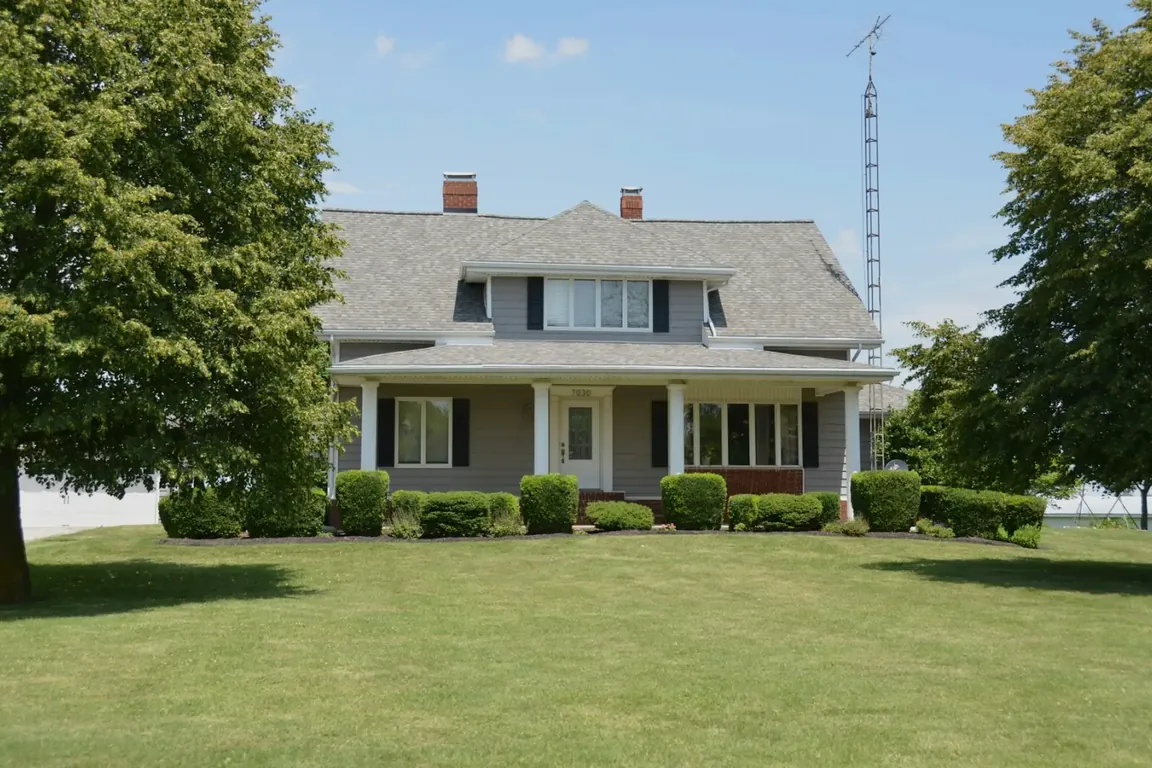 BeforeAfter
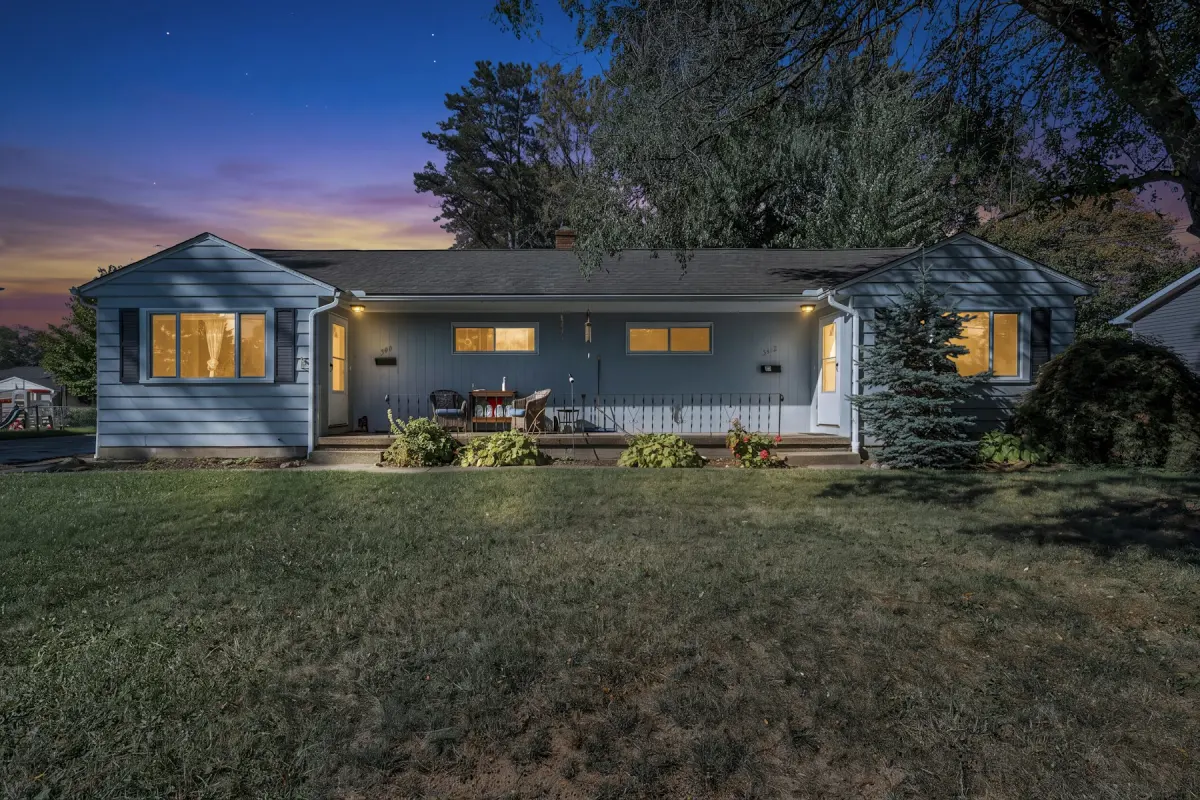
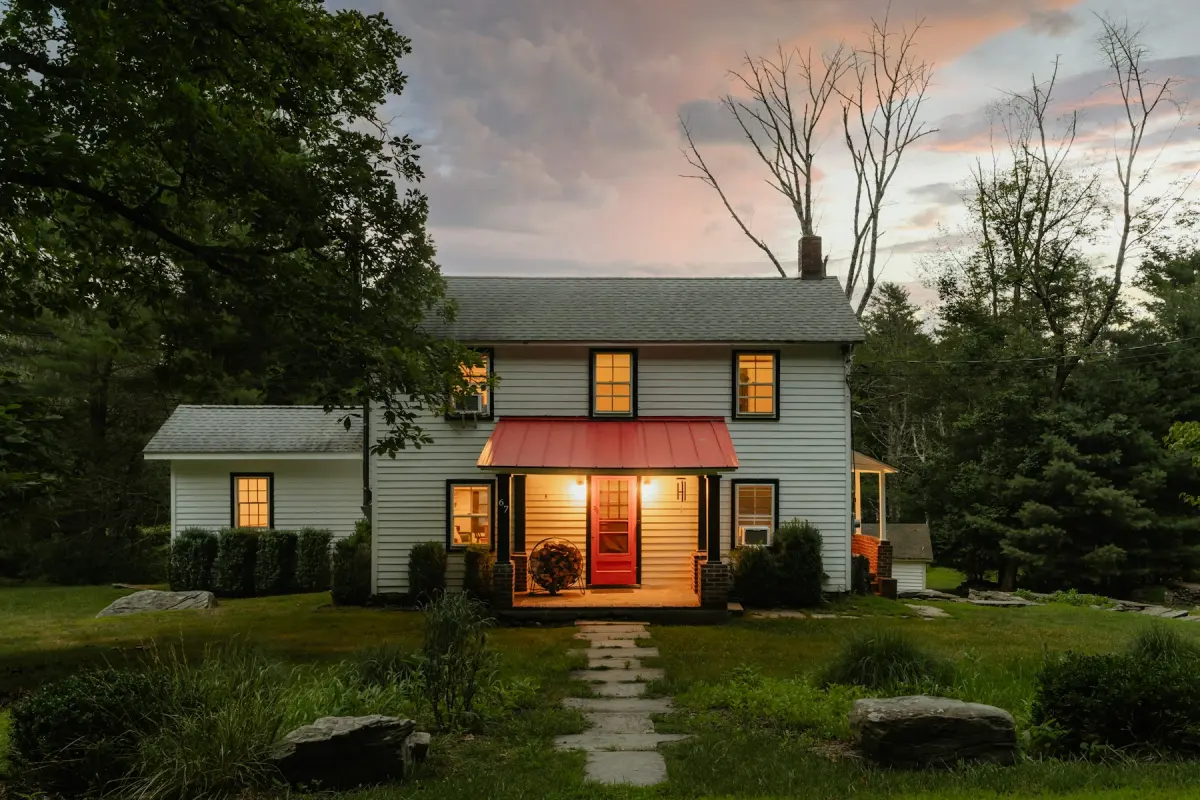
What this kind of photo looks like
How it works
- 1
Upload a daytime exterior
One JPG, PNG or WebP photo of the outside of the home, up to 15 MB. The sky and the windows should both be in the frame.
- 2
Choose Day to dusk
Pick Day to dusk under What to do. This mode has no room type and no style to set.
- 3
Set the output size
2K uses one credit and 4K uses two. Pick 4K if the twilight photo will lead the listing or go to print.
- 4
Generate and inspect the lights
Press Generate. On the before/after slider, check the house itself first, then where the light is coming from.
- 5
Download the twilight photo
Download saves a JPG in the same aspect ratio as your upload. Finished photos stay under Your photos for 14 days.
Settings and tips
- What changes
- Three things: the sky becomes a dusk sky, the windows show warm light, and the exterior lights are on.
- What stays
- The house, its windows and doors, the view and the framing are meant to stay as shot. The mode changes the time of day, not the property.
- Pick a photo with windows facing the camera
- The lit windows carry the effect. A front view with several windows has more to light than a side wall with one.
- Keep people out of the frame
- Photos that show people should not be uploaded. Wait until the driveway and the sidewalk are empty before you take the daytime photo.
- When a light appears where there is none
- Compare the lit fixtures with the original. If the result shows a lantern, a path light or a lit window that the house does not have, do not use it. Press Generate again with a note such as “light only the existing fixtures”.
- When the house itself changes
- If the roofline, the shape of a window or the background is different from the daytime photo, render again. Every render uses credits, so read the first result closely before you retry.
Good for
- Real estate photographers who want to offer a twilight photo without a second visit at sunset
- Agents who want a twilight lead photo for a listing that was shot during the day
- Home builders with daytime photos of a finished house and no evening shoot planned
- Owners selling by themselves who have one good daytime photo of the front of the house
Not the right fit
- Interiors. Day to dusk is made for exterior photos of a home; for rooms use Virtual staging, Restyle or one of the other room modes.
- A nicer sky that stays daytime: that is Blue sky, which swaps a gray sky for a clear blue one.
- Hiding what daylight shows. Do not use dusk to make power lines, a neighboring building or damage disappear; that misrepresents the property and is against the content policy.
- Twilight video, 3D tours or 360° panoramas. The tool edits single still photos only.
What virtual twilight is
A twilight photo shows a home just after sunset, when the sky is deep in color and the lights in the house are on. Photographers call the edited version virtual twilight or day to dusk: the photo is taken in daylight and the evening is added afterward.
In Virtual Staging Maker it is one mode. Working from a single daytime photo, it replaces the sky with a dusk sky, puts warm light in the windows and switches the exterior lights on.
Choosing the daytime photo
Use the photo you would pick as the main exterior: the front of the house, level, with the roofline and some sky above it. The sky needs room, because that is where the dusk color goes.
Windows should be visible, since that is where the warm light shows. If the house has porch, garage or path lights, keep them in the frame: those are the exterior lights the mode turns on.
Check the result against the house
Every request tells the model to keep the building, the view, the camera angle and the framing unchanged, and to change the light. It is an instruction to Google’s Nano Banana 2.1 image model, not a guarantee, and no human editor reviews the photo.
So look closely before you publish. Count the windows. Check that lights are on only where fixtures exist. If something was added, removed or reshaped, the result is not a fair photo of the house and should be rendered again.
Twilight photos and listing rules
A day to dusk photo is an edited photo. Rules on edited photos differ by MLS, portal, state and country, so check your own before you use one as the lead photo, and disclose the edit where disclosure is required.
If your MLS wants a label on the photo itself, the free disclosure label tool on this site adds one in any corner.