
For sale by owner
Virtual Staging When You Sell Your Own Home
Virtual staging when you sell your own home means editing the listing photos yourself: tidying the rooms you live in and furnishing the ones that are empty.
Upload a photo of a room, choose what to do with it, and press Generate.
What this kind of photo looks like
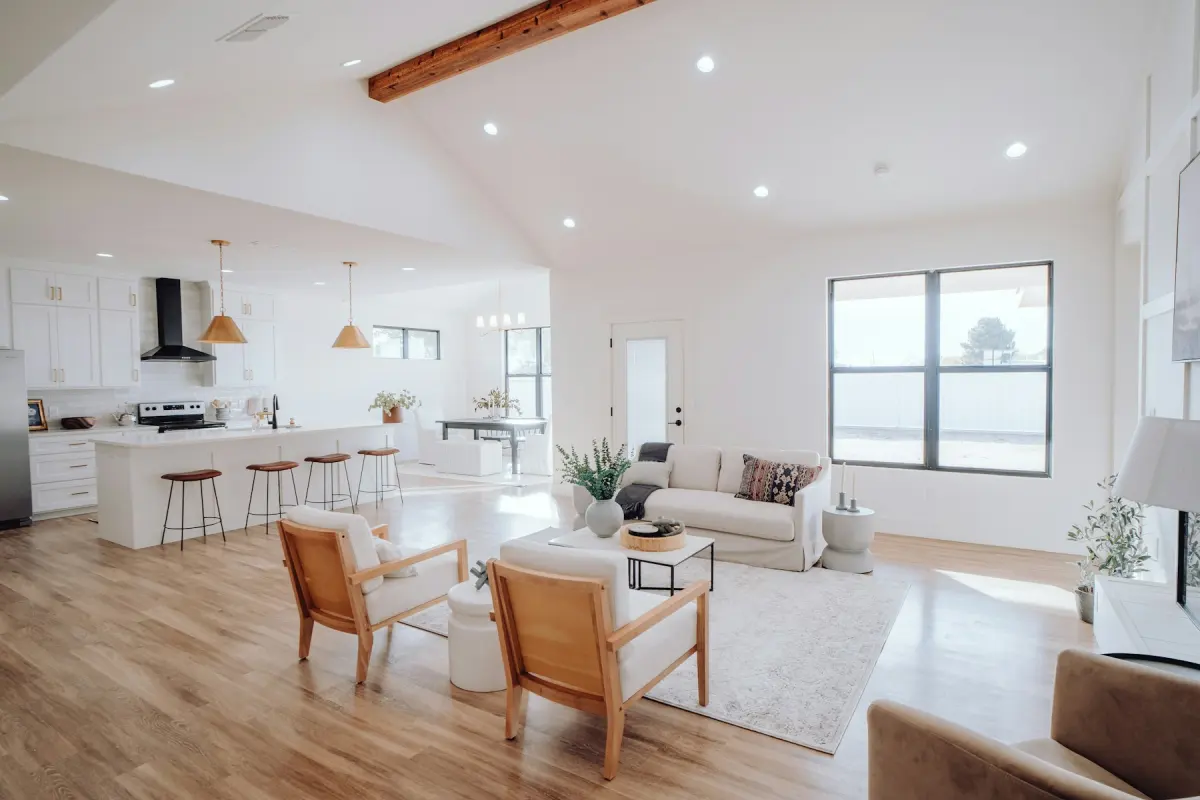 Living room
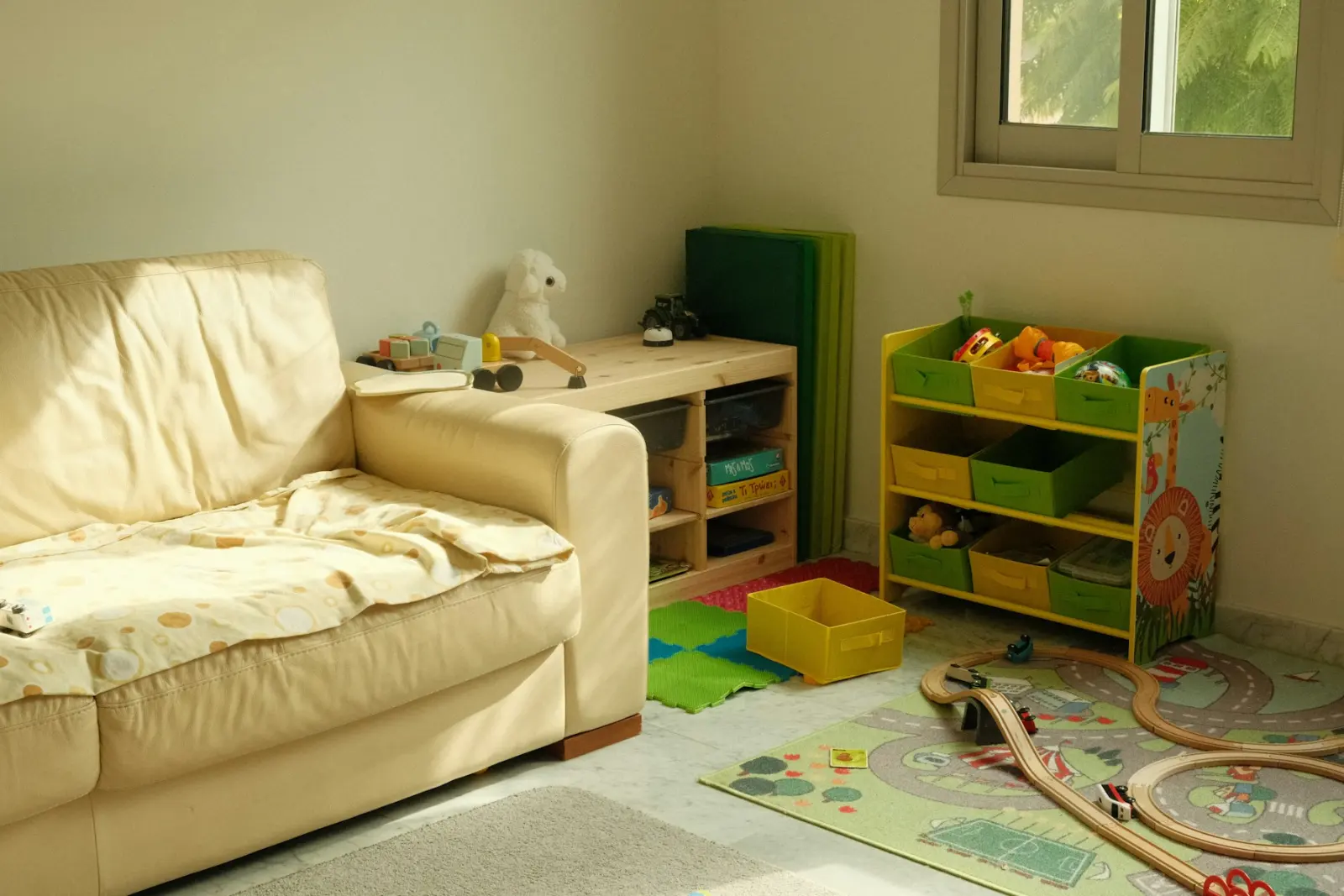 Kids' room
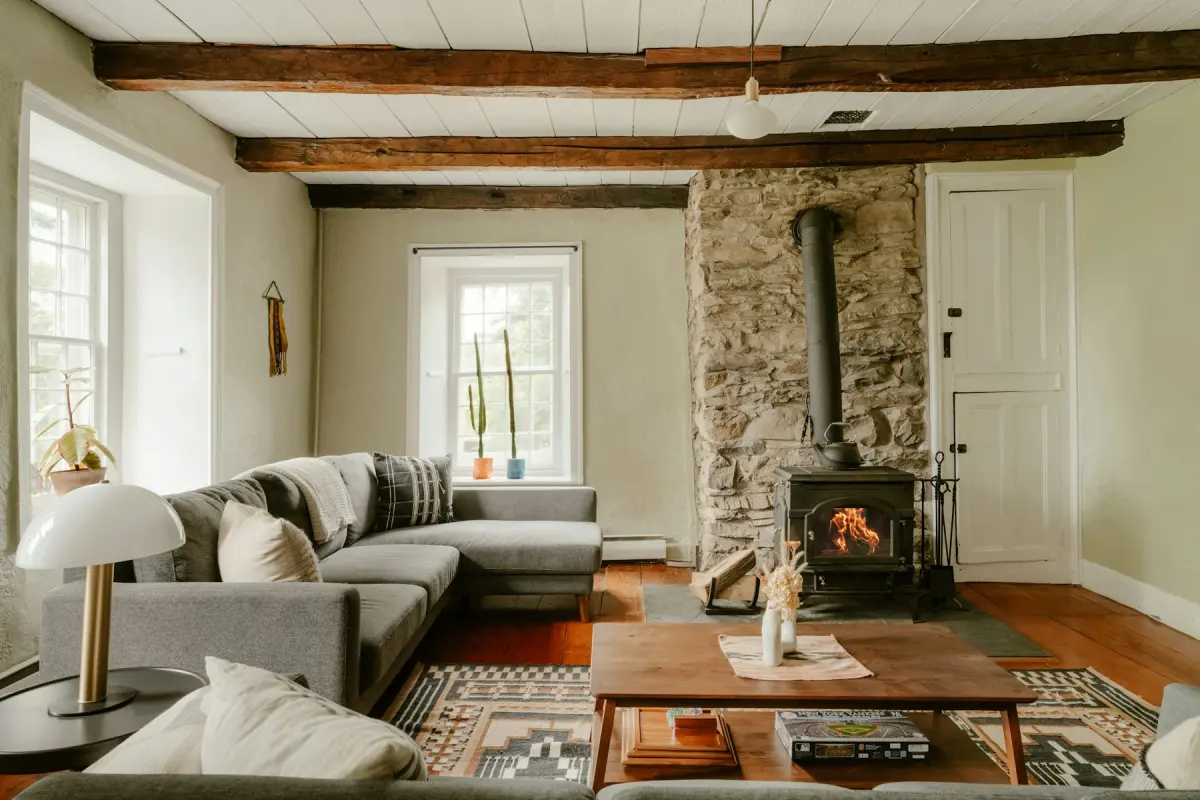 Farmhouse
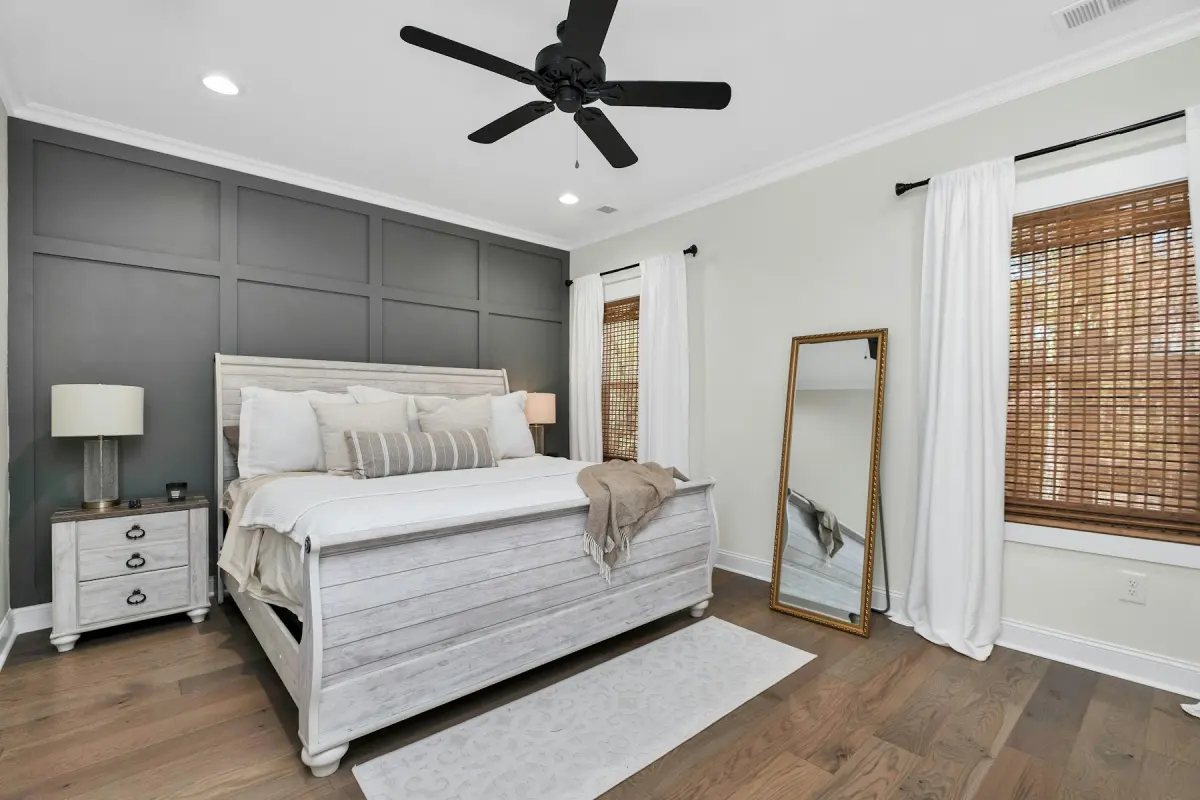 Transitional
Recommended settings
| What to do | Declutter for rooms you still live in; Virtual staging for rooms that are already empty |
|---|---|
| Room | Living room first, then Kitchen and Bedroom |
| Style | Farmhouse, or the style closest to the house itself |
| Output size | 2K |
| Note | Optional. One plain request, e.g. “a sectional facing the fireplace” |
How it works
- 1
Tidy the room for real
Buyers will visit, so clear surfaces, floors and shelves by hand first. The photo edit is for what is left.
- 2
Take the photo in daylight
Open the curtains, turn the phone sideways and shoot from a corner. A phone photo saved as a JPG is fine, up to 15 MB.
- 3
Pick the mode for that room
Declutter keeps your furniture and removes loose items. Virtual staging furnishes an empty room in the Room and Style you choose.
- 4
Compare before you download
Check the result against your original on the before/after slider. The room itself should be unchanged.
- 5
Label and disclose
Tick the “Virtually staged” checkbox when you download a staged photo, and say in the listing which photos are edited.
A lived-in home is a different job
Most advice on virtual staging assumes an empty house. When you sell your own home you are usually still living in it, with your furniture in every room and your things on every surface. The question for each room is how much of that should stay in the photo.
There are three cases. If the furniture is fine and the room is just busy, tidy it and use Declutter. If the furniture is dated or there is too much of it, Restyle replaces the furniture and decor with a new style in a similar layout, or Remove furniture empties the room so you can stage it from scratch. If the room is already empty, such as a spare bedroom or a house you have moved out of, use Virtual staging.
You do not need design skills for any of these. The choices are a mode, a room type and one of 12 styles.
Tidy first, then let Declutter finish
Do the real tidying before you take the photo, because buyers will stand in the room. Declutter then handles what a quick tidy misses. It removes loose clutter and personal items: clothes, toys, papers, cables, dishes, toiletries, fridge magnets and family photos. Your furniture stays where it is.
The personal items matter most when you sell without an agent. Listing photos are public, and your family photos, your papers and whatever is stuck to the fridge do not need to be in them.
Work through the house one photo at a time. Each render uses credits, so decide which photos carry the listing: usually the living room, the kitchen, the main bedroom and the front of the house.
With or without your furniture
If you have already moved out, stage the empty rooms. This page opens the generator on Virtual staging, Living room and Farmhouse. Change the style to suit the house and keep the same one for every room.
If you are still there, keep your furniture in most rooms and declutter. Use Remove furniture followed by Virtual staging only for a room whose furniture works against it, such as a bedroom used for storage. That takes two renders. Remove furniture leaves built-in things in place, including kitchen cabinets, appliances, radiators and fireplaces.
Staged furniture will not match between two photos of the same room, so stage one angle per room.
Be straight with buyers
Without an agent, disclosure is your job. Many MLSs and portals allow virtual staging when it is disclosed and the property itself is not misrepresented, and the rules differ by MLS, portal, state and country. If you list through a flat-fee MLS service or directly on a portal, read its photo rules first.
The checkbox at download adds a “Virtually staged” label to the photo, and the free Virtual staging disclosure label tool does the same for photos you have already saved. Keep your originals. A buyer who walks into an empty room after seeing a furnished photo should have been told.
Never edit out a problem. Cracks, water stains and damage must stay in the photo if they are in the room; hiding them misrepresents the house and is against the content policy. For the front photo, Green lawn makes brown or patchy grass green and Blue sky replaces a gray sky. Buyers will see the real lawn, so say that photo is edited too.
Not the right fit
- Hiding cracks, stains, damage or the view of a neighbor's building: that misrepresents the house and is against the content policy. Repair it or disclose it.
- Showing one staged room from several angles: the furniture will differ in each photo. Stage one angle and leave the others as shot.
- A video tour, 3D tour or floor plan: Virtual Staging Maker only edits single photos. Use a tour or floor plan service for those.
- Help from a person: no human designer edits the photo. If you want someone to design the staging for you, hire a staging or photo editing service.