
Is Virtual Staging Allowed on MLS Listings?
Usually yes, when it is disclosed and the property is not misrepresented. What disclosure means, what you must not alter, and how to add a label free.
Disclosure labelFree: add “Virtually staged” to photos in your browser
Yes, in most cases: many MLSs and listing portals allow virtually staged photos when the staging is disclosed and the property itself is not misrepresented. The rules differ by MLS, portal, state and country, so read the photo rules of your own MLS before you upload.
This guide explains what disclosure usually means, what you must not alter in a listing photo, and how to add a “Virtually staged” label with Virtual Staging Maker. It is general information, not legal advice.
The short answer, and where it comes from
No single rulebook covers every MLS. Each one writes its own photo rules, and portals add theirs on top. What they tend to share is one principle: a listing photo may show furniture that is not there, as long as viewers are told, and as long as the property is shown as it really is.
For a sense of how that looks across the United States, one third-party summary is useful. According to RoomStage's page on MLS virtual staging rules (checked 2026-11-19), none of the 17 MLSs it tracks bans virtual staging. It says most require disclosure, usually in the photo description or the public remarks, and that a growing number, including ARMLS, Canopy MLS, CRMLS and Metro MLS, also require an on-image label or the unaltered original next to the staged photo.
That is RoomStage's claim, not ours. RoomStage sells a staging tool, we have not checked each rulebook ourselves, rules change, and your MLS may not be among the 17. Treat it as a reason to expect a disclosure rule, then read your own.
What disclosure usually means
Disclosure takes three common forms. An MLS may ask for one of them or for all three.
| Form of disclosure | Where it goes | How to do it |
|---|---|---|
| A note in the remarks | The public remarks, or the description of each staged photo | Write a plain sentence, such as “Some photos have been virtually staged.” Use the wording your MLS gives if it gives one. |
| A label on the photo | A corner of every staged photo | Tick the label checkbox when you download from Virtual Staging Maker, or use the free disclosure label tool. |
| The original photo | In the listing next to the staged photo, or on file in case the MLS asks | Keep every unedited photo on your own drive and upload the empty version right after the staged one. |
The label matters most once photos leave the MLS. Listing photos are copied to portals, brokerage sites and social posts, and the remarks do not always travel with them. A label inside the photo does.
Showing the original has a second benefit that has nothing to do with rules. A buyer who has seen both versions online is not surprised by an empty room at the showing.
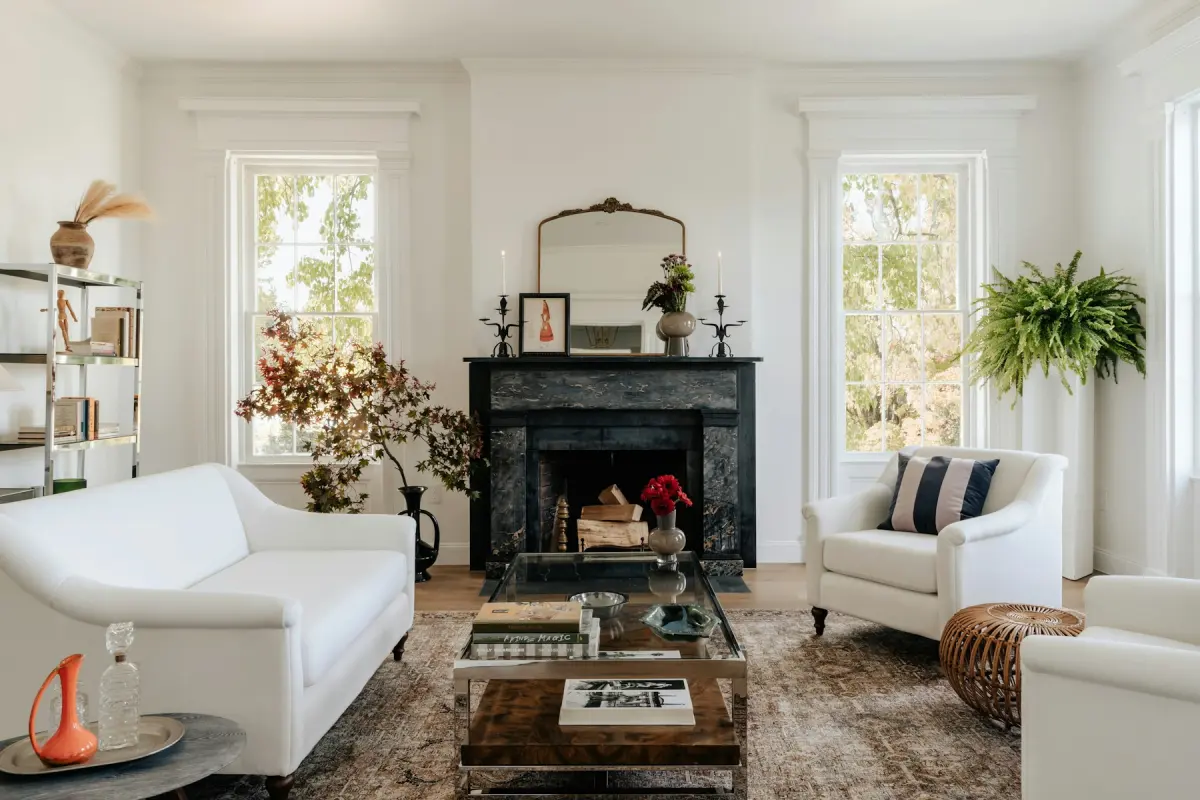
Stock photo used as an illustration. On a virtually staged photo, a small label in one corner tells viewers that the furniture is digital.
What you must not alter
Disclosure covers furniture. It does not cover changes to the property. A label does not make these acceptable:
- Hiding or removing real defects: cracks, water stains, damage.
- Removing permanent features around the home: power lines, neighbouring buildings, a busy road.
- Adding things the property does not have: a pool, a view, extra windows, extra rooms.
- Changing the structure: walls, windows, doors, ceiling, room size.
- Changing what conveys with the home: built-in fixtures such as kitchen cabinets, appliances, bathroom fixtures, radiators and fireplaces.
- Presenting a staged photo as an unedited one where disclosure is required.
These are also the rules of Virtual Staging Maker's own content policy. The tool is not for hiding defects.
Three kinds of edit deserve extra care.
AI mistakes. Every request in Virtual Staging Maker tells the model to keep the walls, windows, doors, ceiling, built-in fixtures, the view, the camera angle and the framing unchanged. That is an instruction to an AI model, not a guarantee. If a result moved a window or dropped a radiator, it misrepresents the room even though nobody meant it to. Compare each result with the original and render again if something moved. You are responsible for the photos you publish.
Renovation previews. The Renovate mode shows new paint, flooring or cabinet fronts. That changes the property in the photo, so it is not staging. If your MLS accepts such photos at all, present them clearly as a concept of what the room could become, next to a photo of its current state.
Exterior edits. A dusk sky, a blue sky or a green lawn are edits too. Whether they need a disclosure depends on your MLS, so ask instead of assuming.
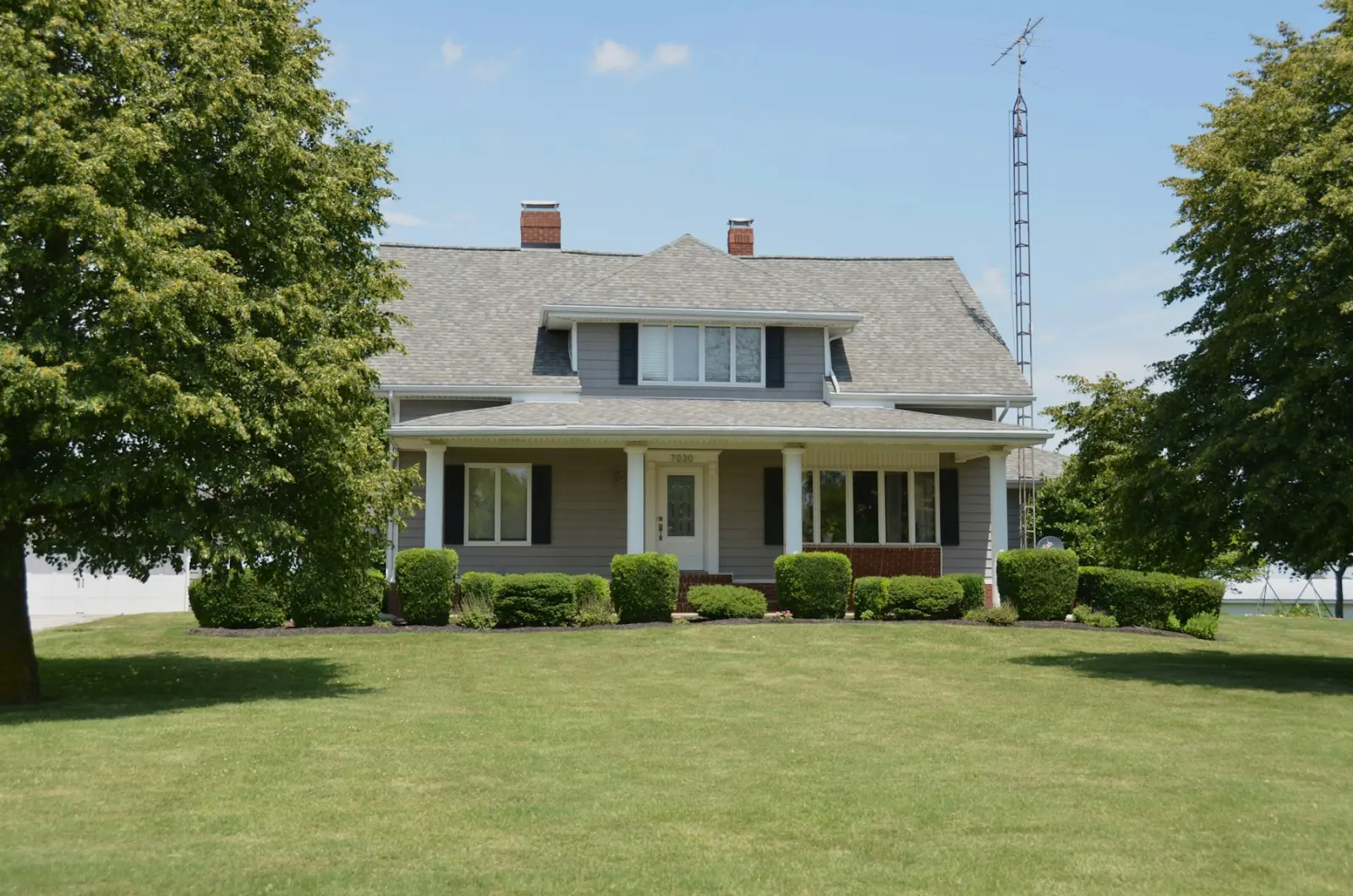
Stock photo used as an illustration of an exterior listing photo. Edits to the sky or the lawn are worth checking against your MLS rules, just like staged rooms.
Is virtual staging legal?
Laws on real estate advertising differ by state and country, and this guide cannot tell you what yours says. What listing rules and advertising rules generally aim at is misrepresentation: a photo that leads a buyer to believe something untrue about the property. Furniture that is disclosed as digital does not do that. A removed crack does.
So the practical answer to “is virtual staging legal and do I have to disclose it” is the one this guide started with: disclose it, change nothing about the property, and follow your MLS. If you are unsure, ask your broker, your MLS's compliance contact or a lawyer who knows your state.
How to add the label with Virtual Staging Maker
There are two ways. Both put the text inside the photo, so it stays with the file wherever it is copied.
The checkbox at download
When a photo is ready in the generator, Download saves it. A checkbox adds a “Virtually staged” label in the lower-left corner of the downloaded file. Tick it for every photo that goes to an MLS or a portal. Leave it unticked only for copies that will not be published as listing photos, such as a design idea for the seller.
The free label tool
The virtual staging disclosure label tool adds a text label such as “Virtually staged” to up to 20 photos at a time. You choose any of the four corners and one of three sizes. It runs in your browser: the photos are not uploaded, and you need no account and no credits. It works on photos staged anywhere, including photos from a human designer or from another tool.
Use it when your MLS wants the label in a corner other than the lower left, when a photo was staged elsewhere, or when you want to label a whole listing in one go.
A checklist before you upload to the MLS
- Read your MLS's photo rules. Search them for “virtual staging”, “virtually staged” and “digitally altered”.
- Compare each staged photo with its original. Walls, windows, doors, fixtures and the view must match.
- Put a label on every staged photo.
- Add the disclosure sentence to the remarks or the photo descriptions, in the wording your MLS asks for.
- Upload the empty original right after each staged photo, if your MLS allows or requires it.
- Keep all originals on your own drive. Finished photos in Virtual Staging Maker are kept for 14 days and then deleted.
- Tell the seller which photos are staged, so nobody is surprised by a question from a buyer.
Portals and other platforms
A portal has its own photo rules, and a photo that reaches it from the MLS keeps whatever is inside the file. That is one more reason to use a label in the photo and not only a sentence in the remarks. If you upload to a portal directly, read its rules as you would read your MLS's.
Short-term rental platforms are a different case, because the guest books the room they see. Virtual staging for Airbnb listing photos covers that.
Virtual Staging Maker is independent. It is not affiliated with any MLS or listing portal, and nothing here replaces their rules.
Related guides
- What is virtual staging? for what staging may and may not change.
- Virtual staging vs real staging for what buyers see online and in person.
- Virtual staging for real estate agents for a full vacant-listing workflow.